How to Choose the Right WordPress Menu Plugin
Navigation is one of the most-used elements on any website, yet it's often the last thing site owners think carefully about. Before you buy, it's worth understanding what separates a great menu plugin from one that will frustrate you six months down the road.
Desktop vs. Mobile: Know Your Priority
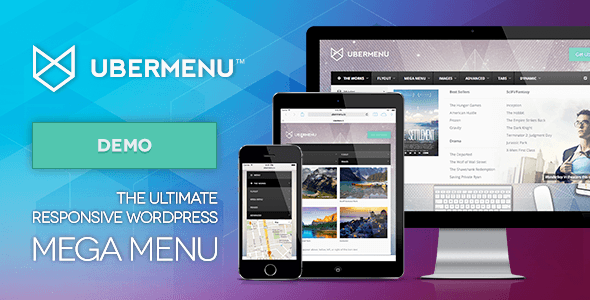
Some plugins are built primarily for rich desktop mega menus — think multi-column layouts, icon grids, and widget integration. Others are purpose-built for mobile navigation, offering gesture support, slide-in panels, and touch-optimized controls. A common mistake is buying a powerful desktop mega menu and assuming it will handle mobile gracefully. Check explicitly whether the plugin includes a dedicated mobile breakpoint experience or whether that's left to your theme.
What to Look for in a Mega Menu Plugin
- Widget and content support: The ability to drop images, recent posts, WooCommerce products, or custom HTML into menu panels dramatically expands what you can communicate in a single hover.
- Visual editor: Drag-and-drop or live-preview builders save significant time versus editing raw menu structures in the WordPress admin.
- Theme compatibility: Most plugins override or extend the native WordPress menu system. Test with your specific theme — conflicts with theme header builders (Elementor, Divi, Avada, etc.) are the most common support issue buyers report.
- Performance impact: Menu plugins load CSS and JavaScript on every page. Look for options that minify assets or load scripts conditionally.
Mobile Menu Plugins: Specific Considerations
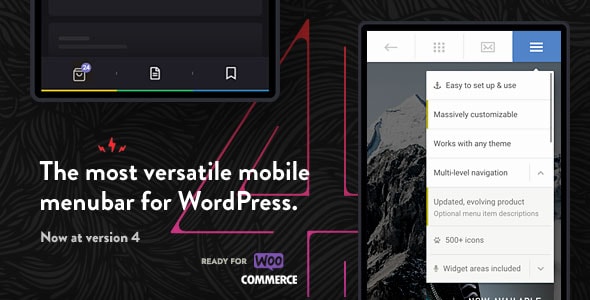
If your analytics show more than 50% mobile traffic — which is typical in 2026 — a standalone mobile menu plugin is often a smarter investment than a desktop-first mega menu. Key features to evaluate include: off-canvas vs. full-screen overlay styles, touch gesture support (swipe to close, tap-through levels), and how cleanly the plugin disables or hides your existing theme menu on small screens.
Common Buying Mistakes
- Ignoring update history: A menu plugin touches your site's front-end on every page load. A plugin that hasn't been updated to support the current WordPress version is a compatibility and security liability.
- Overlooking the learning curve: Feature-rich plugins can require meaningful setup time. If you need something live quickly, prioritize plugins with strong documentation and pre-built templates.
- Buying on price alone: The lowest-priced option in this list isn't necessarily the best value. Factor in the quality of support, the depth of the feature set, and the size of the existing user community — all of which affect how quickly you can get help when something breaks.
A Note on WooCommerce Sites
If you run an online store, look specifically for mega menu plugins that support WooCommerce product widgets inside menu panels. This lets you surface featured products, sale items, or category imagery directly in the navigation — a proven way to reduce clicks to purchase.