How to Choose a WooCommerce Shipping Plugin
Shipping is one of the few areas where a poor plugin choice shows up directly in lost revenue — through cart abandonment, customer complaints, or mislabeled parcels. Before you buy, work through these key considerations.
Match the Plugin to Your Shipping Strategy
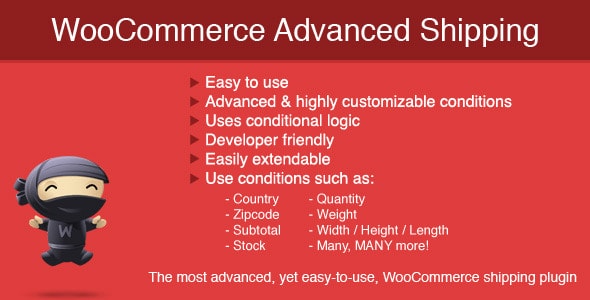
Not every store needs every feature. Ask yourself whether you charge customers based on weight, cart total, destination zone, or product type. Conditional rule-based plugins (like table-rate or advanced shipping tools) are powerful but take time to configure correctly. If you ship exclusively through a single carrier such as USPS or Canada Post, a carrier-specific plugin that pulls live rates via API is almost always more accurate than manually-maintained flat rates — and it removes the guesswork when fuel surcharges change.
Don't Confuse Shipping Calculation with Order Tracking
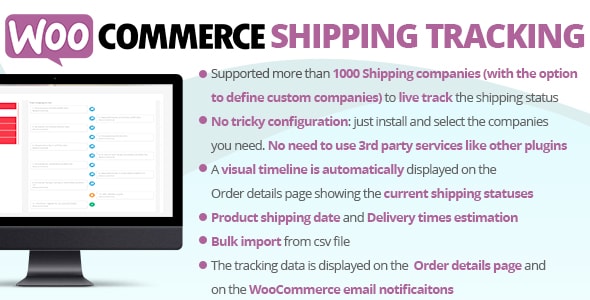
A common mistake is expecting one plugin to do everything. Rate calculation, label generation, tracking updates, and customer-facing notifications are four distinct functions. Some plugins cover two or three of them; few cover all four well. Build your stack intentionally: pair a rate plugin with a dedicated tracking or SMS notification plugin rather than forcing a single tool to stretch beyond its design.
Check Carrier API Compatibility
Carrier APIs change. A plugin that connected cleanly to USPS in 2023 may need an update after a USPS API migration. Before purchasing any carrier-specific plugin, confirm the author's update cadence and support responsiveness — both are visible in marketplace data. The authors on this list with thousands of sales generally have commercial incentive to stay current, but always verify the last-updated date on the product page.
Understand the Real Cost
License prices here range from $12 to $49, but the annual renewal fee (typically 50% of the purchase price) is what matters for long-term budgeting. A $12 plugin that you renew every year to keep support access costs less than a $49 plugin — but only if it actually covers your use case. Don't over-buy: a small store with two shipping zones rarely needs a multi-condition table-rate engine.
Free Shipping Incentives Are a Separate Lever
Plugins that display a dynamic free-shipping progress bar in the cart serve a conversion goal, not a logistics one. They work best alongside — not instead of — a properly configured shipping rate plugin. If average order value is a priority metric for your store, consider adding one of these as a complement to your core shipping setup.
Test Before You Go Live
- Create test orders covering your edge cases: oversized items, international addresses, mixed taxable/non-taxable carts.
- Verify that calculated rates in the cart match what you actually pay the carrier.
- Confirm tracking numbers surface correctly in customer emails and the account dashboard.
Taking an hour to stress-test your configuration prevents the kind of shipping errors that generate refund requests and negative reviews.