What to Look for in a Page Builder Drupal Theme
Drupal's theming architecture is more structured — and more demanding — than WordPress. When you add a visual page builder on top of it, the integration quality matters enormously. A poorly integrated builder can break on core updates, conflict with contributed modules, or simply deliver a sluggish editing experience. Here's what our editorial team weighs when assessing these themes.
Drupal Version Compatibility
Drupal 10 reached end-of-life in January 2025, and Drupal 11 is now the stable, supported branch. Prioritize themes explicitly built or updated for Drupal 11 or 11.3. A theme still sitting on Drupal 10 without a confirmed upgrade path represents a maintenance liability the moment you need a security patch.
The Builder Module Behind the Theme
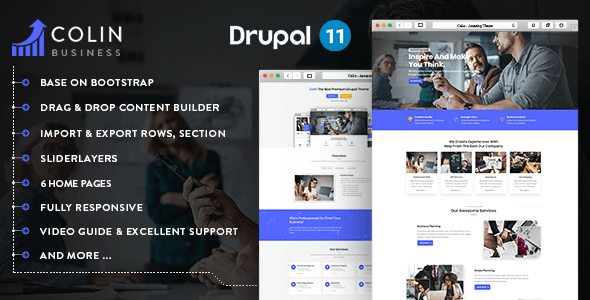
Most premium Drupal themes on the marketplace bundle GVA Page Builder (a proprietary drag-and-drop layer common to the Gavias author catalog) or rely on Layout Builder, Paragraphs, or a combination. Know which you're getting before you buy:
- Proprietary builders offer tightly designed components and fast setup, but tie you to that author's update schedule.
- Paragraphs + Layout Builder setups are more portable and community-supported, but have a steeper initial learning curve.
Ask the author directly if the demo content can be imported cleanly — a one-click demo importer is a genuine time-saver, not just a marketing checkbox.
Niche Fit vs. Multipurpose Flexibility
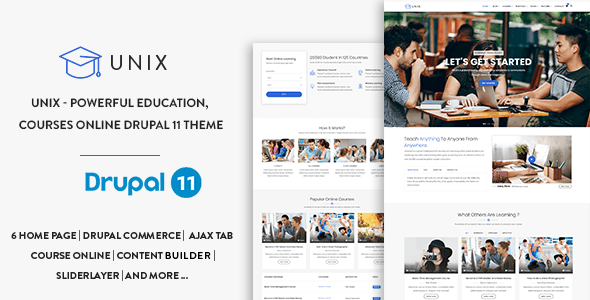
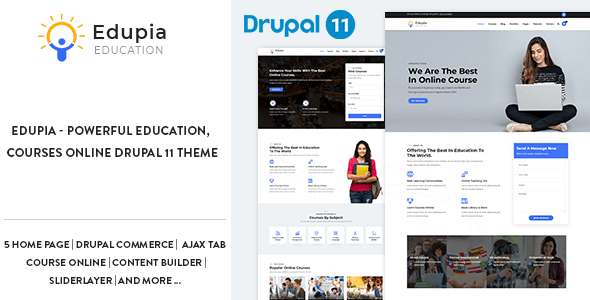
Multipurpose themes offer more starter templates but can ship with bloat you'll never use. A niche theme — say, one purpose-built for education or consultancy — will typically have more relevant pre-built sections and smarter default content structures for that vertical. Match the theme's demo closest to your actual use case rather than buying the one with the most layouts.
Sales Volume and Review Count
A high rating on a small number of reviews is encouraging but not conclusive. We weight themes with both a strong rating and meaningful sales volume more heavily, because broad real-world use surfaces edge cases that a handful of buyers won't catch.
Common Mistakes to Avoid
- Skipping the author's support forum before purchase. Response time and quality vary widely; read recent threads, not just the star rating.
- Assuming any builder works with every contributed module. Test critical modules — e-commerce, events, multilingual — against the theme's demo environment first.
- Overlooking the extended license. If you're building for a client or a SaaS product, a regular license likely doesn't cover your use case.
- Ignoring mobile editor behavior. A builder that produces clean desktop layouts can still generate broken responsive output. Review mobile demos critically.
Used with clear criteria, the themes on this list represent the most credible, actively maintained page-builder options in the Drupal marketplace heading into 2026.