What to Look for in a Bootstrap Drupal Theme
Choosing a Bootstrap Drupal theme involves more than picking a design you like. Bootstrap's grid and component system are widely understood, but how a theme author implements those components inside Drupal's theming layer matters just as much as the visual result. Here's what to evaluate before you buy.
Drupal Version Compatibility
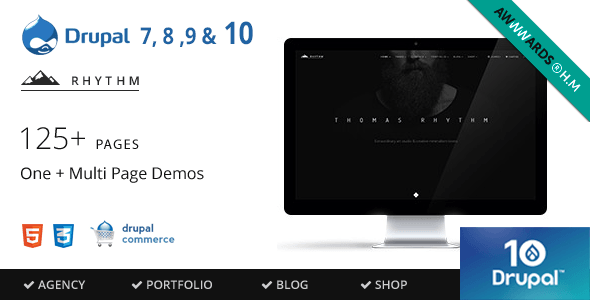
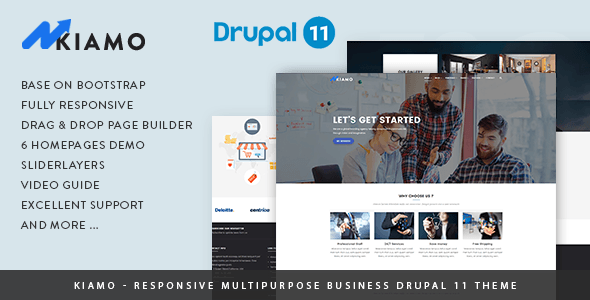
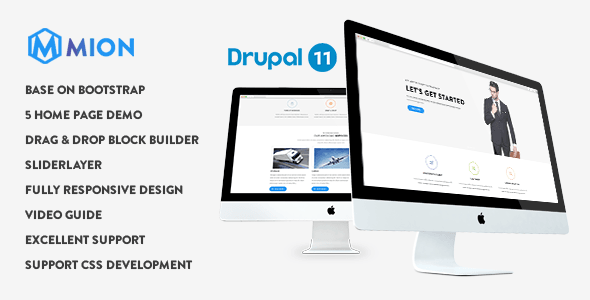
The Drupal ecosystem moves quickly. Drupal 7 reached end-of-life in January 2025, and Drupal 10 is the current stable release while Drupal 11 adoption is growing fast. Always confirm the theme explicitly supports the version you are running — or plan to run. Themes labeled "Drupal 11" have typically been tested against the latest core APIs, while older themes listed as supporting "Drupal 10/9/8/7" may carry technical debt that makes updates harder down the road.
Page Builder and Layout Flexibility
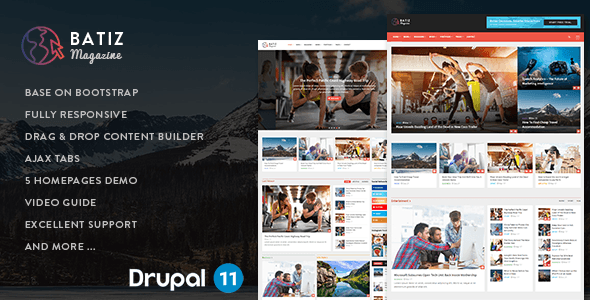
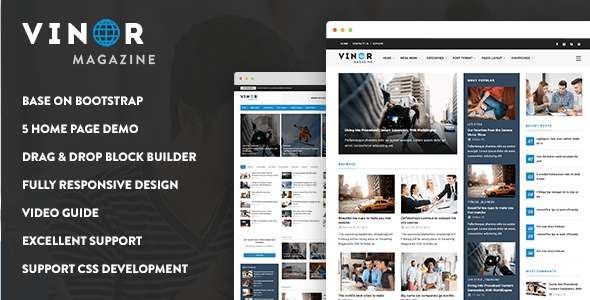
Most premium Bootstrap Drupal themes now ship with a drag-and-drop page builder — either Drupal's native Layout Builder, the Paragraph module, or a proprietary panel system. Each approach has trade-offs. Layout Builder is core-native and future-proof; Paragraphs is flexible but can complicate content migrations; proprietary builders can lock you into that author's ecosystem. Decide which approach fits your team's workflow before purchasing.
Niche vs. Multipurpose
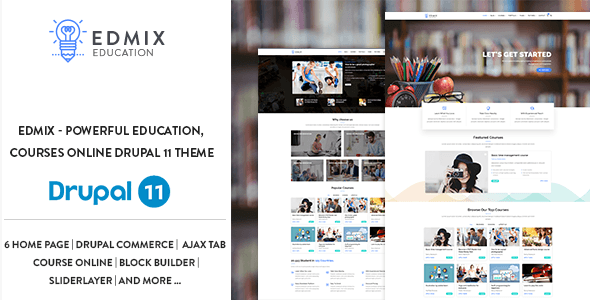
A niche theme — built specifically for education, news, or professional services — typically ships with purpose-built content types, pre-configured views, and demo content that mirrors real use cases. A multipurpose theme offers more layout variety but often requires more configuration to achieve a focused result. Neither is inherently better; the right choice depends on how closely the theme's demo matches your project's content model.
Common Mistakes to Avoid
- Ignoring the last-update date. A theme that hasn't been updated in over a year may not be compatible with the latest Drupal security releases. High sales figures alone don't indicate ongoing maintenance.
- Skipping the demo content check. Many themes require the demo content importer to reproduce the look shown in previews. If your project starts from scratch without that importer, setup time increases significantly.
- Overlooking support quality. Review counts and ratings reflect both the theme and the author's responsiveness. A 5.00 rating from 22 reviews tells a different story than a 4.38 from 90 — the latter captures a wider range of real-world use.
- Confusing Bootstrap version with theme quality. Most modern premium themes use Bootstrap 4 or 5, but the quality of the Drupal integration — clean template overrides, proper use of theme hooks, accessibility markup — varies significantly between authors.
Budget Considerations
The themes in this roundup range from $48 to $59. Price differences at this level typically reflect the scope of bundled features (e.g., WooCommerce-style course management or commerce integration) rather than design quality alone. Factor in the cost of an extended license if you're building for a client who will own the final site.