BestWordPressFormBuilderPluginsof2026
From simple contact forms to multi-step wizards and cost calculators, the right form plugin shapes how visitors interact with your site. We've reviewed the top-selling options on the marketplace so you can compare features, pricing, and real buyer feedback in one place.
14 plugins tracked · ranked by sales
Read the buying guide: Best WordPress Form PluginsThe catalog
Quform - WordPress Form Builder
ThemeCatcher · Forms
FormCraft - Premium WordPress Form Builder
nCrafts · Forms
eForm - WordPress Form Builder
WPQuark · Forms

WordPress Contact Form Plugin/Form builder - ARForms
reputeinfosystems · Forms
Cost Calculator WordPress
BoldThemes · Forms
TotalPoll Pro - Responsive WordPress Poll Plugin
TotalSuite · Forms
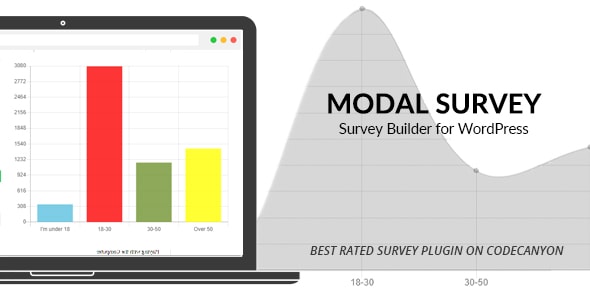
Modal Survey - WordPress Poll, Survey & Quiz Plugin
pantherius · Forms
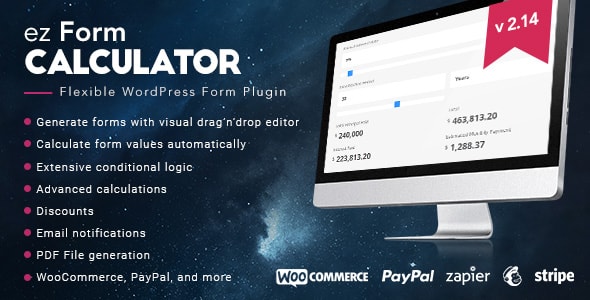
ez Form Calculator - WordPress plugin
keksdieb · Forms

Contact Form Multi-step 7 Pro
NinjaTeam · Forms
Gravity Forms Styles Pro Add-on
warplord · Forms
Gravity Forms - Salesforce CRM Integration
obtaincode · Forms
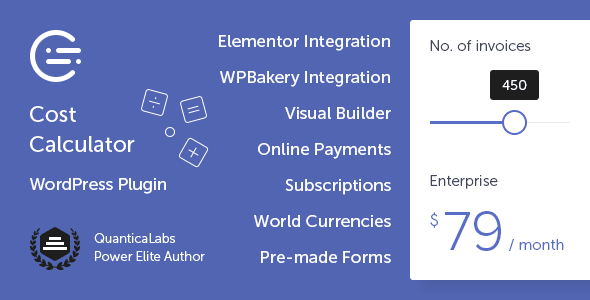
Cost Calculator for WordPress
QuanticaLabs · Forms
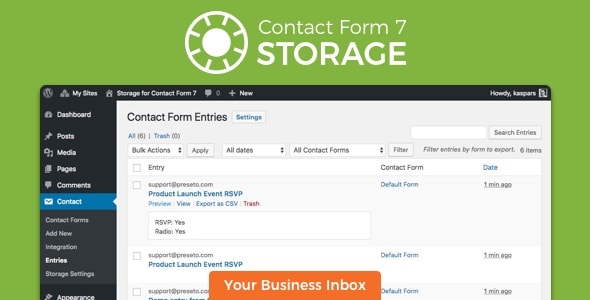
Storage for Contact Form CF7
Preseto · Forms

Gravity Forms Address Autocomplete
bhagwantbanger · Forms
Buying guide
How to Choose a WordPress Form Builder
The "best" form plugin depends on what you're actually building. A straightforward contact form has very different requirements from a multi-step quote wizard or a cost calculator with conditional logic. Before comparing plugins, narrow down your primary use case.
Form Type
- General-purpose builders (Quform, FormCraft, eForm, ARForms) handle contact forms, registration, surveys, and file uploads. They suit most sites and offer the widest feature breadth.
- Multi-step forms — Contact Form Multi-step 7 Pro earns our highest editorial score (9.0/10) in this category and stands out for guiding users through longer processes without overwhelming them on a single page.
- Cost calculators — Cost Calculator WordPress and ez Form Calculator are purpose-built for quoting workflows. Both support conditional logic and formula-based pricing, though ez Form Calculator carries a steeper learning curve.
- Polls, surveys & quizzes — TotalPoll Pro and Modal Survey cover interactive engagement formats. Modal Survey's 4.78/5 buyer rating and 8.6/10 editorial score make it the stronger all-rounder between the two.
- Gravity Forms add-ons — Gravity Forms Styles Pro requires an existing Gravity Forms license; budget for that dependency before purchasing.
Key Features to Evaluate
- Conditional logic — Essential for any form longer than three fields. Confirm the plugin supports field-level show/hide rules, not just page-level branching.
- Payment integrations — If you're collecting deposits or fees, check which payment gateways each plugin supports natively versus via add-on.
- Spam protection — reCAPTCHA and honeypot support are table stakes; look for both on any public-facing form.
- Email marketing connections — Mailchimp, ActiveCampaign, and similar integrations are offered by the general-purpose builders but vary in depth.
- Styling flexibility — Plugins like Quform and FormCraft provide visual style editors; others require custom CSS to match your theme.
Price vs. Value
Prices in this category range from $25 (FormCraft) to $79 (TotalPoll Pro), all as one-time marketplace purchases. Higher price doesn't reliably signal better quality here — Quform at $34 leads on both sales volume (36,200) and buyer rating (4.74/5), making it a strong default choice for general use. If budget is tight, FormCraft at $25 delivers a capable feature set at the lowest entry point in the lineup.
Genuine Trade-offs to Consider
Every plugin in this category requires ongoing compatibility maintenance as WordPress and PHP versions evolve — check the marketplace "last updated" date before buying. Plugins with very high sales counts benefit from large user communities and more frequent bug reports, which often translates to faster patch cycles. Newer or lower-volume plugins may be equally well-built but carry more uncertainty around long-term support.
Frequently asked
Which WordPress form plugin is best for beginners?
Quform and FormCraft are consistently cited for their visual drag-and-drop builders that require no coding. Quform's combination of the highest buyer rating (4.74/5) and largest sales volume in this category suggests a well-documented, community-tested experience that tends to suit first-time users well.
Do I need a separate Gravity Forms license to use Gravity Forms Styles Pro?
Yes. Gravity Forms Styles Pro is an add-on that enhances the appearance of forms built with Gravity Forms, so an active Gravity Forms license is a prerequisite. Factor that additional cost into your total budget before purchasing.
Can these form plugins handle file uploads and multi-step flows?
Most general-purpose builders in this list — including eForm, ARForms, and Quform — support file upload fields. For dedicated multi-step flows, Contact Form Multi-step 7 Pro is specifically designed for that use case and holds our highest editorial score of 9.0/10.
Are these plugins sold with ongoing updates, or is it a one-time purchase?
All listings here are one-time marketplace purchases that typically include six months of support and future updates. Extended support can usually be purchased at checkout. Always verify the plugin's last-updated date on the marketplace to gauge active maintenance.
What's the difference between Cost Calculator WordPress and ez Form Calculator?
Both plugins are built for price-estimation forms with formula-based logic, but they target slightly different audiences. Cost Calculator WordPress has nearly 60% more sales and a marginally higher buyer rating, suggesting broader adoption. ez Form Calculator is a viable alternative but carries a steeper setup curve according to buyer feedback patterns.