Theme topic
BestWordPressThemesforDokanMulti-VendorMarketplaces
Building a Dokan-powered marketplace means your theme needs to handle vendor storefronts, product grids, and checkout flows without friction. We've assessed five of the most popular WooCommerce-compatible themes on the market using buyer ratings, sales history, and feature sets. Here's what our editorial team found.
6 themes tracked · ranked by sales
The catalog
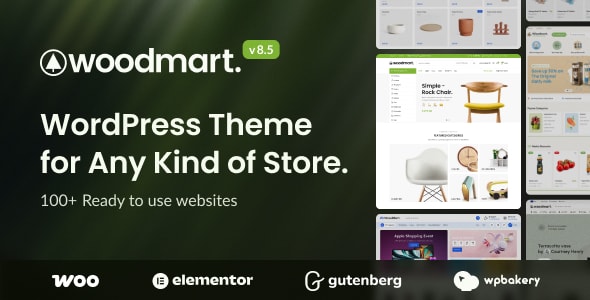
WoodMart - Multipurpose WooCommerce Theme
xtemos · WooCommerce

REHub - Price Comparison, Multi Vendor Marketplace Wordpress Theme
sizam · Blog Magazine
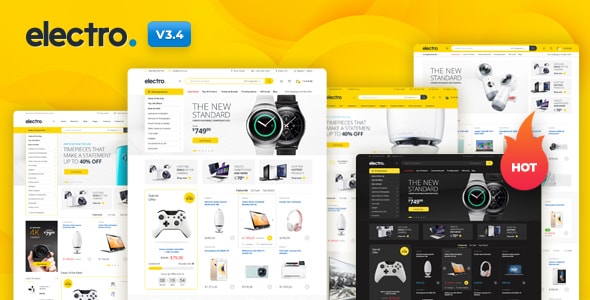
Electro Electronics Store WooCommerce Theme
MadrasThemes · WooCommerce
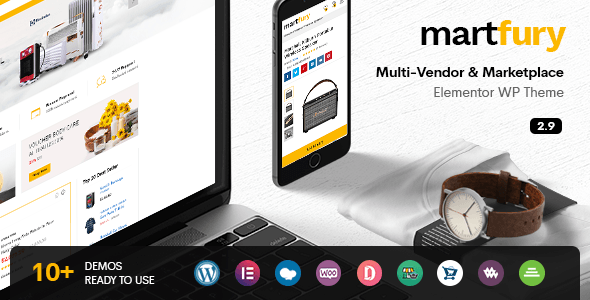
Martfury - WooCommerce Marketplace WordPress Theme
drfuri · WooCommerce
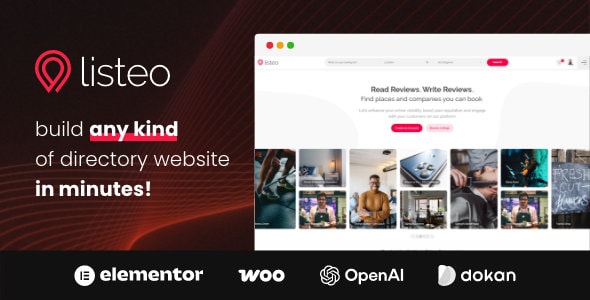
Listeo - Directory & Listings With Booking - WordPress Theme
purethemes · Directory Listings

North - Responsive WooCommerce Theme
fuelthemes · WooCommerce
Buying guide
What Makes a Theme Work Well With Dokan?
Dokan sits on top of WooCommerce, so any theme you choose must be a solid WooCommerce theme first. Beyond that, a good Dokan theme should present vendor stores cleanly, support a wide product catalog without slowing down, and give shoppers a browsing experience comparable to established marketplaces. Watch for these specific factors:
- WooCommerce compatibility depth: Look for themes that explicitly support WooCommerce template overrides, variable products, and AJAX cart — all used heavily in multi-vendor setups.
- Header and navigation flexibility: Marketplace shoppers browse by category and vendor. Mega-menus and category-rich headers reduce bounce rates.
- Page builder support: Vendor landing pages and homepage layouts change often. A theme that works smoothly with Elementor or WPBakery saves significant admin time.
- Performance under large catalogs: A marketplace with many vendors accumulates products fast. Themes with lazy loading and lean CSS handle this better than feature-heavy but bloated options.
How Our Reviewed Themes Compare
WoodMart leads in sheer popularity — over 116,000 sales and a 4.91 rating signal a broad, well-tested codebase. It suits general marketplaces and large mixed-category stores. REHub is the specialist pick if your marketplace includes price comparison or affiliate products alongside vendor listings; its 38,600 sales reflect a loyal niche audience. Electro is the strongest option for electronics or tech-focused vendor marketplaces, with product-spec layouts built in. Martfury is a budget-friendly entry point with a genuine marketplace aesthetic, though its lower editorial score reflects a thinner feature set compared to the top tier. Listeo earns a perfect 5.00 buyer rating and is worth serious consideration if your Dokan marketplace blends physical products with bookable services or local listings.
Honest Trade-offs to Consider
No theme is a perfect fit for every store. WoodMart's breadth means its admin panel has a steeper learning curve. REHub's feature density can slow initial setup. Electro's niche design requires more customization for non-electronics categories. Martfury has fewer built-in demo layouts than its competitors. Listeo, despite its rating, is priced at $99 — a meaningful premium — and its directory-first design isn't ideal for pure product marketplaces.
Our Recommendation Approach
- Define your primary product category before choosing a theme — niche-specific designs convert better.
- Check that your chosen theme's demo closely matches your intended vendor and product structure.
- Verify active support and recent updates on the marketplace listing before purchasing.
Frequently asked
Are these themes officially compatible with the Dokan plugin?
All five themes are built on WooCommerce, which Dokan requires. While none are exclusively built for Dokan, WooCommerce-compatible themes work with Dokan's frontend vendor dashboards and product listings. We still recommend testing your specific Dokan plan's features with a theme demo or staging site before going live.
Which theme is best for a large multi-vendor marketplace with many product categories?
WoodMart is our top pick for large, mixed-category marketplaces. Its 116,000+ sales demonstrate it performs under real-world catalog scale, and it includes mega-menu and filtering tools that help shoppers navigate across many vendors and categories.
Do I need a separate page builder plugin, or do these themes include one?
Most of these themes bundle a page builder or include native compatibility with Elementor or WPBakery. Check each theme's listing for specifics, as bundled plugins vary. Building vendor landing pages and custom homepages is significantly easier when a builder is included.
Why does Listeo cost $99 when the other themes are $59?
Listeo is priced higher because it combines a directory and booking system with WooCommerce functionality — a broader feature set than a standard shop theme. If your marketplace doesn't need booking or directory-style listings, the $59 alternatives likely offer better value.
Can I use any of these themes if I switch from Dokan to another multi-vendor plugin later?
Yes. Because all five themes are WooCommerce-based rather than Dokan-exclusive, they remain functional if you migrate to another WooCommerce multi-vendor plugin such as WCFM or WC Vendors. You may need to adjust template styling, but the core theme investment isn't lost.