Theme topic
BestCarDealerWordPressThemesfor2026
If you're searching for the best car dealer WordPress themes, you've landed in the right place. Our editorial team has reviewed the top-selling options on the market, weighing buyer ratings, sales volume, and feature sets so you can make a confident, informed purchase. Whether you're building a full dealership site, a vehicle rental platform, or a classified listings directory, there's a strong fit among our picks.
4 themes tracked · ranked by sales
The catalog

Motors - Car Dealer, Rental & Listing WordPress theme
StylemixThemes · Directory Listings
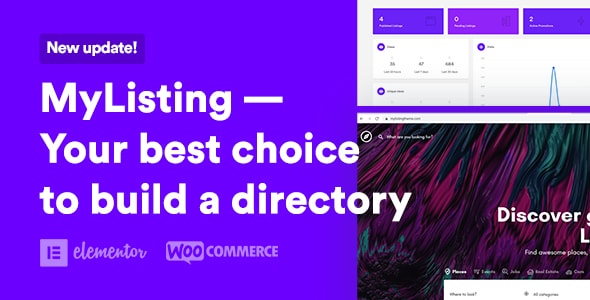
MyListing - Directory & Listing WordPress Theme
27collective · Directory Listings
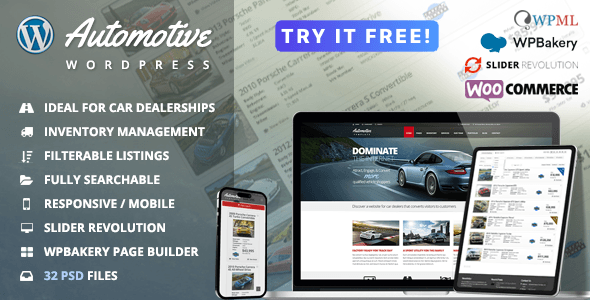
Automotive Car Dealership Business WordPress Theme
themesuite · Business

Classiads - Classified Ads WordPress Theme
designinvento · Directory Listings
Buying guide
What to Look for in a Car Dealer WordPress Theme
A car dealer theme needs to do more than look polished — it has to handle a specific set of functional demands. Before you buy, consider these core requirements:
- Vehicle listing management: Look for built-in custom post types for cars, with fields for make, model, year, mileage, price, and condition. A theme that handles this natively saves you from relying on a separate plugin.
- Search and filtering: Buyers need to narrow down inventory quickly. Advanced AJAX-powered filters by price range, body type, fuel type, or transmission are a strong differentiator.
- Comparison tools: Side-by-side vehicle comparison is a feature shoppers expect from professional dealership sites.
- Enquiry and lead capture: Contact forms tied to individual listings, or a "request a test drive" module, directly support your sales funnel.
- Mobile performance: Most auto shoppers browse on mobile. Prioritize themes with genuinely responsive layouts, not just technically valid ones.
Our Top Picks at a Glance
Motors ($79) is the market's most recognized dedicated car dealer theme, with over 23,700 sales and an editorial score of 8.7/10. It covers dealerships, rentals, and listings in a single package, making it versatile for multi-format auto businesses. The trade-off is a steeper learning curve — its breadth of options can feel overwhelming for first-time builders.
MyListing ($69) earns our highest editorial score of 8.8/10 and carries an impressive 4.80/5 buyer rating across 21,700 sales. Its directory-first architecture makes it ideal if you want a classified-style marketplace rather than a traditional dealership site. Note that it's a general-purpose directory theme, so car-specific fields require more configuration out of the box.
Automotive ($79) holds the strongest buyer rating of the three at 4.84/5 and scores 8.7/10 editorially across 10,700 sales. It's purpose-built for dealerships, meaning less setup time for standard car lot features. Its narrower focus, however, means less flexibility if your use case involves rentals or classifieds.
Which Theme Is Right for Your Project?
Choose Motors if you want maximum versatility across dealership, rental, and listing formats. Choose MyListing if you're building a community marketplace or classified-style directory and want the highest-rated buyer experience. Choose Automotive if you're running a straightforward car dealership and want purpose-built features with minimal configuration.
All three themes are sold on a reputable marketplace with buyer ratings verified by real purchasers, giving you reliable signal on real-world satisfaction before you commit.
Frequently asked
Do these car dealer themes include inventory management built in?
Motors and Automotive both include dedicated vehicle listing systems with fields for specs, pricing, and media out of the box. MyListing provides a flexible custom listing type builder, but car-specific fields require manual configuration. None of the three replace a full dealer management system (DMS) for large franchise operations.
Can I use these themes for a car rental site, not just a dealership?
Motors explicitly supports car rental functionality as part of its core feature set, making it the strongest choice for rental use cases. Automotive is focused on dealership sales workflows and is less suited for rental booking. MyListing can be configured for rentals but requires additional setup effort.
Are these themes compatible with popular WordPress page builders?
All three themes are designed for use with mainstream page builders. Motors and Automotive are well-documented for use with Elementor and WPBakery. MyListing relies more on its own front-end builder. Check each theme's documentation for the specific builders supported before committing.
What's the difference between a directory theme like MyListing and a dedicated dealer theme?
A directory theme is built around user-submitted or admin-managed listings across many categories, with MyListing adapting that structure for cars. A dedicated dealer theme like Automotive is pre-configured specifically for vehicle inventory, financing callouts, and dealership branding. If you want a public marketplace where multiple sellers list cars, a directory approach suits better; for a single-dealer showroom site, go dedicated.
Is a $69–$79 one-time theme purchase enough, or will I need extra plugins?
The purchase price covers the theme itself; expect to budget separately for premium plugins if you need advanced features like booking systems, payment gateways, or CRM integration. All three themes bundle some supporting plugins, but complex operations will likely require additional tools. Factor in hosting, an SSL certificate, and ongoing WordPress maintenance costs as well.