TThemeForgeTheme Reviews

Curated shortlist

BestWordPressSocialMediaPlugins

If you're searching for the best WordPress social media plugins in 2026, this list cuts through the noise. Our editorial team assessed ten marketplace options using sales volume, buyer ratings, review counts, and category fit — surfacing tools that genuinely earn their place across a range of use cases, from auto-posting and feed display to share buttons and WhatsApp chat.

10
Ranked picks
8.3
Avg editorial score
$20–$129
Price range
108K
Combined sales

Ranked by our editorial rubric · updated

FS Poster - WordPress Social media Auto Poster & Scheduler [Facebook, Instagram, Twitter, Pinterest] screenshot

FS Poster is the standout choice for serious content schedulers. With support for Facebook, Instagram, Twitter, Pinterest, and more, plus a visual scheduling calendar, it covers more ground than most competitors at its price point. A 4.91 rating across 655 reviews and 17,000 sales reflect consistent real-world satisfaction.

Best forbloggers, agencies, and store owners who publish frequently and need reliable multi-network automation.

Read our review

Pick 02Best rated

WhatsApp Chat WordPress
4.937K sales$89
9.0
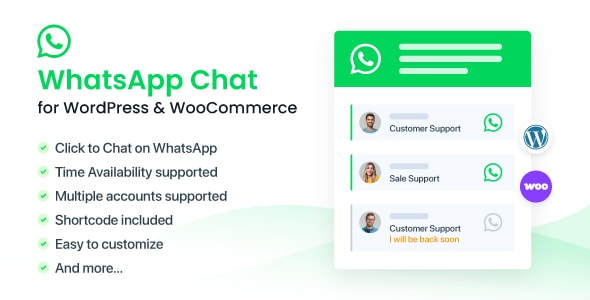
WhatsApp Chat WordPress screenshot

WhatsApp Chat WordPress by NinjaTeam adds a customizable WhatsApp contact button to your site — simple, focused, and highly rated at 4.93 from 243 reviews. It's not a broad social media tool; it does one thing well.

Best forservice businesses, local shops, or any site where direct customer conversation via WhatsApp is a priority. The $89 price is on the higher end for its scope.

Read our review

Pick 03Most popular

Easy Social Share Buttons for WordPress
4.6834K sales$39
8.6
Easy Social Share Buttons for WordPress screenshot

With 33,600 sales and 1,400 reviews, Easy Social Share Buttons is the most proven share-button plugin on this list. It offers a wide range of button styles, placement options, and network support. The 4.68 rating across such a large review pool signals broad but not universal satisfaction — some buyers note the settings panel is dense.

Best forsites that want polished share buttons without building a custom solution.

Read our review
Social Stream for WordPress — Add TikTok YouTube Facebook Instagram Feed to WordPress screenshot

Social Stream for WordPress aggregates TikTok, YouTube, Facebook, and Instagram feeds into a single display — useful for brands maintaining a presence across multiple platforms. With 23,100 sales and a 4.60 rating, it's a well-established option. Feed caching and layout flexibility are strong points.

Best forcreative agencies, influencers, or brands that want a live social wall on their site.

Read our review
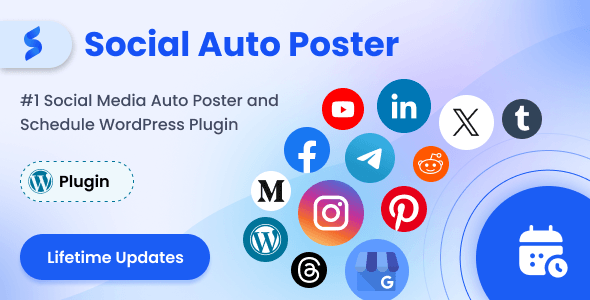
Social Auto Poster - WordPress Scheduler & Marketing Plugin screenshot

Social Auto Poster by wpweb is a solid, lower-cost alternative to FS Poster for teams on tighter budgets. At $45 with a 4.83 rating from 185 reviews, it covers the key auto-posting use case across major networks. Fewer sales than the category leader means a smaller community knowledge base for troubleshooting.

Best forsmall businesses or solo site owners who need dependable auto-scheduling without advanced features.

Read our review
8.4
Pinterest Automatic Pin Wordpress Plugin screenshot

Pinterest Automatic Pin is a narrow but reliable tool: it automatically pins your WordPress posts and WooCommerce products to Pinterest boards. At $27 and 8,600 sales, it's one of the best-value specialist plugins on this list. It does nothing else, which is a genuine limitation if you need broader platform support.

Best fore-commerce stores and lifestyle bloggers with Pinterest as a primary traffic channel.

Read our review

Pick 07

AX Social Stream
4.644K sales$24
8.2
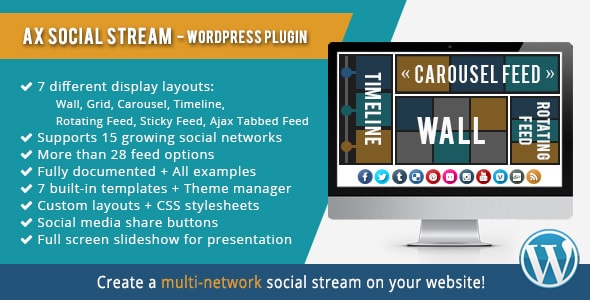
AX Social Stream screenshot

AX Social Stream is a budget-friendly feed aggregator at $24, pulling content from multiple social networks into a single widget or page section. Its 4.64 rating from 105 reviews is respectable, though the smaller review pool warrants some caution. Design customization is more limited than pricier alternatives.

Best forsmall sites or personal blogs that want a basic combined social feed without a large investment.

Read our review

Pick 08Best value

Social Share & Locker Pro WordPress Plugin
4.235K sales$20
7.8
Social Share & Locker Pro WordPress Plugin screenshot

Social Share & Locker Pro adds both share buttons and content-locking functionality — hide content until a visitor shares. At $20, the price is accessible, but the 4.23 rating is the lowest on this list and deserves honest acknowledgment. Content locking can frustrate users if overused.

Best formarketers running specific lead-generation campaigns who understand the trade-offs and want a low-cost way to test the tactic.

Read our review

Pick 09

Instagram Journal
4.302K sales$20
7.8
Instagram Journal screenshot

Instagram Journal displays your Instagram feed in a clean, magazine-style grid layout. At $20 and a 4.30 rating from 106 reviews, it's a modest but functional option. Its scope is narrow — Instagram only — and the smaller sales count (2,100) means less community validation than broader feed plugins.

Best forphotographers, lifestyle bloggers, or portfolio sites where Instagram is the primary visual channel.

Read our review
7.4
Social Counter Plugin for WordPress - Arqam screenshot

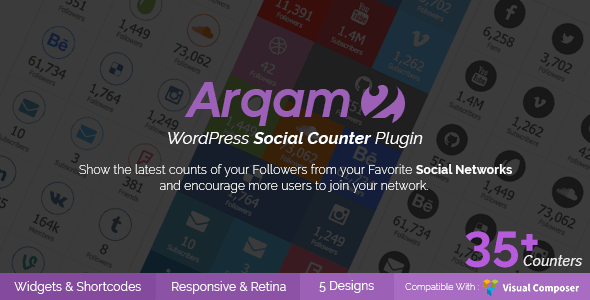
Arqam Social Counter displays follower and subscriber counts from multiple social platforms in a clean widget format. At $35 with a 4.36 rating from 235 reviews, it's a competent choice for its niche. It offers no posting or feed features — purely display.

Best forestablished brands that want to surface social proof in a sidebar or footer widget and already have solid follower numbers worth showing.

Read our review

How to choose

How to Choose the Right WordPress Social Media Plugin

Social media plugins fall into a few distinct categories, and picking the wrong type is the most common mistake buyers make. Before you purchase, be clear on what you actually need: auto-posting and scheduling, social feed display, share and engagement buttons, follower/counter widgets, or direct messaging integration. Many plugins do one of these things well; very few do all of them credibly.

Auto-Posting & Scheduling

If your goal is to push WordPress content to social networks automatically, look for a plugin that supports the specific platforms you use — not just the headline names. Check whether platform API connections require recurring fees (some networks now charge for API access), and confirm the plugin has been updated recently to stay compatible with those APIs. An outdated auto-poster is effectively broken software, so sales volume alone is not enough; recency of updates matters just as much.

Social Feed Display

Embedding feeds from TikTok, Instagram, YouTube, or Facebook adds live social proof to your site, but it comes with trade-offs. Feeds that pull from third-party APIs can slow page load times if caching is not implemented well. Before buying, check whether the plugin offers a caching layer and whether the layout options suit your design without requiring custom CSS. Also verify that the networks you need are supported — plugin feature pages can be aspirational rather than fully delivered.

Share Buttons & Content Lockers

Share button plugins vary widely in how they load. Some inject share counts via external API calls on every page load, which hurts performance. Look for plugins that offer lazy loading or static share counts to avoid this. Content lockers — which hide content until a visitor shares — can feel manipulative to users and may conflict with some SEO practices; use them with care and only where the trade-off is clearly worthwhile.

Follower Counters & Vanity Widgets

Social counter plugins display follower and subscriber numbers in sidebars or footers. They are low-risk purchases, but confirm that the platforms you care about are supported and that API credentials are straightforward to configure. These plugins tend to have longer update cycles, so check the last-updated date carefully.

Common Buying Mistakes to Avoid

  • Overlapping functionality: Installing both an auto-poster and a social feed plugin from different vendors can create conflicts. Audit what you already have active before buying.
  • Ignoring renewal costs: Some plugins bundle extended support or API service fees; read the pricing details before assuming the listed price is all-in.
  • Skipping the reviews: A high star rating with fewer than 100 reviews is less reliable than a slightly lower rating backed by hundreds of verified buyers. Weight both together.
  • Assuming platform coverage: Social network APIs change frequently. Verify that your specific platforms (especially newer ones like TikTok) are actively maintained in the plugin.

Used with these considerations in mind, any of the plugins below can be a sound investment — the right choice depends entirely on matching the tool to your specific workflow and audience.