TThemeForgeTheme Reviews

Curated shortlist

BestWordPressCalendarPlugins

Finding the best WordPress calendar plugins means weighing your exact use case — event listings, appointment booking, hotel reservations, or seasonal campaigns — against real-world adoption and ongoing support. Our editorial team assessed 12 plugins across sales volume, buyer ratings, category fit, and update history to surface the strongest options for 2026. Whether you run a small service business or a high-traffic booking platform, this list covers the full range.

12
Ranked picks
8.5
Avg editorial score
$39–$299
Price range
180K
Combined sales

Ranked by our editorial rubric · updated

Pick 01Top pick

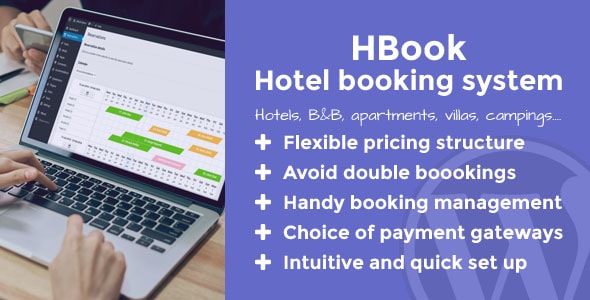
HBook - Hotel booking system - WordPress Plugin
4.8812K sales$129
9.1
HBook - Hotel booking system - WordPress Plugin screenshot

HBook is a focused hotel and accommodation booking system with a clean availability calendar, rate management, and payment integration. Its 11,600 sales and near-5-star rating across 519 reviews signal strong real-world reliability.

Best forB&Bs, vacation rentals, and boutique hotels that need a self-hosted alternative to third-party booking platforms without the complexity of a full PMS.

Read our review
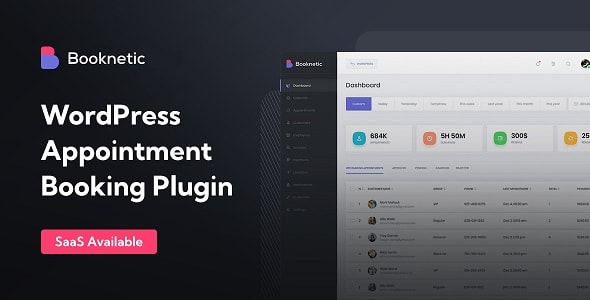
Booknetic - Appointment Booking & Scheduling, Calendar reservation (+ Multi-Vendor Booking / SaaS) screenshot

Booknetic covers appointment scheduling, calendar reservations, multi-vendor booking, and even a SaaS mode — making it one of the most versatile plugins in this list. At $225 with a 4.91 rating from 471 reviews and nearly 11,000 sales, it earns its price for service businesses that need staff management, custom booking flows, and scalability. The breadth of features means a steeper learning curve for simpler setups.

Read our review
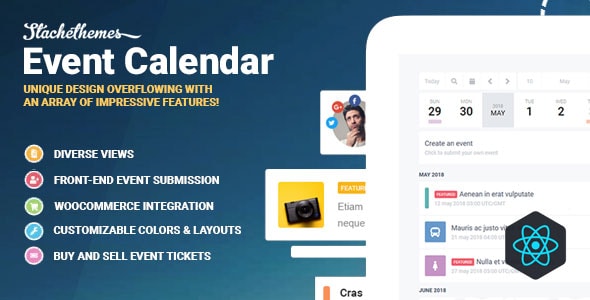
Stachethemes Event Calendar - WordPress Events Calendar Plugin screenshot

Stachethemes Event Calendar prioritises visual presentation with a highly polished interface and multiple calendar views. At $79 with a 4.59 rating from 215 reviews and 6,900 sales, it's a strong pick for event-driven sites — festivals, community portals, or venues — where appearance and browsability matter most. It's an event display tool, not a booking engine, so don't expect deep reservation logic.

Read our review
8.5
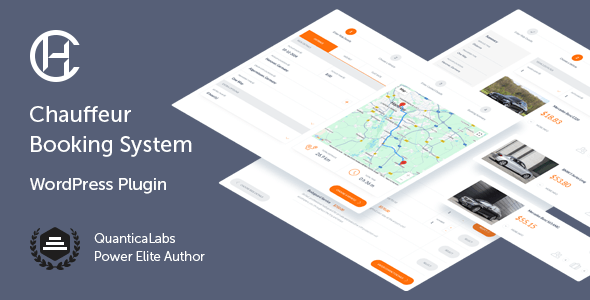
Chauffeur Taxi Booking System for WordPress screenshot

Purpose-built for chauffeur and taxi businesses, this plugin handles vehicle selection, route-based pricing, driver assignment, and booking calendars in one package. With 6,900 sales and a 4.68 rating from 346 reviews, QuanticaLabs has proven the concept works.

Best fortransportation companies wanting a professional booking front-end without custom development. Niche focus means it's a poor fit for anything outside transport.

Read our review
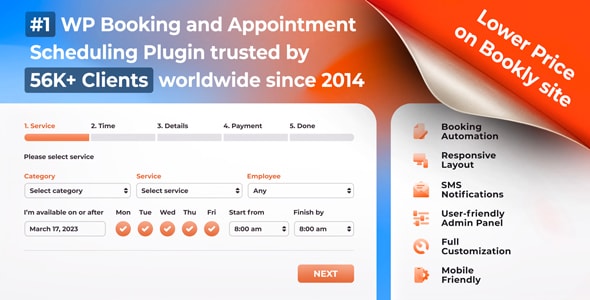
Bookly PRO – Appointment Booking and Scheduling Software System screenshot

Bookly PRO is the market's most-adopted appointment booking plugin with 56,400 sales — a figure that reflects years of iteration and a wide add-on ecosystem. The 4.53 rating from 1,200+ reviews is honest: it's capable but some users find the add-on model adds up quickly.

Best forservice businesses that want a proven, extensible system and are comfortable managing a modular plugin setup.

Read our review
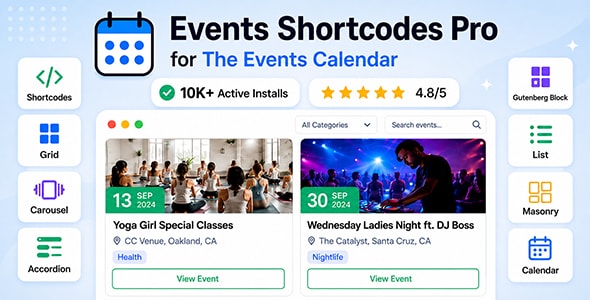
Events Shortcodes & Block Pro For The Events Calendar screenshot

This plugin extends The Events Calendar (free) with additional shortcodes, Gutenberg blocks, and display layouts — at just $49. With 3,200 sales and a 4.71 rating from 76 reviews, it's a targeted upgrade rather than a standalone solution.

Best forsites already running The Events Calendar that want richer output options without migrating to a new platform. Requires the free base plugin to function.

Read our review
Amelia - Enterprise-Level Appointment Booking WordPress Plugin screenshot

Amelia targets enterprises and high-volume service businesses with a polished UI, multi-location support, employee scheduling, and strong WooCommerce integration. At $299 it's the most expensive option here, and the 4.77 rating from 132 reviews reflects a newer but quality product.

Best forclinics, gyms, or multi-branch service businesses. The price and lower review volume mean smaller operations should consider mid-tier alternatives first.

Read our review

Pick 08Best value

SantaPress - WordPress Advent Calendar Plugin & Quiz
4.912K sales$39
8.4
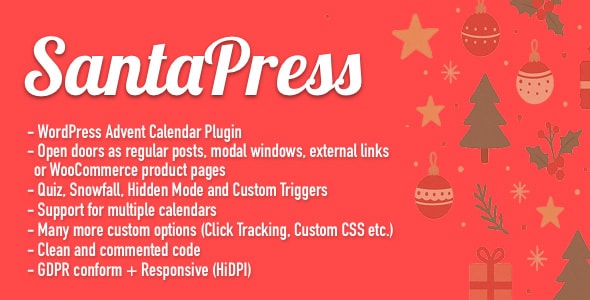
SantaPress - WordPress Advent Calendar Plugin & Quiz screenshot

SantaPress is a niche advent calendar and quiz plugin — genuinely unlike anything else on this list. At $39 with a 4.91 rating from 33 reviews and 2,000 sales, it fills a specific seasonal marketing gap.

Best fore-commerce stores, brands, or membership sites running Christmas countdown campaigns or interactive holiday promotions. Not a general-purpose calendar; use it for exactly what it's designed for.

Read our review

Pick 09

Car Rental Booking System for WordPress
4.582K sales$79
8.4
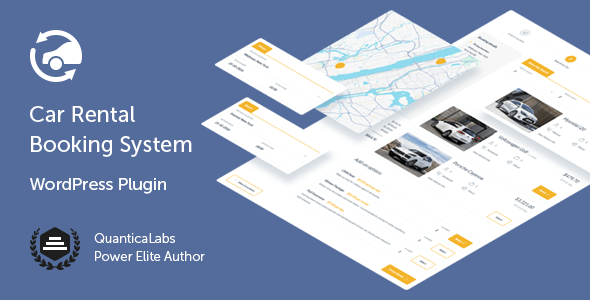
Car Rental Booking System for WordPress screenshot

QuanticaLabs applies the same vertical-specific approach from their taxi plugin to car rentals: fleet management, date-range availability, pricing tiers, and a booking calendar in a single package. At $79 with a 4.58 rating from 102 reviews and 2,000 sales, it's a practical choice for rental agencies wanting a self-hosted solution. Works best for straightforward fleets; complex multi-location operations may find it limiting.

Read our review
Calendarista Premium - WP Reservation Booking & Appointment Booking Plugin & Schedule Booking System screenshot

Calendarista Premium covers appointments, reservations, and schedule-based bookings with a flexible configuration system and solid 4.84 rating from 81 reviews. At $89 and 2,000 sales it occupies a useful middle ground between basic schedulers and expensive enterprise tools.

Best forservice providers who need customisable booking logic — variable durations, buffer times, custom fields — without paying for features they won't use.

Read our review

Pick 11

Timetable Booking Schedule for WordPress
4.5411K sales$59
8.3
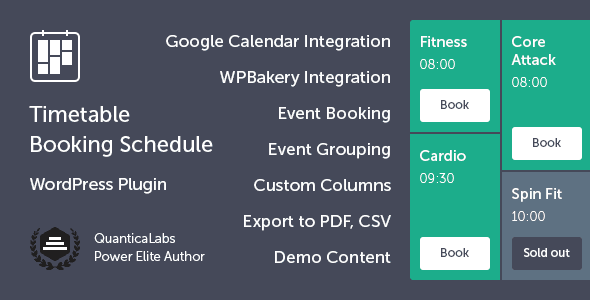
Timetable Booking Schedule for WordPress screenshot

Timetable Booking Schedule focuses on class- and session-based scheduling — fitness studios, tutors, coworking spaces — with a clear weekly timetable view and booking integration. At $59 with 10,900 sales and a 4.54 rating from 330 reviews, its longevity and sales volume are reassuring.

Best forbusinesses that sell recurring time slots rather than one-off appointments. Less suited to resource or property-based reservations.

Read our review

Pick 12Most popular

EventON - WordPress Virtual Event Calendar Plugin
4.3665K sales$50
8.2
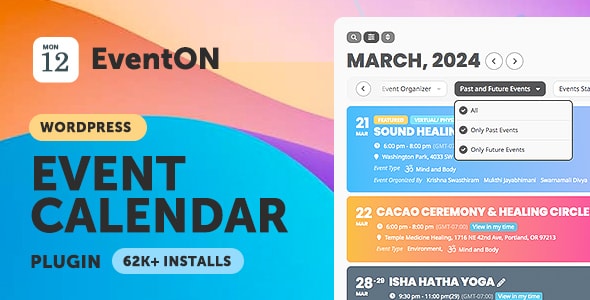
EventON - WordPress Virtual Event Calendar Plugin screenshot

EventON is one of the oldest and best-selling event calendar plugins on the marketplace with 65,300 sales — a genuine long-term track record. The 4.36 rating from 2,400 reviews is the lowest here and reflects an add-on-heavy model that frustrates some buyers.

Best fordevelopers and site owners who know exactly which add-ons they need and want a mature, widely-supported foundation for event display.

Read our review

How to choose

How to Choose a WordPress Calendar or Booking Plugin

Calendar and booking plugins span a wide spectrum. Before picking one, be clear about what you actually need: a visual event calendar for a public-facing site, an appointment scheduler for a service business, or a reservation system tied to physical assets like hotel rooms or vehicles. Conflating these categories is the most common buying mistake — a beautifully styled event calendar will not replace a multi-resource booking engine, and vice versa.

Match the Plugin to Your Business Model

Service businesses (salons, clinics, consultants) need staff and service management, payment integration, and customer notifications — look for plugins like Bookly PRO, Booknetic, or Amelia. Property and vehicle businesses need date-range availability, pricing rules, and deposit handling — HBook, the Chauffeur system, and the Car Rental plugin are purpose-built for those workflows. If your primary goal is displaying and filtering events on a public calendar, Stachethemes, EventON, or the Events Shortcodes add-on are the right tier.

Key Features to Evaluate

  • Payment gateway support: Confirm the plugin supports your preferred gateway out of the box. Many charge extra for WooCommerce or Stripe add-ons.
  • Mobile responsiveness: Booking flows that break on phones will cost you conversions. Check demo links on a real device before purchasing.
  • Notification system: Automated email and SMS reminders reduce no-shows. Verify whether SMS requires a paid third-party add-on.
  • Multi-staff or multi-resource support: If you have more than one employee or rentable asset, this is non-negotiable.
  • Translation and WPML compatibility: Critical for non-English or multilingual sites.

Common Mistakes to Avoid

  1. Ignoring renewal costs. Many plugins require an annual license renewal for updates and support. Factor this into the total cost of ownership, not just the headline price.
  2. Overlooking add-on dependencies. A low base price can balloon quickly if core features like front-end booking forms or calendar views are sold separately.
  3. Skipping the documentation check. A plugin with 50,000 sales but thin documentation creates long-term maintenance headaches. Review the support forum before buying.
  4. Choosing by rating alone. A 4.9 rating from 30 reviews carries far less weight than a 4.5 rating from 1,000+ reviews. Combine rating with sales volume for a more reliable signal.

Budget Guidance

Entry-level event display plugins start around $39–$50 and suit simple use cases well. Mid-range appointment and booking systems run $79–$129 and cover most small-to-medium businesses. Enterprise-capable platforms with multi-vendor, SaaS, or high-volume features sit at $199–$299 — justified only if you genuinely need that depth. Don't overspend on features you won't use within the first year.