TThemeForgeTheme Reviews

Curated shortlist

BestWooCommercePlugins

Finding the best WooCommerce plugins means cutting through hundreds of options to focus on what actually moves the needle for your store. Our editorial team assessed this list using marketplace sales volume, verified buyer ratings, update cadence, and how well each plugin addresses a genuine store-owner need. Whether you're running a B2B wholesale operation, selling event tickets, or just need smarter product filtering, there's a targeted solution here.

12
Ranked picks
8.7
Avg editorial score
$39–$2449
Price range
92K
Combined sales

Ranked by our editorial rubric · updated

Pick 01Top pick

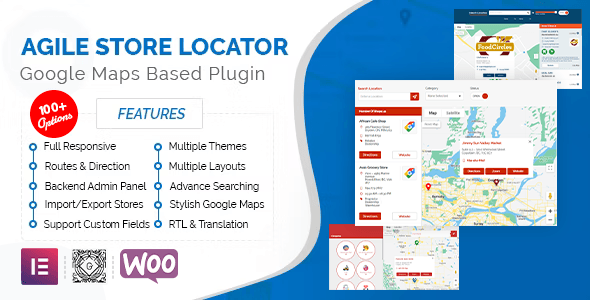
Store Locator (Google Maps) For WordPress
4.9415K sales$149
9.2
Store Locator (Google Maps) For WordPress screenshot

With 15,300 sales and a near-perfect 4.94-star rating, this Google Maps store locator is the most proven option in its niche. It lets customers find your physical retail locations quickly, with radius search and category filtering built in.

Best forbrands with brick-and-mortar networks or dealer/franchise maps. The $149 price is fair for the depth of configuration on offer, though it's overkill for single-location stores.

Read our review

Pick 02Best rated

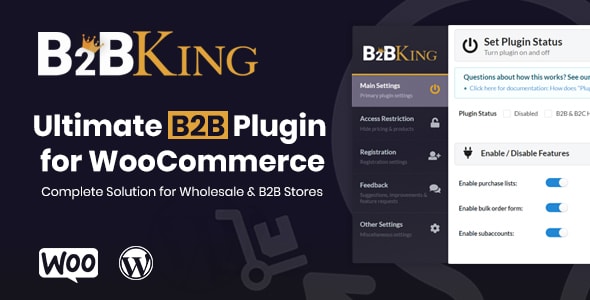
B2BKing - The Ultimate WooCommerce B2B & Wholesale Plugin
4.983K sales$2449
9.2
B2BKing - The Ultimate WooCommerce B2B & Wholesale Plugin screenshot

B2BKing is the most comprehensive B2B and wholesale plugin in this list — and its 4.98-star rating across 102 reviews backs that up. It handles tiered pricing, custom registration, tax exemptions, quote requests, and wholesale user roles in one package. The $2,449 price is a significant investment, but for established wholesale operations, the alternative is stitching together five separate plugins. Overkill for purely retail stores.

Read our review
Filter Everything | WordPress/WooCommerce Product Filter screenshot

Filter Everything stands out for its ability to filter not just WooCommerce products but standard WordPress post types too — a genuine differentiator. At $79 with 16,200 sales and a 4.88-star rating, it strikes a strong balance of price, capability, and reliability. Well-suited to stores with large or complex catalogs and for developers who want clean, customizable output. The broader scope may be more than purely product-focused stores need.

Read our review
HUSKY - Products Filter Professional for WooCommerce [former WOOF Filter] screenshot

HUSKY (formerly WOOF) is the category leader by sales volume at nearly 17,000 units moved. Its 4.84-star rating across 404 reviews reflects years of refinement and a large, active user base. It supports AJAX filtering, price sliders, and a wide range of taxonomies.

Best forstore owners who want a battle-tested, feature-rich filter with extensive community documentation. The interface can feel dense for first-time users.

Read our review

Pick 05Best value

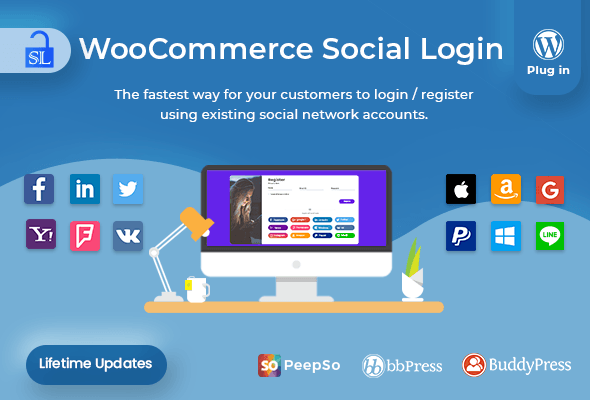
Social Login - WordPress / WooCommerce Plugin
4.804K sales$39
8.8
Social Login - WordPress / WooCommerce Plugin screenshot

At $39, this social login plugin covers Google, Facebook, Twitter, and other providers with minimal configuration. A 4.80-star rating and 3,600 sales reflect solid reliability for a simple but high-impact function — reducing checkout friction for returning customers.

Best forstores where account creation is a conversion bottleneck. Not a fit if your audience is privacy-conscious and avoids social authentication.

Read our review

Pick 06

WooCommerce License Manager
4.832K sales$159
8.6
WooCommerce License Manager screenshot

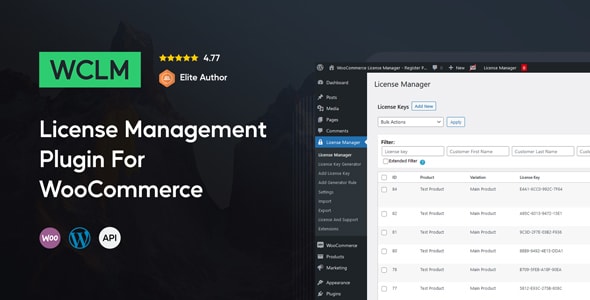
WooCommerce License Manager fills a genuine gap: native WooCommerce has no mechanism for delivering and validating software license keys post-purchase. With 1,900 sales and a 4.83-star rating, it's a niche but well-executed tool.

Best fordevelopers and software vendors selling downloadable products that require activation. At $159, it's priced appropriately for a business-critical workflow. Less relevant outside software or digital-license use cases.

Read our review

Pick 07

WooEvents - Calendar and Event Booking
4.853K sales$99
8.5
WooEvents -  Calendar and Event Booking screenshot

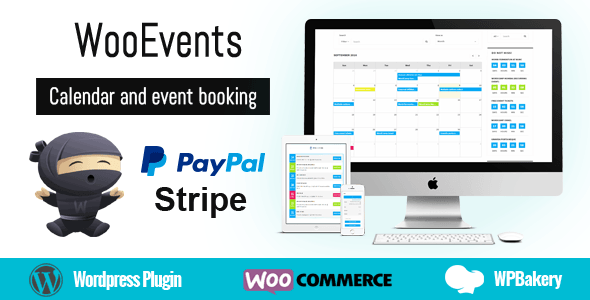
WooEvents turns WooCommerce into a functional event-booking platform, complete with calendar views, ticket quantities, and date-based sales windows. Its 4.85-star rating across 156 reviews and 3,200 sales suggest it performs well in real-world use.

Best forstores that sell tickets or registrations alongside physical products and want to avoid a separate event platform. Complex multi-session or seat-map requirements may push you toward a dedicated events tool.

Read our review
Measurement Price Calculator for WooCommerce screenshot

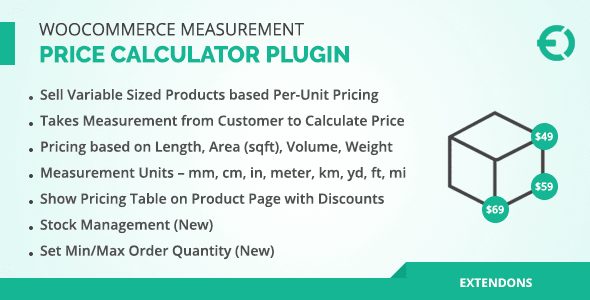
This plugin lets customers enter dimensions or quantities and receive a dynamically calculated price — essential for fabric, flooring, custom print, or any product sold by measurement. At $39 with 2,700 sales and a 4.75-star rating, it's an affordable fix for a problem that's otherwise hard to solve in stock WooCommerce.

Best formade-to-measure or variable-quantity products. Formula configuration has a learning curve for non-technical store owners.

Read our review

Pick 09

WooCommerce B2B
4.874K sales$99
8.4
WooCommerce B2B screenshot

WooCommerce B2B offers a more accessible entry point into wholesale functionality than B2BKing, at $99 with 4,300 sales and a 4.87-star rating. It covers user-role-based pricing, VAT management, minimum order rules, and registration gating.

Best forsmall to mid-size wholesale operations that don't need B2BKing's full feature depth. Stores with complex multi-tier pricing structures may find it reaches its limits more quickly.

Read our review
8.4
Registration Fields Plugin for WooCommerce screenshot

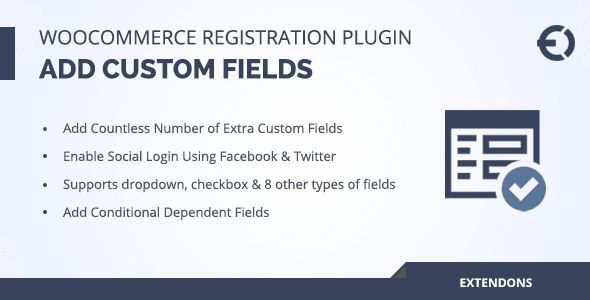
At $39, this plugin extends WooCommerce's sparse registration form with custom fields — date pickers, file uploads, dropdowns, and more. With 2,100 sales and a 4.77-star rating, it's a reliable and affordable way to collect the customer data your business actually needs at sign-up.

Best forB2B stores requiring business verification fields or any store with onboarding workflows. Styling custom fields to match your theme may require minor CSS work.

Read our review
WooCommerce Ultimate Gift Card - Create, Sell and Manage Gift Cards with Customized Email Templates screenshot

WooCommerce Ultimate Gift Card handles gift card creation, sale, balance tracking, and branded email delivery in one plugin. At $49 with 3,900 sales, it has strong adoption, though a 4.55-star rating — the lowest in this list — suggests occasional friction points worth investigating in the support forums before buying.

Best forretail stores where gift cards are a meaningful revenue line. Stores with complex multi-site or multi-currency needs should verify compatibility first.

Read our review

Pick 12Most popular

Product Filter for WooCommerce
4.2018K sales$39
8.2
Product Filter for WooCommerce screenshot

Product Filter for WooCommerce is the highest-selling plugin in this roundup at 18,300 units, but its 4.20-star rating is notably lower than competing filter plugins here. It covers the core filtering use cases at a $39 price point.

Best forbudget-conscious stores with straightforward filtering needs. Buyers should read recent support threads carefully — the rating gap versus HUSKY and Filter Everything is a meaningful signal to weigh before committing.

Read our review

How to choose

How to Choose the Right WooCommerce Plugin

WooCommerce's real strength is its extensibility — but that's also where store owners get into trouble. Adding too many plugins without a clear purpose inflates page-load times, creates update conflicts, and complicates your maintenance routine. Before you buy, ask one question: does this plugin solve a specific, measurable problem for my customers or my team?

Match the plugin to your store's stage

Early-stage stores rarely need a full B2B wholesale suite or a license-key delivery system. Start with the plugins that directly affect conversion: product filtering and discovery tools have the widest impact on the broadest range of stores. As you scale, layer in plugins for specific business models — wholesale pricing, event ticketing, custom measurements — only when that model is proven.

Scrutinize ratings alongside sales volume

A plugin with 18,000 sales and a 4.2-star average tells a different story than one with 3,400 sales and a 4.98-star average. High sales can reflect age and marketing as much as quality. Our team weighs both signals together: look for plugins where strong ratings hold up across a meaningful number of reviews (100+), which is a more reliable signal of consistent support and code quality.

Check update cadence before buying

WooCommerce releases major updates several times a year, and WordPress core does the same. A plugin that hasn't been updated in 12+ months is a compatibility risk. Always check the "last updated" date on the marketplace listing and confirm the plugin explicitly lists support for the current WooCommerce version.

Don't overlap functionality

Product filter plugins are a common source of redundancy — several excellent options appear in this list, each with a different approach. Running two filter plugins simultaneously will almost certainly break both. Pick one based on your catalog size, the filter types you need (price, attribute, taxonomy, custom field), and how the plugin handles AJAX to avoid full page reloads.

Factor in total cost of ownership

Marketplace prices are one-time license fees, but most premium plugins require an annual renewal to receive ongoing updates and support. A $39 plugin that needs yearly renewal can cost more over three years than a $149 plugin with lifetime updates. Read the licensing terms carefully, especially for business-critical tools like license managers or B2B wholesale engines where falling behind on updates carries real risk.

Common mistakes to avoid

  • Buying for features you might use — buy for the workflow you have today.
  • Skipping staging-environment testing — always test a new plugin on a staging site before activating on production.
  • Ignoring support responsiveness — browse recent support threads on the marketplace listing to gauge how quickly the author responds to issues.
  • Assuming compatibility with your theme — especially true for filter and layout plugins; confirm with the author if in doubt.