
9.1
Curated shortlist
BestVideoWordPressThemes
Finding the best video WordPress theme means balancing rich media performance with a design that keeps viewers watching. We assessed each option here using marketplace sales volume, verified buyer ratings, and how well the feature set serves video-first sites — from personal channels to full magazine-style video hubs. Whether you're building a video blog, a streaming-style portal, or a hybrid news-and-video site, this list covers the strongest contenders available in 2026.
- 18
- Ranked picks
- 8.3
- Avg editorial score
- $39–$79
- Price range
- 161K
- Combined sales
Ranked by our editorial rubric · updated
9.0

JNews is one of the top-selling news and magazine themes on the marketplace, and its video support is a genuine strength — not an afterthought. With AMP compatibility, dedicated video post formats, and a front-end builder with over 60 layout modules, it suits publishers who want a full editorial site where video sits alongside written content. The breadth of options is powerful but can feel overwhelming for smaller, video-only projects.
Read our review8.6

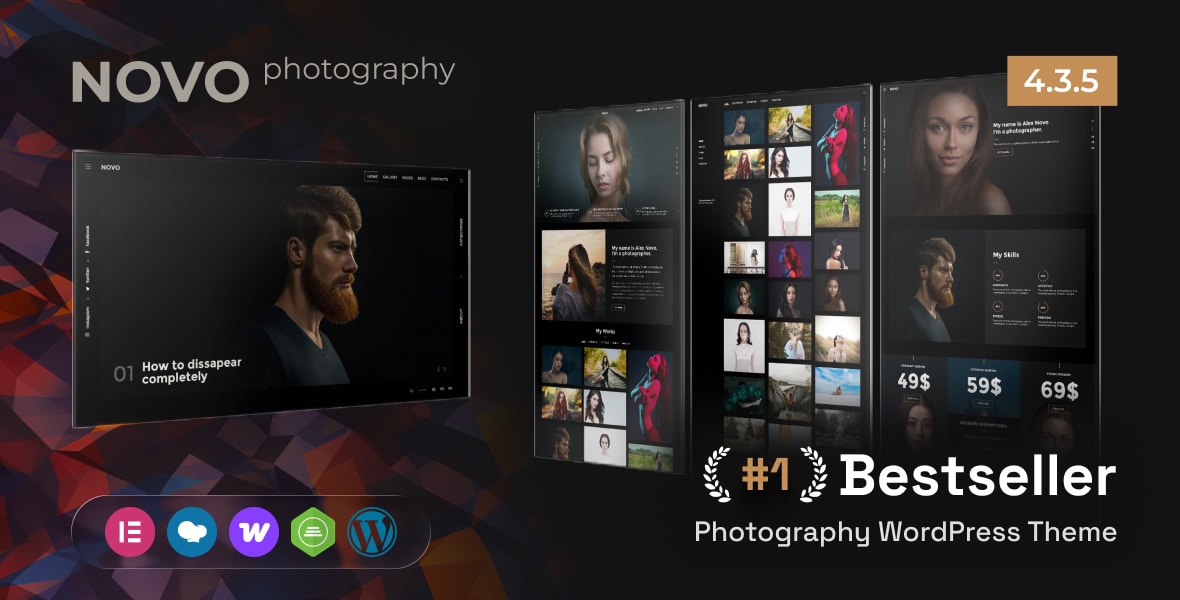
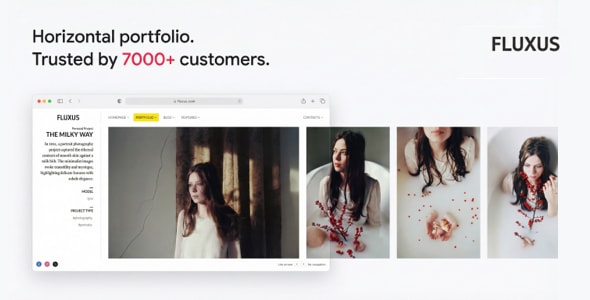
Photography WordPress earns its place here through strong media presentation and a clean, portfolio-style grid that works just as well for video reels as for photo galleries. Nearly 900 verified reviews and 17,600 sales point to a reliable, well-supported product. It is best for creatives — videographers, directors, or agencies — who want a polished visual showcase rather than a high-volume video publishing hub.
Read our review8.6
8.4
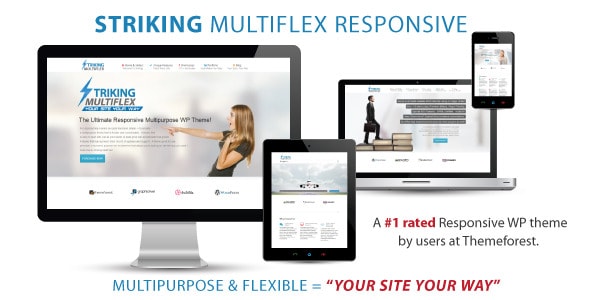
Striking is a long-running multipurpose theme with one of the largest buyer bases on this list. Its flexible layout system accommodates video portfolios, landing pages, and hybrid sites. The trade-off is age: a theme this established carries legacy code, and the interface feels less streamlined than newer competitors.
Best forexperienced WordPress users who need maximum layout flexibility and don't mind a steeper configuration curve.
Read our review8.4

Werkstatt takes a minimal, design-forward approach that flatters video and motion work. Its portfolio layouts let video thumbnails breathe, and the restrained aesthetic keeps the focus on the content itself. With just under 10,000 sales and a solid 4.62 rating, it has a proven track record among creative studios and freelance filmmakers. It is not suited for high-volume video blogs where content discovery and category depth matter most.
Read our review8.4
8.4

Pick 09Best rated
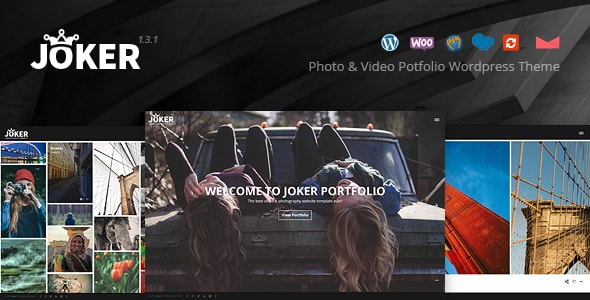
Joker - Photo & Video Portfolio WordPress Theme for Photographers★ 5.00657 sales$59
8.3

8.2
8.2

True Mag is purpose-built for video and magazine publishing, and that focus shows. It includes a dedicated video post format, playlist support, and ad-ready layouts — core features that multipurpose themes often lack. At $41 it is the most affordable option here. The lower sales count compared to broader themes reflects its niche, not a quality deficit; it is our pick for video bloggers and small video news sites on a tighter budget.
Read our review8.2

8.2
8.1
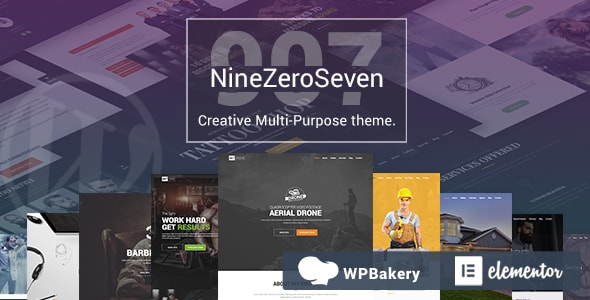
907 is a mature multipurpose theme with strong sales and a respectable rating across nearly 900 reviews. It handles video content through flexible homepage and archive layouts, and WooCommerce compatibility makes it viable for sites that sell video courses or downloads. However, it lacks the video-native features of purpose-built alternatives, so buyers should expect to lean on plugins for playlist and video-specific functionality.
Read our review8.1
7.8

7.8
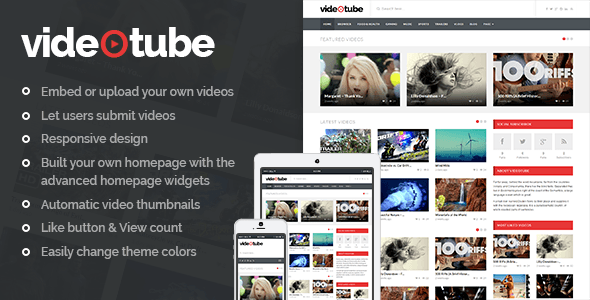
VideoTube is the most focused video theme on this list — designed from the ground up to replicate a streaming-portal experience with channel pages, video playlists, and front-end video submission. Its smaller sales count relative to multipurpose themes simply reflects its niche. For anyone building a community video site, a YouTube-style directory, or a subscription video channel, VideoTube is the most purpose-aligned choice here.
Read our reviewHow to choose
What to Look for in a Video WordPress Theme
A video-focused theme has to do more than look sharp — it needs to be built around how video content is consumed, organized, and discovered. Before you purchase, keep the following priorities in mind.
Video Playback and Embedding
Check whether the theme supports self-hosted video as well as embeds from YouTube, Vimeo, and other major platforms. A dedicated video post format is a strong signal that the developer has thought through the video experience end-to-end. Themes that rely entirely on a generic page builder for video layout often require significant extra work to achieve a clean result.
Page Speed and Lazy Loading
Video-heavy pages are among the most demanding on hosting infrastructure. Look for themes that lazy-load video thumbnails, defer non-critical scripts, and ideally carry AMP or performance-optimized code. A slow-loading video portal kills watch time and hurts search rankings — two things no video publisher can afford.
Content Organization and Discovery
If you plan to publish more than a handful of videos, category filtering, playlist-style layouts, and related-video widgets are not optional extras — they are core functionality. Themes built specifically for video or magazine-style sites tend to include these out of the box; general multipurpose themes often require plugins to replicate the same experience.
Monetization Readiness
Many video publishers rely on display advertising or sponsored content. Confirm the theme includes dedicated ad zone placements and is compatible with popular ad management plugins. An overlay-heavy layout that buries ad slots, or one that breaks with common ad scripts, will cost you revenue from day one.
Common Mistakes to Avoid
- Choosing style over structure. A visually impressive demo can mask a weak underlying grid. Test the category and archive pages, not just the homepage.
- Ignoring mobile video UX. More than half of video views happen on mobile devices. Tap through the mobile demo carefully before buying.
- Overlooking update history. A theme last updated two or more years ago may break with current versions of WordPress or WooCommerce. Check the changelog before committing.
- Underestimating setup time for multipurpose themes. A broad theme with hundreds of options can take significantly longer to configure than a purpose-built video theme — factor that into your timeline.
Budget and Licensing
All themes on this list are sold under a Regular License, which covers a single end site. If you are building for a client or plan to reuse the theme across multiple domains, you will need an Extended License. The price difference is substantial, so factor this into your total cost early.