TThemeForgeTheme Reviews

Curated shortlist

BestSEOWordPressThemes

Finding the best SEO WordPress themes means looking beyond good looks — the right theme needs clean code, fast load times, and a structure that search engines can actually parse. Our editorial team assessed this list by weighing sales volume, buyer ratings, long-term update cadence, and how well each theme's feature set serves sites where organic search performance matters.

16
Ranked picks
8.4
Avg editorial score
$49–$79
Price range
781K
Combined sales

Ranked by our editorial rubric · updated

Pick 01Top pickBest rated

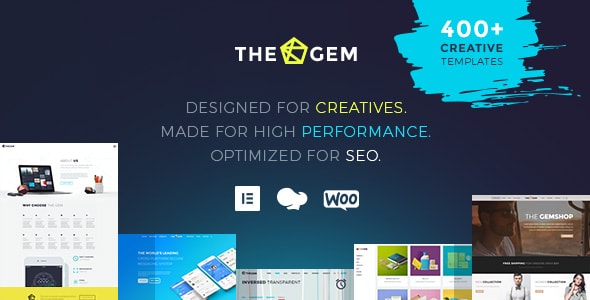
TheGem - Creative Multi-Purpose & WooCommerce WordPress Theme
4.8787K sales$59
9.0
TheGem - Creative Multi-Purpose & WooCommerce WordPress Theme screenshot

TheGem's standout reputation (4.87/5 across 2,200+ reviews) rests on genuinely clean output for a multipurpose theme, with 400+ pre-built layouts that don't force unnecessary scripts on every page. It's best for agencies or business owners who want design flexibility without sacrificing code quality. The trade-off: the sheer volume of options means a steeper setup curve for beginners.

Read our review

Pick 02Most popular

The7 — Ultimate WordPress & WooCommerce Theme
4.75337K sales$59
8.8
The7 — Ultimate WordPress & WooCommerce Theme screenshot

The7 is one of the top-selling WordPress themes ever, with 336,500+ sales providing a uniquely large evidence base for long-term reliability. It's built for deep compatibility with WPBakery and Elementor and maintains a solid 4.76/5 at scale.

Best forestablished businesses wanting a proven, heavily-supported foundation. Watch for feature bloat — activate only what your site actually needs.

Read our review
Salient | Creative Multipurpose & WooCommerce Theme screenshot

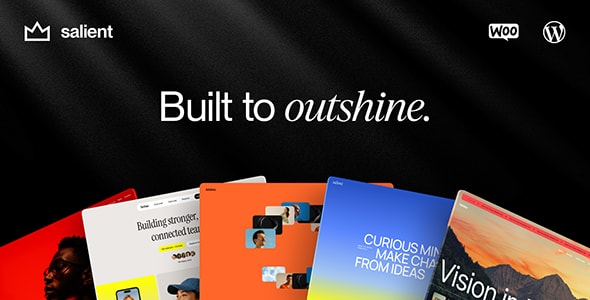
Salient combines strong visual design with a custom Nectar page builder that tends to produce leaner output than some third-party alternatives, a genuine plus for load times. Its 4.81/5 rating from nearly 7,000 buyers reflects consistently positive experiences.

Best forcreative agencies and portfolio-heavy sites. Buyers heavily invested in Elementor may find the proprietary builder limiting.

Read our review

Pick 04Best value

Zephyr | Material Design Theme
4.8713K sales$49
8.6
Zephyr | Material Design Theme screenshot

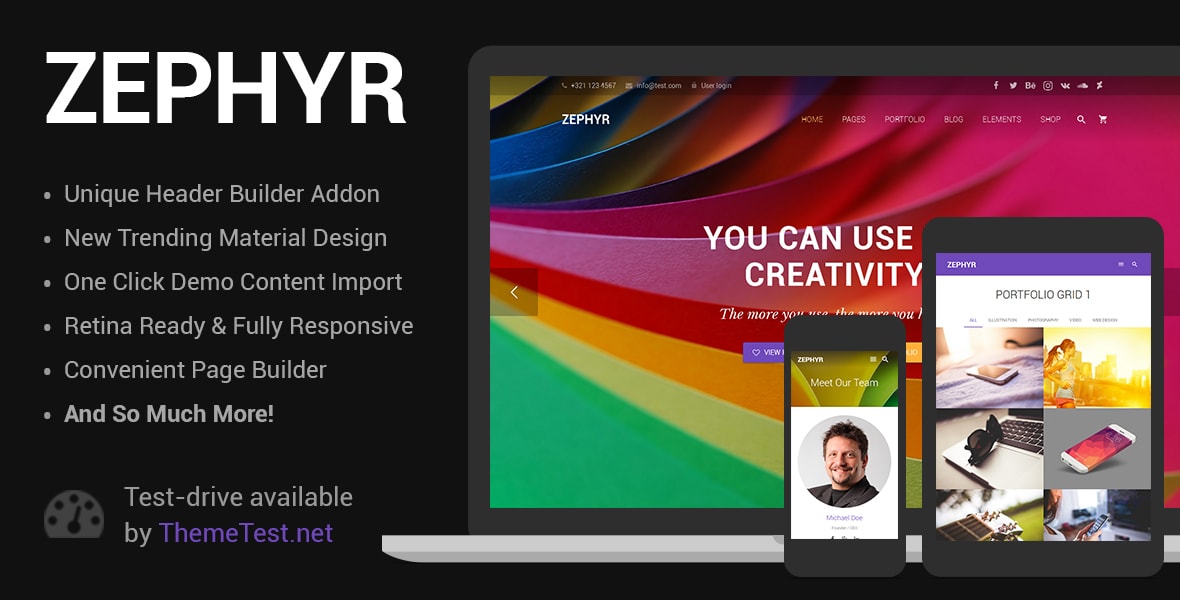
Zephyr matches TheGem's 4.87/5 rating, impressive given its more focused Material Design scope. Its smaller footprint and opinionated design system tend to result in cleaner markup than sprawling multipurpose themes.

Best forSaaS products, tech startups, or any brand that fits naturally within Material Design conventions. The distinct visual style may not suit all industries.

Read our review

Pick 06

uDesign | Multipurpose WordPress Theme
4.6656K sales$59
8.4
uDesign | Multipurpose WordPress Theme screenshot

uDesign is a long-tenured theme with 56,400+ sales and over 5,500 reviews, signaling durability across WordPress versions. At 4.65/5 it's solid, if not exceptional. Best suited for buyers who value an established, well-documented codebase over cutting-edge design. Its age means some UI patterns feel dated compared to newer competitors — worth weighing before committing.

Read our review
Striking - MultiFlex & Ecommerce Responsive WP Theme screenshot

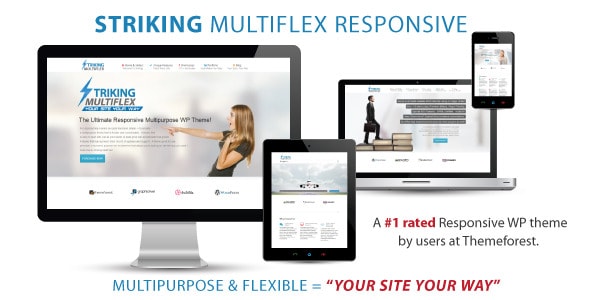
Striking has been on the market long enough to carry real historical credibility, with 20,200 sales and a 4.75/5 rating from 2,800 reviews. Its multi-flex approach offers strong ecommerce and presentation layouts in one package.

Best forsmall business owners who want breadth in a single purchase. Longevity also means some legacy code patterns; confirm compatibility with your WordPress version before buying.

Read our review
SEOWP | Digital Marketing Agency and SEO WordPress Theme screenshot

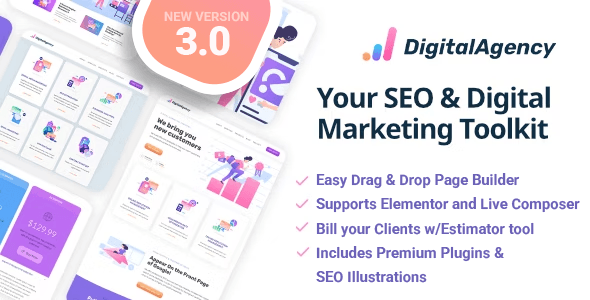
SEOWP is purpose-built for digital marketing agencies and SEO consultancies, offering niche-specific sections — service pages, ranking stats, case study layouts — out of the box. At $69 it's the priciest here, and its 4.62/5 rating reflects a more polarized buyer experience.

Best foragencies wanting a ready-made industry look; less suitable for sites outside the digital marketing niche.

Read our review
Ewebot - Digital Marketing Agency & SEO WordPress Theme screenshot

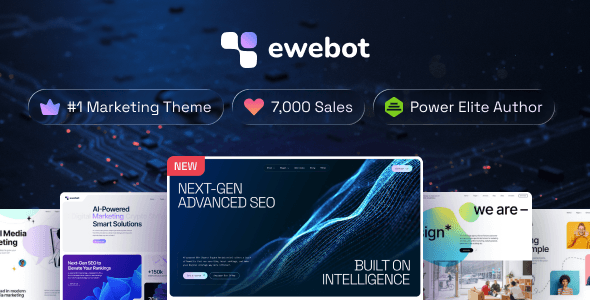
Ewebot is the newest entry on this list and targets the same digital marketing agency niche as SEOWP, with a fresher visual direction and a 4.75/5 rating from 138 reviews. GT3themes has a reputation for responsive support.

Best fornewer agencies wanting a contemporary aesthetic without building from scratch. Its smaller review sample means less certainty about long-run stability than older themes.

Read our review
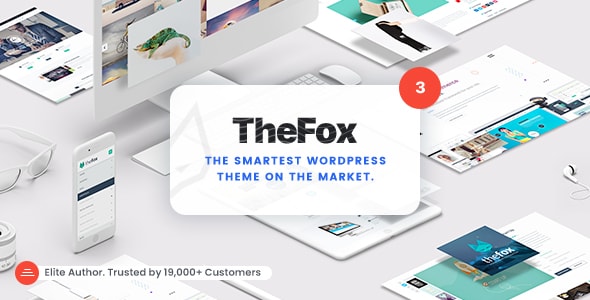
TheFox | Responsive Multi-Purpose WordPress Theme screenshot

TheFox offers a broad multi-purpose feature set at 12,500+ sales and a 4.67/5 rating, with strong community-built layouts covering business, portfolio, and shop use cases.

Best forbuyers who want variety and are comfortable customizing a flexible starting point. Support responsiveness has drawn mixed feedback in buyer reviews — factor that in if hands-on assistance matters to your workflow.

Read our review

Pick 15

Modernize - Flexibility of WordPress
4.6417K sales$79
7.8
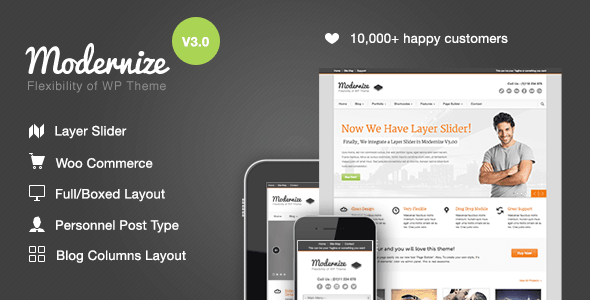
Modernize - Flexibility of WordPress screenshot

Modernize by GoodLayers prioritizes editorial and content-focused layouts, making it a reasonable pick for blogs, news sites, and content marketers where on-page structure directly impacts SEO. Its 4.64/5 from 1,700 reviews shows consistent, if unremarkable, satisfaction.

Best forcontent-driven sites. The GoodLayers page builder is capable but less widely documented than Elementor or WPBakery.

Read our review

How to choose

What to Look for in an SEO-Friendly WordPress Theme

A theme can't write your content or build your backlinks, but it absolutely can help or hurt your rankings. The wrong choice — bloated scripts, poorly structured markup, render-blocking assets — will undercut even the best SEO strategy. Here's what our editorial team looks for when evaluating themes for search performance.

Clean, Semantic HTML Output

Search engines read your page's HTML before anything else. A well-coded theme uses proper heading hierarchy (H1 through H6), meaningful landmark elements, and schema-ready markup. Ask yourself: does this theme's demo source code look like a developer wrote it, or like a page builder exploded inside it? Excessive div nesting and inline styles are red flags.

Speed and Core Web Vitals

Google's Core Web Vitals — Largest Contentful Paint, Cumulative Layout Shift, and Interaction to Next Paint — are direct ranking factors. A heavy theme with a dozen bundled plugins loading on every page is a liability. Prioritize themes that offer:

  • Lightweight default page weight (lean CSS and JavaScript bundles)
  • Support for lazy-loading images natively
  • Compatibility with popular caching and optimization plugins
  • No forced loading of assets on pages that don't need them

Compatibility With SEO Plugins

No theme should try to replace Yoast SEO, Rank Math, or All in One SEO. The best themes stay in their lane and integrate cleanly — meaning no duplicate meta fields, no conflicting Open Graph output, and no hardcoded title tags that override your SEO plugin's settings. This is a surprisingly common mistake buyers discover only after purchase.

Mobile Responsiveness and Accessibility

Google indexes the mobile version of your site first. A theme that looks great on desktop but renders poorly on smaller screens is an SEO problem, not just a UX problem. Accessibility (ARIA labels, keyboard navigation, sufficient color contrast) overlaps significantly with technical SEO signals — both matter for 2026 and beyond.

Common Buying Mistakes to Avoid

  1. Choosing a theme because the demo is beautiful, not because the code is clean. Always check the demo's page source or run it through a speed tool before buying.
  2. Assuming "SEO-ready" in a theme's title means it's faster or better structured. That label is marketing copy; judge by the metadata and buyer reviews instead.
  3. Overloading a multipurpose theme with every bundled plugin activated. Use only what your site needs. More active plugins means more HTTP requests and slower pages.
  4. Ignoring update cadence. A theme that hasn't been updated in 18 months is a compatibility and security risk, regardless of its sales numbers.

Use the blurbs below to match each theme to your specific site type and workflow — the "best" choice depends as much on your content strategy and technical comfort level as on any feature list.