How to Choose a Restaurant WordPress Theme
A restaurant website has a specific job: turn a visitor into a diner. That means the theme you choose must do more than look good — it has to support the operational features your business actually needs. Here's what to evaluate before you buy.
Prioritize Menu Presentation
Your menu is the most-visited page on most restaurant sites. Look for themes that include dedicated menu section templates or a compatible plugin integration (such as a food menu plugin). A theme that forces you to build menus from scratch using generic page builders will cost you hours and often produces inconsistent results. Check demo content carefully: if the demo menu looks clunky, it will only get harder when you add your own 40-item menu.
Reservation and Contact Flows
Many restaurant themes advertise "reservation support," but this often means little more than a contact form. If online booking matters to your business, confirm whether the theme is tested with dedicated reservation plugins (such as OpenTable embeds or booking-specific WordPress plugins). A theme that structures the page layout well around a booking widget is genuinely more useful than one that just has a placeholder section.
Multipurpose vs. Restaurant-Specific
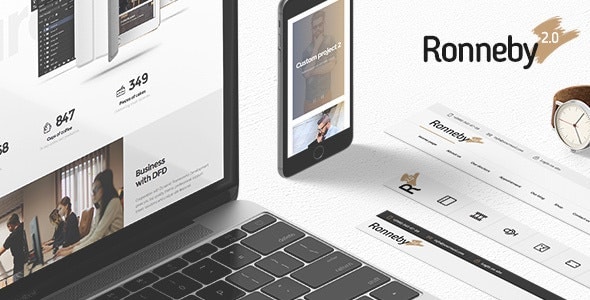
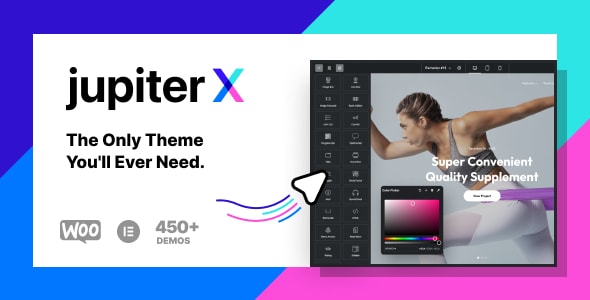
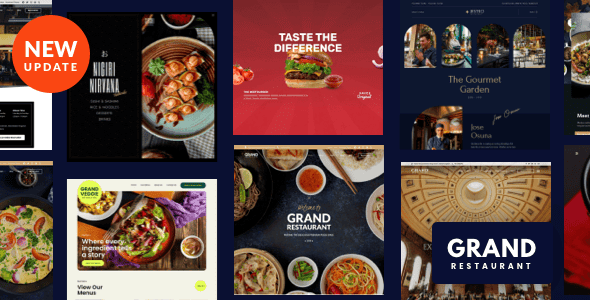
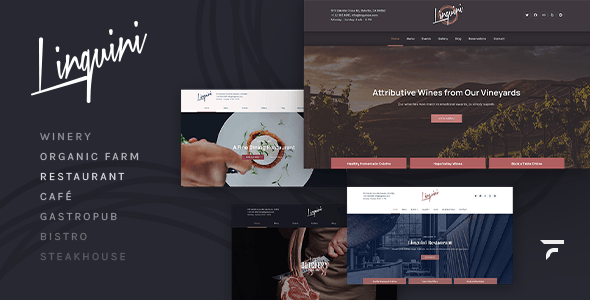
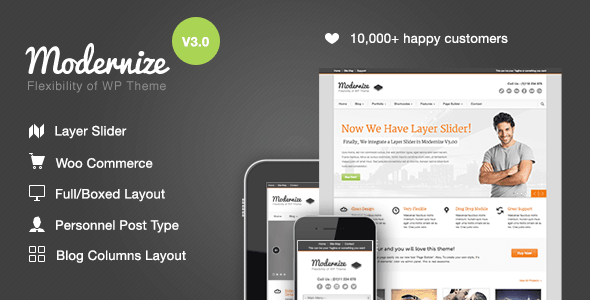
This list includes both multipurpose themes (Enfold, JupiterX, Ronneby, Modernize) and restaurant-focused themes (Grand Restaurant, Linguini, CheerUp). Neither category is automatically better. Multipurpose themes give you long-term flexibility and typically receive more frequent updates due to larger customer bases, but require more initial configuration to feel restaurant-ready. Dedicated restaurant themes get you to a polished result faster, though they can feel limiting if your needs evolve.
Performance and Mobile Experience
Restaurant searches are overwhelmingly mobile. A theme with large, unoptimized hero images or heavy animation libraries can hurt both user experience and search rankings. Look for themes that advertise lazy loading, optimized asset delivery, or explicit Core Web Vitals attention. Sales volume and a high rating across thousands of reviews is a useful — though imperfect — proxy for stability and ongoing maintenance.
Common Mistakes to Avoid
- Choosing by aesthetics alone. A beautiful demo can mask a rigid layout that breaks once you add real menu content and a booking widget.
- Ignoring update history. A theme last updated years ago may not be compatible with current WordPress versions or popular plugins.
- Underestimating setup time. Multipurpose themes with powerful page builders have steeper learning curves. Budget time for configuration, especially for first-time WordPress users.
- Overlooking support quality. Check recent buyer comments, not just the overall rating. Patterns of slow or unhelpful support responses are a genuine red flag.
Budget Considerations
All seven themes on this list are one-time purchases in the $39–$69 range, which is reasonable for a professional result. Factor in the cost of any premium plugins you'll need (reservation systems, sliders, SEO tools) — some themes bundle these, others do not, and that difference can matter more than the theme price itself.