TThemeForgeTheme Reviews

Curated shortlist

BestResponsiveWordPressThemes

This list is for site owners, developers, and agencies who need a responsive WordPress theme that holds up across every screen size without hours of custom coding. Our editorial team assessed each option using marketplace sales volume, verified buyer ratings, and long-term update cadence — the clearest public signals of real-world reliability and ongoing author support.

14
Ranked picks
9.0
Avg editorial score
$59–$89
Price range
3.0M
Combined sales

Ranked by our editorial rubric · updated

Pick 01Top pickBest value

Flatsome | Multi-Purpose Responsive WooCommerce Theme
4.83269K sales$59
9.1
Flatsome | Multi-Purpose Responsive WooCommerce Theme screenshot

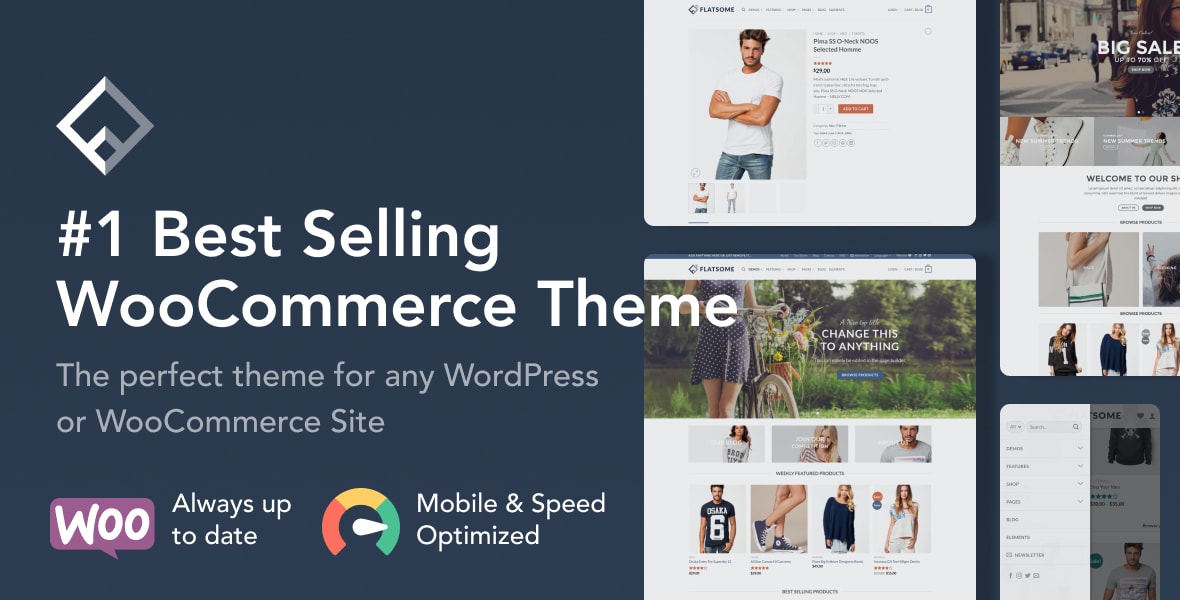
Flatsome is the top-selling WooCommerce-focused theme on the market, and its sales reflect a genuinely refined shopping experience. Its built-in UX Builder is fast and visual, with mobile preview baked in.

Best forstore owners who want a polished eCommerce-first theme without stitching together multiple plugins. The trade-off: its builder is proprietary, so migrating away later requires effort.

Read our review
Uncode - Creative & WooCommerce WordPress Theme screenshot

Uncode is built for design-forward portfolios, agencies, and creative studios. Its pixel-precise grid system and refined typographic controls give designers real layout flexibility without custom CSS. The near-5-star rating across 3,500 reviews signals consistent quality. It's less suited for complex WooCommerce stores, and the deep feature set has a steeper learning curve than more template-driven competitors.

Read our review

Pick 03

WoodMart - Multipurpose WooCommerce Theme
4.91118K sales$59
9.1
WoodMart - Multipurpose WooCommerce Theme screenshot

WoodMart carries the highest buyer rating on this list and is built specifically for large WooCommerce catalogs. Its AJAX filtering, multi-currency support, and performance-conscious architecture make it a strong choice for serious shop builds. Relatively newer than Flatsome, it has fewer third-party tutorials available, which can slow onboarding for less experienced developers.

Read our review
Porto - AI Powered WordPress Website & Shop Builder screenshot

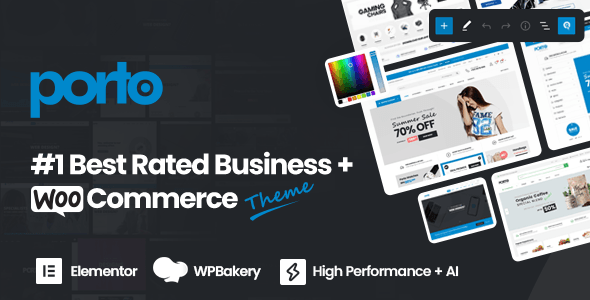
Porto combines one of the highest ratings on the list with AI-assisted layout tools and a very deep WooCommerce feature set. It's well suited for agencies building multiple client stores, thanks to its broad demo library and active development. The sheer volume of options can overwhelm solo site owners; budget time for the learning curve before launch.

Read our review

Pick 06Most popular

Avada | Website Builder For WordPress & eCommerce
4.781.1M sales$69
9.0
Avada | Website Builder For WordPress & eCommerce screenshot

Avada is the best-selling WordPress theme ever, with over 1 million sales and 26,000+ verified reviews — no other theme offers that level of peer-validated longevity. Its Fusion Builder covers nearly every layout scenario. That maturity is also a caution: the codebase is large, and performance optimization requires deliberate effort.

Best forbuyers who want maximum features and community resources.

Read our review
Impreza – WordPress Website and WooCommerce Builder screenshot

Impreza earns strong marks for clean code and reliable compatibility with third-party plugins — a genuine differentiator in a category where bloat is common. It works well as a pure website builder or a WooCommerce store. With nearly 120,000 sales and a consistent rating above 4.8, it suits developers who prioritize stability and maintainability over flashy demo counts.

Read our review
TheGem - Creative Multi-Purpose & WooCommerce WordPress Theme screenshot

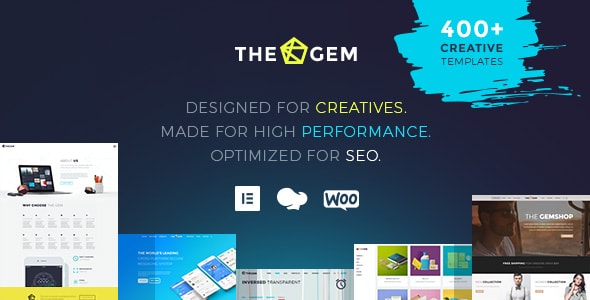
TheGem ships with one of the largest pre-built website collections in the category and covers everything from agencies to WooCommerce shops. Its UI kit library is a practical time-saver for client work. With 86,000 sales it has a smaller installed base than some rivals, meaning fewer community tutorials, but active author support partially offsets that gap.

Read our review

Pick 09

XStore | Multipurpose WooCommerce Theme
4.8855K sales$59
8.9
XStore | Multipurpose WooCommerce Theme screenshot

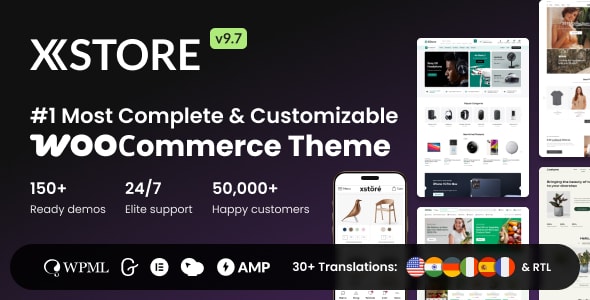
XStore is purpose-built for WooCommerce and includes over 100 shop demos along with a dedicated mobile menu builder and AJAX cart features. It's a focused pick for store-first projects rather than general websites. Its 55,000 sales base is smaller than category leaders, but its 4.88 rating suggests buyers who choose it are consistently satisfied with the eCommerce experience.

Read our review
The7 — Ultimate WordPress & WooCommerce Theme screenshot

The7 stands out for deep integration with Elementor and WPBakery, making it a practical choice for teams that already have a preferred page builder. At $49 it's the most affordable option on this list. With 336,000 sales its longevity is proven, though its slightly lower rating (4.76) compared to newer rivals suggests some friction in the support and update experience.

Read our review
Total - Responsive Multi-Purpose WordPress Theme screenshot

Total is a well-regarded mid-tier option from WPExplorer, notable for clean documentation and a more approachable learning curve than larger multipurpose competitors. It suits freelancers and small agencies building straightforward business or portfolio sites. With 58,000 sales it has a smaller footprint, and its feature set — while solid — won't match the depth of the category heavyweights.

Read our review
Betheme | Responsive Multipurpose WordPress & WooCommerce Theme screenshot

Betheme bundles over 700 pre-built sites — more than any other theme here — making it appealing for agencies managing diverse client projects under a single license. Performance on page-one load requires caching and image optimization, as the template library adds weight. Its 336,000 sales and steady 4.82 rating confirm it remains a dependable workhorse despite its age.

Read our review

Pick 14

X | The Ultimate WordPress Theme
4.76226K sales$89
8.7
X | The Ultimate WordPress Theme screenshot

X Theme from THEMECO introduced the Cornerstone builder and targets developers who want granular front-end control. At $89 it's the priciest option here, which is partly justified by the bundled builder's depth. However, its 4.76 rating across 6,700 reviews and a pattern of support complaints in older reviews suggest buyers should verify current support responsiveness before committing.

Read our review

How to choose

How to Choose a Responsive WordPress Theme

Responsive design is no longer optional — Google's mobile-first indexing means a theme that breaks on smaller screens will cost you traffic regardless of your content quality. But "responsive" has become a marketing default, so the real question is how well a theme handles fluid layouts, touch targets, image scaling, and performance on slower mobile connections.

Start with your primary use case

Multipurpose themes dominate this list because they outsell niche options by a wide margin, but that breadth comes with trade-offs. A theme built around a massive template library ships with far more CSS and JavaScript than a focused single-purpose theme. Before you pick a feature-rich option, ask yourself whether you actually need 400 demo templates or whether a leaner theme with a well-maintained page builder would serve you faster and be easier to maintain.

Ratings and sales aren't the whole story

A theme with 1,000,000 sales earned most of those over many years — what matters is whether it has received meaningful updates in the past six to twelve months. WordPress core, WooCommerce, and PHP standards shift constantly, and a theme that hasn't kept pace quietly accumulates compatibility debt. Always check the "last updated" date on the marketplace listing before purchasing.

Page builder lock-in is a real risk

Many premium themes ship with a proprietary drag-and-drop builder. These tools can accelerate initial build time, but they can also make it painful to switch themes later — your content may be wrapped in shortcodes or custom blocks that won't survive a theme change. If long-term portability matters, prioritize themes that lean on standard WordPress block editor support or well-established third-party builders with large independent user bases.

WooCommerce compatibility deserves its own check

Several themes on this list are built explicitly around WooCommerce storefronts. If you plan to run a shop, verify that the theme's responsive product grids, cart overlays, and checkout pages are styled and tested for mobile — not just the marketing pages. A beautiful homepage that hands off to an unstyled WooCommerce checkout is a conversion killer.

Common mistakes to avoid

  • Choosing by demo count alone. More demos means more bundled assets and a longer initial load — evaluate theme performance separately.
  • Ignoring support quality. A high rating with a large review base is more meaningful than a near-perfect score from a small sample. Read recent one- and two-star reviews to understand recurring pain points.
  • Skipping child theme setup. Any direct edits to a parent theme are wiped on update. Always develop in a child theme or use the built-in customization panels the author provides.
  • Overlooking hosting environment. Feature-heavy themes stress shared hosting. Pair any multipurpose theme with a caching plugin and a host that supports PHP 8.x for best results.

With those fundamentals in mind, every theme below has earned its place through strong buyer validation and sustained marketplace presence. Match the theme's core strengths to your specific project rather than defaulting to whichever has the highest sales number.

Questions, answered

How did you decide which responsive WordPress themes made this list and how they were ranked?

Our editorial team scored each theme using three public signals: verified buyer rating, total sales volume, and long-term update activity on the marketplace. Themes like Avada (1,066,100 sales) and Flatsome (268,600 sales) demonstrate sustained real-world adoption, while high ratings like WoodMart's 4.91/5 and Porto's 4.92/5 reflect consistent buyer satisfaction. Editorial scores were the final tiebreaker, ranging from 9.1 down to 8.8 across this list.

Which theme on this list is best for beginners with no coding experience?

Flatsome and Avada are the most beginner-accessible picks. Flatsome's 268,600 sales mean a huge community of tutorials and third-party resources exists, while Avada's dedicated website builder and 1,066,100 sales make it the most battle-tested option for non-coders. The trade-off is that both themes carry a larger feature set than many beginners will ever use, which can make the initial learning curve steeper than a simpler theme.

Which theme is the better choice for a professional agency building sites for multiple clients?

Impreza, Uncode, and TheGem are strong agency picks — all priced at $59 with high buyer ratings (4.87–4.89/5) and large enough sales bases to indicate reliable long-term support. Agencies also need to verify the license type at checkout, since a standard marketplace license covers one end product; building multiple client sites requires either separate purchases or an extended license. Porto is worth considering too, given its AI-powered builder features that can speed up agency workflows.

Are all of these themes really responsive, or is that just a marketing label?

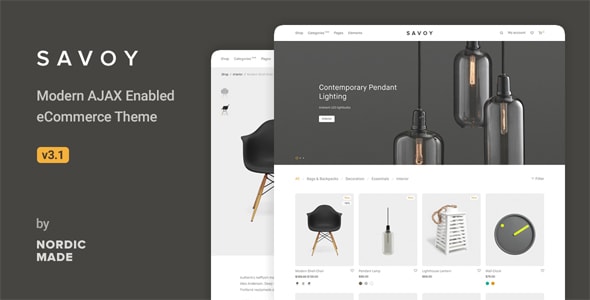
Responsive design has been a baseline marketplace requirement for years, so every theme here adapts its layout to mobile, tablet, and desktop viewports. The meaningful differences lie in how much control you get over that adaptation — themes like WoodMart and XStore offer granular per-breakpoint controls suited to complex WooCommerce stores, while Savoy prioritizes a clean, minimal mobile experience with AJAX navigation. Checking a theme's live demo on a real mobile device before purchasing is always worth the two minutes it takes.

Why would I choose a runner-up like WoodMart or Porto over the top-ranked Flatsome?

Flatsome leads on sales volume and community size, but WoodMart (4.91/5 rating) and Porto (4.92/5 rating) actually score higher in verified buyer satisfaction. WoodMart is purpose-built for large WooCommerce catalogs, making it a better fit if your site is store-first rather than content-first. Porto's AI-powered builder features offer a more modern page-building experience for teams that want faster layout iteration.

What should I expect to pay, and are there any ongoing costs after purchase?

Most themes on this list are priced at $59, with Essentials and Avada at $69 and The7 at $49 — all one-time purchases that include six months of author support. Extending support to 12 months costs extra at checkout. Bundled plugins like WPBakery, Elementor, or Revolution Slider are included, but premium plugin licenses for updates beyond the bundled version may eventually require separate renewal fees from those plugin developers.