How to Choose the Right Portfolio WordPress Theme
A portfolio theme has one primary job: make your work look great and convince a potential client or employer to reach out. That sounds simple, but the wrong theme can undermine even a strong body of work. Here's what to evaluate before you buy.
Prioritize Portfolio-Specific Layouts
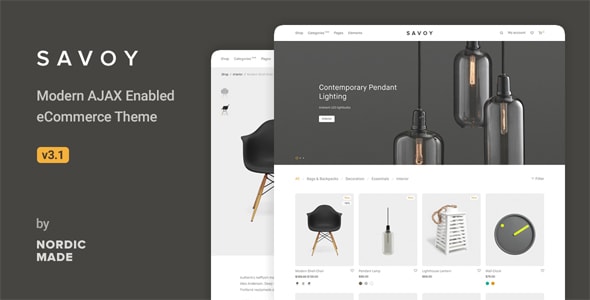
Many multipurpose themes include a portfolio module as an afterthought — a basic grid with minimal filtering. Before purchasing, confirm the theme offers dedicated portfolio post types, multiple layout styles (grid, masonry, fullscreen, slider), and project detail pages that let you tell the story behind each piece. Transitions and loading behavior matter too: a smooth AJAX-powered browsing experience keeps visitors engaged far longer than page reloads.
Page Builder Compatibility and Lock-in
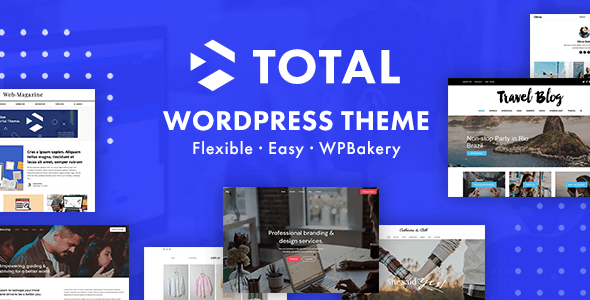
Most themes on this list ship with either Elementor, WPBakery, or a proprietary drag-and-drop builder. Each has trade-offs. Elementor enjoys the broadest third-party ecosystem. WPBakery is mature but increasingly showing its age. Proprietary builders can offer tighter design integration, but switching themes later may mean rebuilding pages from scratch. Choose based on what you're comfortable maintaining long-term, not just what looks good in the demo.
Performance Is a Portfolio Differentiator
Clients judge you by every detail — including how fast your site loads. Feature-heavy multipurpose themes can carry significant JavaScript and CSS bloat. Look for themes that offer modular asset loading, lazy loading for images, and compatibility with popular caching plugins. Check the theme's demo speed on a tool like PageSpeed Insights before committing; demo sites are often optimized, so treat the score as a ceiling, not a floor.
WooCommerce: Necessary or Noise?
A large share of portfolio themes bundle WooCommerce support. If you sell prints, digital downloads, or services directly, that's genuinely useful. If you don't, that bundled code still loads — adding weight without benefit. Don't pay a premium for e-commerce features you'll never use unless the theme's core portfolio functionality clearly justifies the price.
Common Mistakes to Avoid
- Choosing a theme for the demo, not the editor. Demo sites are crafted by professionals with premium assets. Confirm you can realistically replicate the layout with your own content.
- Ignoring update frequency. A theme last updated more than a year ago is a compatibility and security risk as WordPress evolves.
- Underestimating setup time. Themes with larger template libraries often require more configuration. Factor that into your timeline.
- Skipping the support forums. Before buying, read recent support tickets. Response quality and resolution time tell you a lot about the author's commitment.
Budget Guidance
Premium portfolio themes in 2026 range from roughly $49 to $119 for a single-site license. Higher price doesn't always mean better quality — it sometimes reflects a more specialized feature set or a newer licensing model. Evaluate each theme on its own merits relative to your specific needs.