How to Choose a Photography WordPress Theme
A photography theme has one primary job: make your images look their best without getting in the way. Beyond aesthetics, the right theme needs to load quickly, work reliably across devices, and give you enough layout flexibility to present different types of work — portfolios, galleries, client proofing pages, or a shop for prints.
Prioritize Gallery and Portfolio Quality
Not all themes treat galleries equally. Look for themes that support full-screen lightboxes, masonry and grid layouts, and video integration. If you shoot multiple disciplines — weddings, commercial, travel — you'll want a theme that handles multiple distinct portfolio categories cleanly. Avoid themes that bolt on a basic gallery plugin as an afterthought; the gallery experience should feel native.
Page Speed Is Non-Negotiable
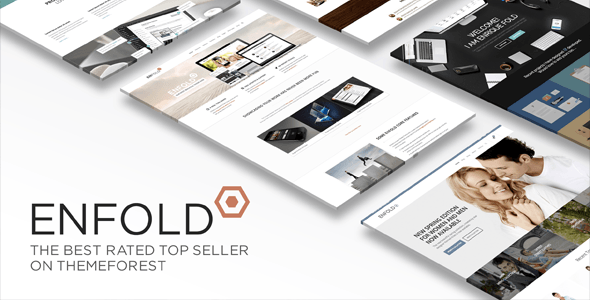
High-resolution images are heavy. A theme that ships with bloated JavaScript, unnecessary animations, or a poorly optimized page builder will hurt your load times and your SEO. Check whether the theme supports lazy loading, offers a lean starter template, and is compatible with popular caching and image optimization plugins. Sales volume and update cadence in marketplace data are useful proxies here — themes with long track records tend to have ironed out the worst performance issues.
Builder Flexibility vs. Simplicity
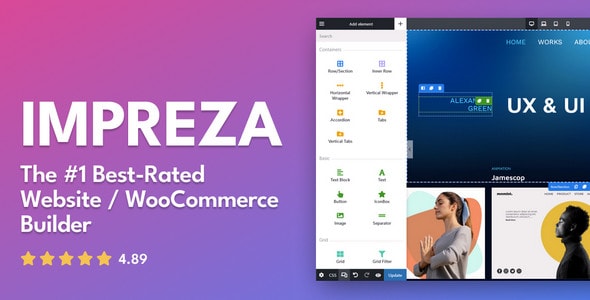
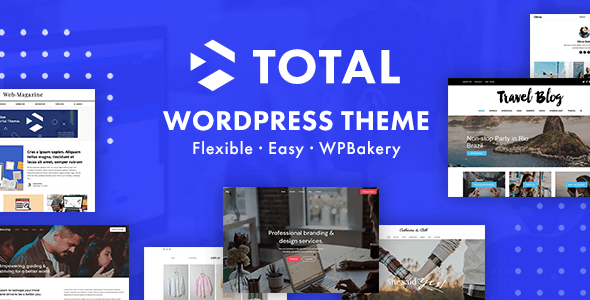
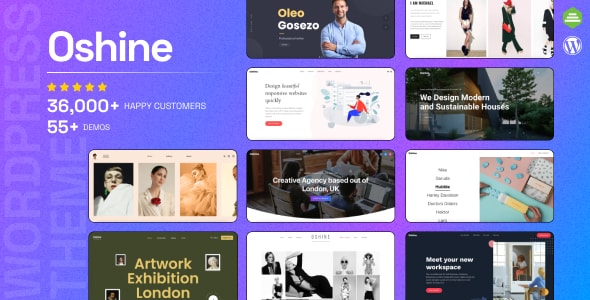
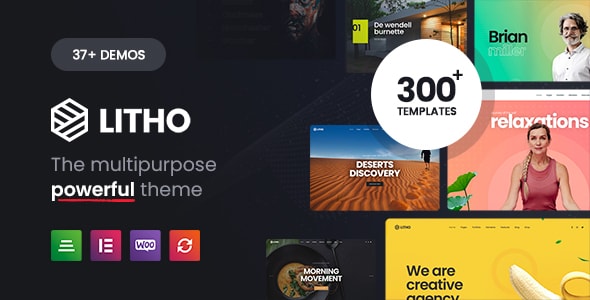
Multipurpose themes built around drag-and-drop page builders give you enormous layout freedom, but that power comes with a learning curve and sometimes a heavier codebase. If you're a photographer — not a developer — a theme with curated, photography-specific demo templates you can import and customize is often more practical than a fully open-ended builder. Be honest about how much time you want to spend in the back end.
eCommerce and Client Delivery
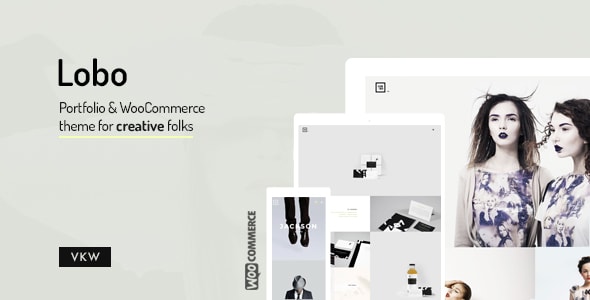
If you sell prints, digital downloads, or client packages, confirm WooCommerce compatibility before you buy. Most premium themes on this list include it, but the depth of integration varies. Some offer dedicated shop layouts; others treat WooCommerce as a secondary feature.
Common Mistakes to Avoid
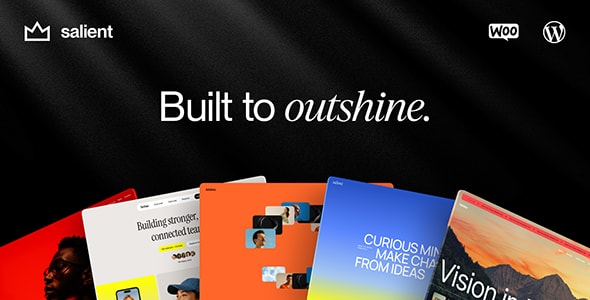
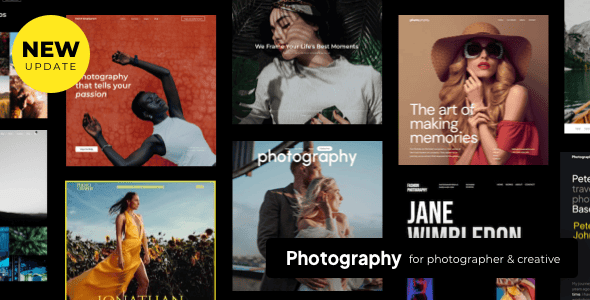
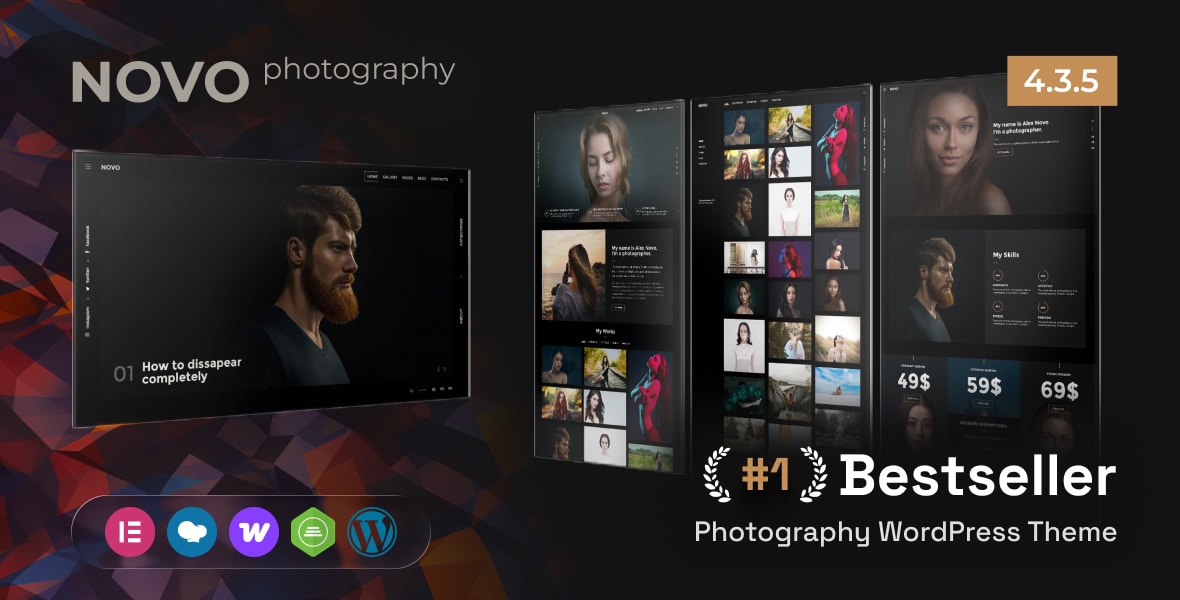
- Choosing on looks alone. Demo sites are styled by professionals with premium stock images. Evaluate the underlying layout tools and template depth, not just the hero screenshot.
- Ignoring support quality. Review ratings reflect both the theme and its support team. A theme with thousands of verified reviews and a high rating has a demonstrated support track record.
- Overlooking update frequency. WordPress core updates regularly. A theme that hasn't been updated in over a year is a compatibility and security risk, regardless of how attractive it looks.
- Underestimating plugin dependencies. Some themes require specific page builders or bundled plugins to replicate the demo. Factor that complexity into your decision, especially if you're migrating an existing site.
Our Recommendation Approach
Every theme on this list has strong verified buyer ratings, a substantial sales history, and demonstrated longevity in the marketplace. We've noted genuine trade-offs for each so you can match the right theme to your specific workflow and technical comfort level.