How to Choose a Nonprofit WordPress Theme
A nonprofit website has one job above all others: convert visitors into donors, volunteers, or members. The theme you choose either supports that goal or quietly works against it. Before you commit to any option, work through these practical considerations.
Donation and Fundraising Integration
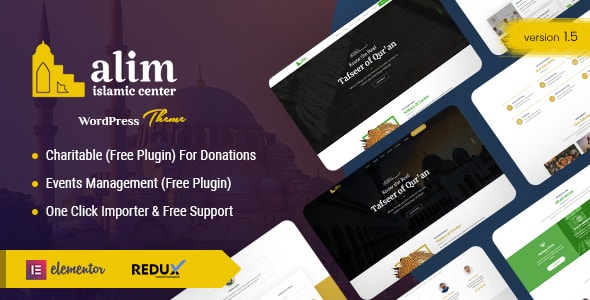
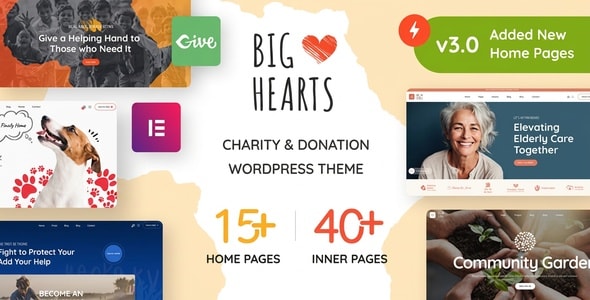
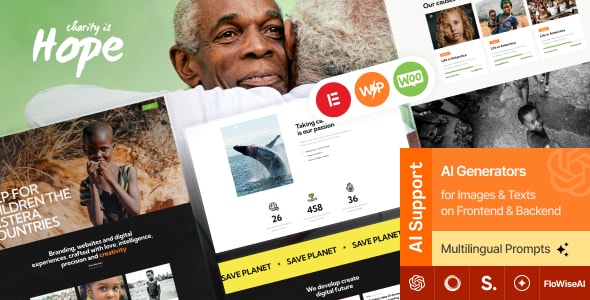
Not every theme ships with built-in donation tools. Many rely on compatibility with plugins like GiveWP or Charitable. That's perfectly fine — plugin-based fundraising is often more flexible — but confirm the theme's layout actually accommodates campaign pages, progress bars, and donation forms without requiring heavy customization. If a theme advertises native fundraising features, check whether those features are bundled or require a separate purchase.
Page Builder Dependency
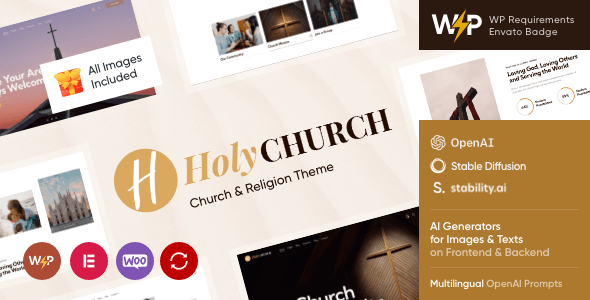
Most premium nonprofit themes are built around Elementor, WPBakery, or a proprietary drag-and-drop system. Ask yourself: are you comfortable relying on that builder long-term? WPBakery-based themes can feel dated as the ecosystem moves toward Gutenberg and Elementor. Themes with Elementor support generally offer a smoother path forward, while Gutenberg-native builds are increasingly worth prioritizing for performance.
Church vs. General Nonprofit vs. Cause-Specific
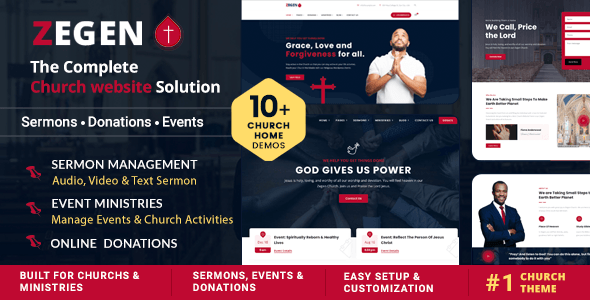
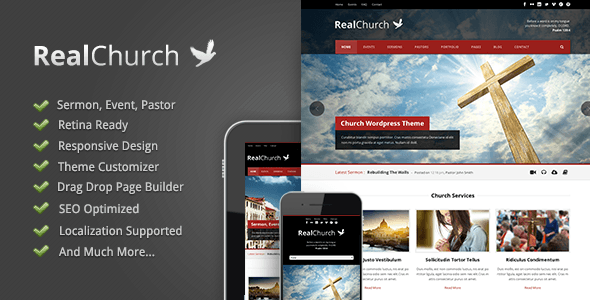
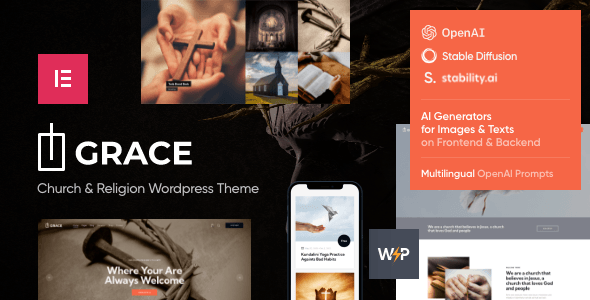
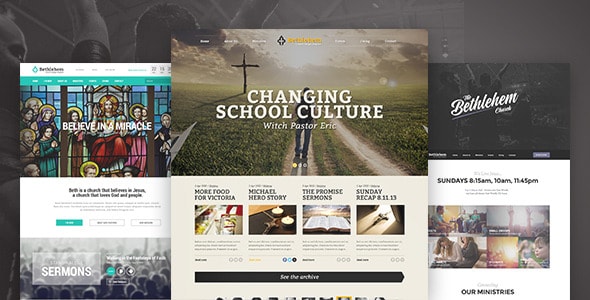
Several themes on this list skew heavily toward church and religious organizations — they include sermon archives, event schedules, and ministry sections that a secular nonprofit simply won't use. Conversely, a general-charity theme may lack the worship-specific structure a congregation needs. Be honest about your use case and avoid the temptation to repurpose a theme that wasn't designed for your audience.
Demo Content and Setup Effort
One-click demo import sounds convenient, but quality varies enormously. A poorly built demo can leave broken layouts or require hours of cleanup. Check recent buyer reviews specifically for comments about the import process and post-purchase support responsiveness. Themes from authors with consistently high ratings across a large review count tend to have smoother onboarding.
Common Mistakes to Avoid
- Choosing on visuals alone. A beautiful demo is built on placeholder content and ideal conditions. Verify the theme handles your real content — long event titles, portrait photos, multi-paragraph bios — gracefully.
- Ignoring update cadence. A theme last updated over a year ago may not be compatible with the current version of WordPress or your preferred plugins. Check the "last updated" date on the marketplace listing.
- Overlooking RTL and accessibility. If your audience includes right-to-left language speakers or users with disabilities, confirm RTL support and at least basic WCAG compliance before purchasing.
- Underestimating ongoing costs. Some themes require paid plugin licenses (sliders, form builders, WooCommerce add-ons) to replicate the demo. Factor these into your total cost of ownership.
Price vs. Value
The price range across these themes is narrow — roughly $45 to $69 — so cost alone shouldn't drive your decision. Focus instead on author reputation, support quality, and how closely the theme's built-in features match your specific workflow. A $45 theme with excellent documentation and active support is a better investment than a $69 theme with a slow-responding author.