9.2
Curated shortlist
BestMultipurposeWordPressThemes
This list is for site owners, freelancers, and agencies who need a single WordPress theme that can handle a wide range of projects — from portfolios and business sites to full WooCommerce stores. Our editorial team assessed each option using marketplace data: raw sales volume, verified buyer ratings, review counts, and long-term update cadence. Only themes with a proven track record across thousands of real purchases made the cut.
- 13
- Ranked picks
- 8.9
- Avg editorial score
- $59–$99
- Price range
- 2.7M
- Combined sales
Ranked by our editorial rubric · updated
9.1
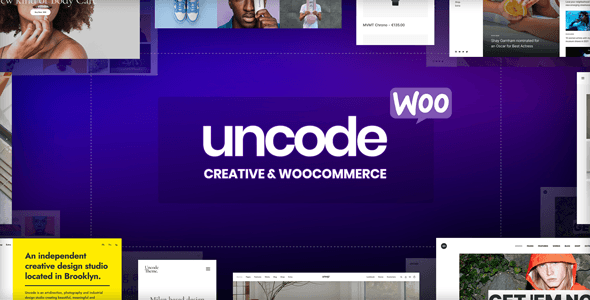
Uncode is a design-forward pick built for creatives and agencies who care deeply about visual presentation. Its pixel-precise grid system and polished portfolio layouts go beyond typical multipurpose fare. WooCommerce support is solid, and the bundled WPBakery integration is well-implemented. The trade-off: the design-focused workflow has a steeper learning curve than more beginner-friendly options.
Best fordesigners, studios, and image-driven brands.
Read our review9.1
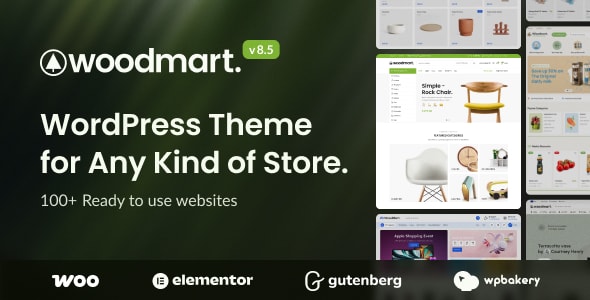
WoodMart is purpose-built for WooCommerce stores, making it one of the strongest choices on this list for product-heavy sites. Features like AJAX filtering, multi-currency support, and a wide range of shop layouts come standard. It earns one of the highest ratings here across a large review base. The caveat: its strengths are store-specific, so purely content-driven sites may find it over-engineered.
Best forserious online retailers.
Read our review9.1
9.0

Avada is the best-selling WordPress theme on the marketplace by a wide margin — over a million sales is a genuine milestone. Its Fusion Builder and broad template library cover almost any project type. That scale comes with complexity: it can feel heavy, and the learning curve is real. Support quality at this volume is a common concern in reviews.
Best forbuyers who want maximum layout variety and a large community around them.
Read our review9.0
8.9
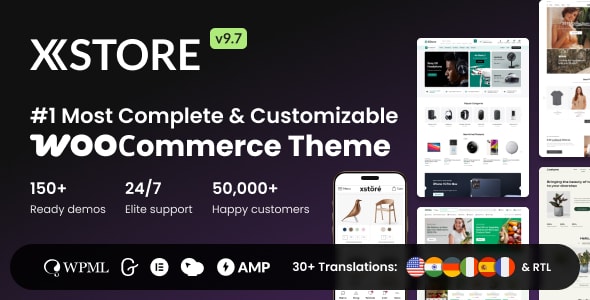
XStore delivers an impressive set of WooCommerce-specific features — over 100 shop skins, a built-in AJAX wishlist, quick-buy options, and a dedicated header builder. It punches above its price point in eCommerce tooling. The theme's focus on retail means content-only pages are functional but not exceptional.
Best forstore owners who want rich shopping-experience features without investing in additional plugins.
Read our review8.8

The7 stands out for its deep compatibility with both WPBakery and Elementor, giving teams flexibility in how they build. With over 330,000 sales at the lowest price point on this list ($49), it offers strong value. Design Motion Effects and granular theme options give experienced builders real control. The sheer volume of settings can feel overwhelming to newcomers.
Best fordevelopers and intermediate builders who want fine-grained customization.
Read our review8.8

Betheme's headline feature is its library of over 700 pre-built websites — one of the largest on the market. That breadth makes it a reliable tool for agencies handling diverse client types. The Muffin Builder is capable, though some users prefer to work in Elementor instead. Performance can require tuning given the theme's scope.
Best foragencies or freelancers who need a single theme to serve many different client industries.
Read our review8.7

Bridge pairs a large collection of demo sites with native Elementor and WooCommerce support, backed by QODE's established reputation for design quality. It covers creative, corporate, and shop use cases with equal credibility. At $69, it is mid-range in price. Its rating is the lowest on this list — still solid at 4.74, but worth noting for buyers who prioritize peer-reviewed consistency.
Best forcreative businesses that want polished aesthetics without a steep per-theme learning curve.
Read our review8.8
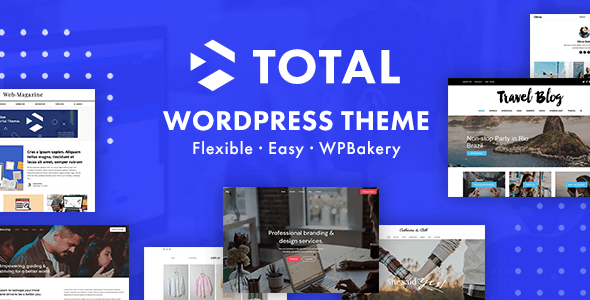
Total is a clean, well-structured multipurpose theme from WPExplorer with a reputation for readable code and solid documentation. It supports both WPBakery and Elementor and avoids the feature bloat that plagues some competitors. Ratings are high relative to its review count. It won't wow you with sheer template volume, but it's a dependable, maintainable foundation.
Best fordevelopers and small agencies who value code quality and ease of customization.
Read our review8.8

8.7

X Theme is built around THEMECO's Cornerstone builder and four distinct design 'Stacks,' giving it a distinctive identity compared to most multipurpose themes. It's the priciest option here at $89 and leans heavily on its own ecosystem — migrating away later takes effort. Over 226,000 sales reflect a loyal user base.
Best forbuyers who are comfortable committing to THEMECO's workflow and want a theme with a strong visual identity system built in.
Read our reviewHow to choose
How to Choose a Multipurpose WordPress Theme
A multipurpose theme promises to do everything, which means the buying decision is less about features and more about fit. The wrong pick will cost you time rebuilding what you should have had out of the box. Here is what to weigh before you commit.
Page Builder Compatibility
Most themes on this list ship with a bundled page builder or are built around Elementor. Before purchasing, confirm which builder the theme relies on. Switching builders after launch is painful. If your team already works in Elementor or has a preferred workflow, prioritize themes built around that tool rather than a proprietary drag-and-drop system you will have to learn from scratch.
WooCommerce vs. Portfolio Focus
Not every multipurpose theme handles eCommerce equally well. Some are portfolio-first with WooCommerce bolted on; others are purpose-built for product-heavy stores with filtered catalogs, wishlist tools, and AJAX cart behavior included. Be honest about your site's primary purpose and match accordingly — a store selling hundreds of SKUs has different requirements than a five-page agency site.
Demo Count Is Not a Proxy for Quality
Many themes advertise hundreds of starter templates. More demos simply means more design options to import; it does not mean faster load times, cleaner code, or better support. A common mistake is choosing the theme with the largest template library and then discovering that demo content imports bloated plugins or locks core layouts behind a theme-specific shortcode system that makes future migration harder.
Performance and Bloat
Multipurpose themes tend to load more CSS and JavaScript than niche themes because they need to support every conceivable layout. Check whether the theme offers per-page asset loading or any built-in performance controls. Even modest improvements here matter for Core Web Vitals and SEO. Pairing a heavy theme with a caching plugin helps, but it rarely fully compensates for an unoptimized base.
Support and Update Cadence
Sales numbers tell you a theme is popular; update history tells you the author is still invested in it. Prioritize themes whose authors have shipped updates recently and maintain active support forums. A theme with a million sales but a stalled update log is a liability as WordPress core evolves.
Price vs. Bundled Value
Prices on this list range from $49 to $89 — a narrow band. The real cost difference comes from what is bundled: premium plugins like Slider Revolution or WPBakery, which retail separately, add meaningful value when included. Factor that in rather than comparing sticker prices alone.
- For pure eCommerce: prioritize themes with deep WooCommerce integration.
- For agency multi-client use: look for broad demo variety and a flexible license.
- For solo builders: prioritize ease of the page builder and quality of documentation.
- For performance-sensitive projects: research the theme's asset-loading architecture before buying.
Questions, answered
How did your editorial team rank these multipurpose themes?
We weighted four factors from public marketplace data: verified buyer rating, total sales volume, editorial assessment of the feature set, and long-term update consistency. A theme like Avada earns its spot despite a lower per-item rating (4.78/5) because its 1,066,100 sales represent an unmatched real-world track record. Our 10-point editorial score is the tiebreaker when raw numbers are close.
Which theme on this list is best for beginners with no coding experience?
Avada is the most beginner-accessible pick — its visual builder has been refined across over a million purchases, and its documentation library is extensive. Betheme and Total are solid runner-up choices for beginners who want guided setup without a steep learning curve. That said, all three are feature-heavy, so expect a meaningful onboarding period before the site feels natural to manage.
Which themes are best suited for agencies managing multiple client sites?
Kalium, Uncode, and Essentials all carry high editorial scores (9.1–9.2/10) and strong verified ratings, making them reliable choices for client-facing work where polish and credibility matter. Agencies should pay close attention to licensing terms on the marketplace — a standard license covers one end product, so multi-site or multi-client use typically requires purchasing additional licenses. Factor that cost into project quotes before committing to a theme.
Why does Kalium cost $119 when most picks are priced at $49–$69?
Kalium is positioned as a premium creative theme for professionals, and its $119 price reflects that narrower, higher-end positioning compared to broadly multipurpose options like The7 ($49) or Uncode ($59). Its 4.94/5 rating across 47,300 sales suggests buyers consider the price justified, but if budget is a constraint, Uncode delivers a comparable creative feature set at half the price with even higher sales volume. The right choice depends on whether the specific Kalium design aesthetic aligns with your projects.
Are these themes compatible with popular plugins like WooCommerce, Elementor, and WPML?
Most themes on this list explicitly advertise WooCommerce support — WoodMart, XStore, Ohio, and Uncode are built around it. Page builder compatibility varies: some themes ship with their own builder (Avada, Betheme, The7), while others are optimized for Elementor (Ohio). WPML and multilingual compatibility is common but not universal, so verify on each theme's marketplace listing before purchasing if multilingual support is a hard requirement.
When should I choose a lower-ranked theme over the top pick?
Rank reflects overall market confidence, not a perfect match for every project. XStore (rank 7, 55,200 sales) may be the better call over Kalium if your site is primarily a WooCommerce store, since XStore is built specifically around that use case. Similarly, The7 at $49 is worth considering for budget-conscious projects that still need a proven, large-community theme — its 336,500 sales confirm it is far from a risky choice despite sitting lower on our list.