What to Look for in a Mobile WordPress Theme
Choosing a theme for mobile performance is about more than a checkbox that says "responsive." A genuinely mobile-ready theme thinks carefully about touch targets, font legibility at small sizes, hamburger menu behavior, and page weight. Here is what our editorial team weighs when assessing mobile themes — and the mistakes we see buyers make most often.
Responsive vs. Truly Mobile-Optimized
Every theme on this list is responsive, meaning it reflows content for smaller screens. But responsive is a baseline, not a finish line. Look for themes that actively optimize the mobile experience: collapsible sticky headers that don't eat screen real estate, swipe-enabled sliders and galleries, and tap-friendly buttons with adequate spacing. A theme built primarily for desktop and scaled down will always feel like a compromise on a phone.
Page Speed and Asset Loading
Mobile connections are less reliable than broadband. Themes that bundle every feature by default — full-page video backgrounds, heavy JavaScript libraries, complex parallax effects — will hurt your Core Web Vitals scores on mobile even if they look spectacular on a desktop preview. Prioritize themes that load features conditionally or let you disable what you don't use. Check whether the author provides a lightweight demo or built-in lazy loading support.
WooCommerce and Mobile Checkout
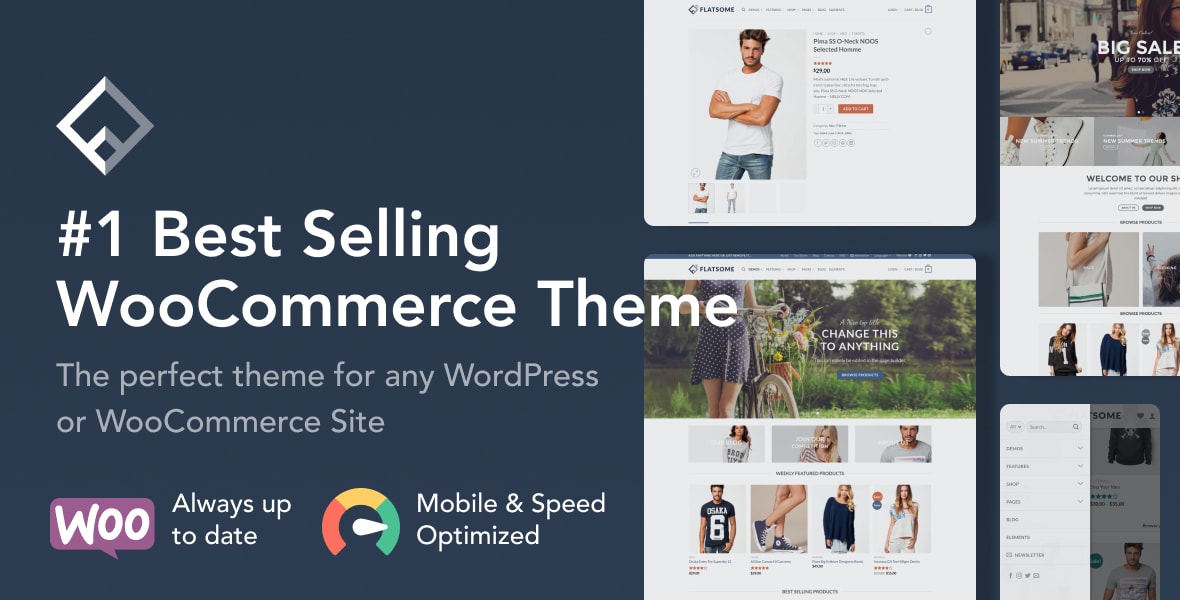
If you're running a store, mobile checkout abandonment is a real problem. Look for themes with a streamlined mobile cart, a single-page or minimal-step checkout flow, and touch-optimized product galleries with pinch-to-zoom. Several themes on this list include their own Ajax cart and off-canvas filter panels — features that make a measurable difference on small screens.
Common Buying Mistakes
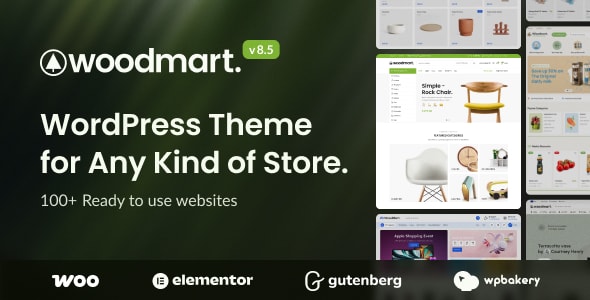
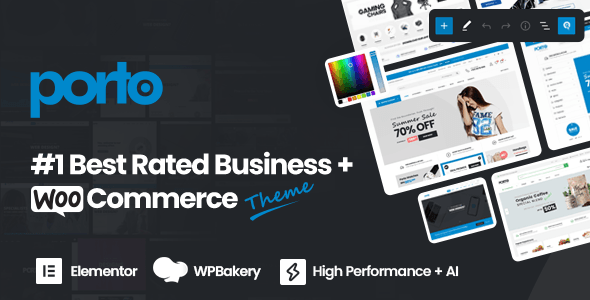
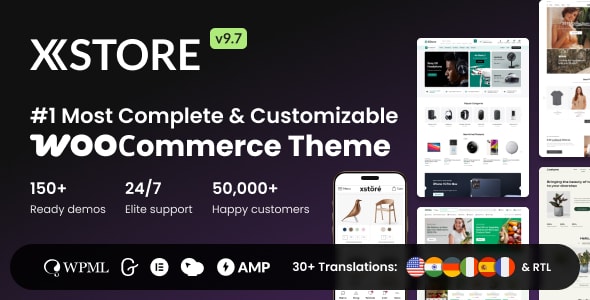
- Choosing by demo aesthetics alone. A beautiful desktop preview tells you very little about mobile behavior. Always resize your browser or use a device simulator before purchasing.
- Ignoring update cadence. WordPress core and WooCommerce update frequently. A theme with irregular updates is a security and compatibility risk, regardless of how good it looks today.
- Underestimating builder lock-in. Many multipurpose themes ship with a proprietary page builder. Switching themes later can mean rebuilding pages from scratch. Confirm the builder matches your team's skill level before committing.
- Skipping the support forums. Sales numbers are encouraging, but read recent support threads. They reveal how quickly the author responds and whether common mobile bugs go unresolved.
Our Recommendation Approach
Every theme below has at least 55,000 sales and a rating above 4.6 out of 5 — thresholds that indicate broad real-world adoption and sustained buyer satisfaction. We weighted WooCommerce compatibility heavily because mobile commerce is the dominant use case driving theme purchases in this category. Where trade-offs exist, we name them plainly so you can match the right theme to your specific project.