How to Choose a Minimal WordPress Theme
Minimal doesn't mean bare. The best minimal themes give you precise control over whitespace, typography, and layout density — without burying those controls inside bloated page builders or option panels that contradict the very simplicity you're after. Here's what to evaluate before you buy.
Prioritize typography and spacing controls
A minimal design lives or dies on its type. Look for themes that expose font size, line height, letter spacing, and weight at a global level, not just per-block. If you have to override styles with custom CSS every time you tweak a heading, the theme is working against you. Confirm that the theme integrates cleanly with your preferred editor — Gutenberg, Elementor, or a proprietary builder — and that switching builders later won't leave your content in a broken state.
Don't confuse "minimal demos" with minimal architecture
Many multipurpose themes ship a minimal-looking demo alongside dozens of others, but the underlying codebase still loads every feature regardless of what you use. Check whether the theme loads scripts and styles conditionally, or whether it bundles everything on every page. A theme marketed as minimal should produce lean front-end output by default — not just look clean in a screenshot.
WooCommerce needs extra scrutiny
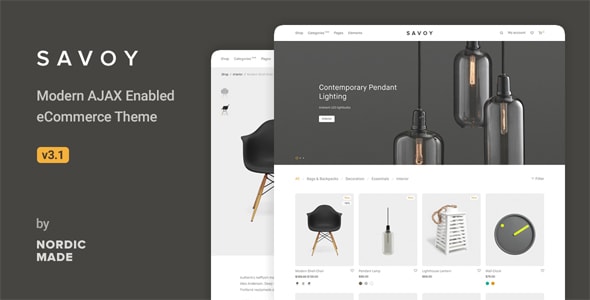
If you're selling products, verify that the minimal aesthetic carries through to product pages, the cart, and checkout. Some themes style the shop index beautifully but rely on bare WooCommerce defaults for the purchase flow, creating a jarring experience for customers. Look for themes with explicitly styled WooCommerce templates, not just a compatibility badge.
Ratings and sales volume tell part of the story
High sales confirm demand, but pay attention to the ratio of ratings to sales — a theme with 100,000 sales and only 500 reviews may have a quieter community than one with 20,000 sales and 400 engaged reviewers. Also check the last-update date: WordPress core and popular plugins update frequently, and a theme that hasn't been touched in over a year carries real compatibility risk.
Common mistakes to avoid
- Choosing on aesthetics alone. A beautiful demo won't help if the theme can't replicate that look with your actual content and images.
- Ignoring support quality. Even well-coded themes require occasional troubleshooting. Read recent support forum threads, not just the star rating.
- Over-buying features. If you need a clean portfolio or blog, a purpose-built minimal theme will almost always outperform a Swiss-army multipurpose option trimmed down to look simple.
- Skipping the demo import test. A one-click demo import that fails or produces a half-assembled layout is a red flag for overall code quality.
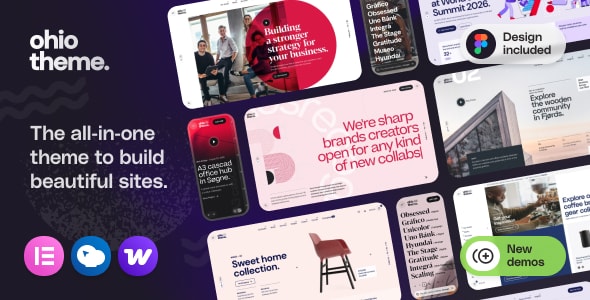
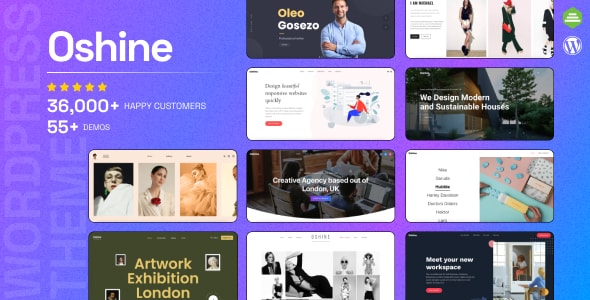
The twelve themes below represent a cross-section of the minimal market: dedicated portfolio and WooCommerce options, polished multipurpose frameworks, and publication-focused designs. Each has earned its place through sustained buyer trust and a feature set that genuinely supports restrained, content-first design.