
9.1
Curated shortlist
BestMedicalWordPressThemes
Finding the best medical WordPress themes means sorting through hundreds of options to find ones that balance clinical credibility with practical usability — and that's exactly what our editorial team has done here. We assessed seven themes based on marketplace sales volume, verified buyer ratings, author reputation, and how well each theme's feature set maps to real medical and healthcare site needs. Whether you're running a solo practice, a multi-doctor clinic, or a wellness center, this list covers the strongest contenders in 2026.
- 15
- Ranked picks
- 8.3
- Avg editorial score
- $29–$89
- Price range
- 118K
- Combined sales
Ranked by our editorial rubric · updated
8.7
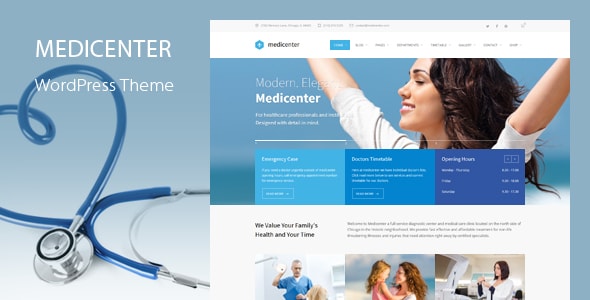
MediCenter is the most battle-tested option on this list, with over 12,700 sales and nearly 1,000 verified reviews averaging 4.57/5. QuanticaLabs built it specifically for clinics and health centers, with department pages, doctor profiles, and appointment request forms baked in. Its longevity means broad community documentation, though the design language leans toward an earlier era and may need customization to feel current.
Read our review8.6
8.6
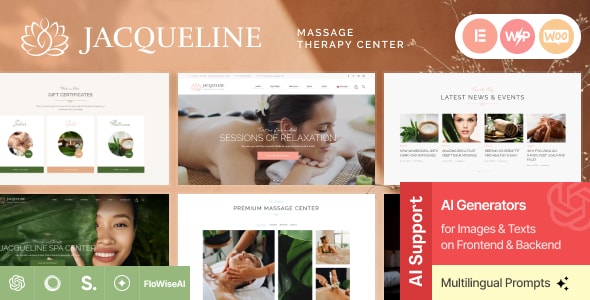
Jacqueline earns the highest rating on this list at 4.82/5 across 245 reviews, a signal of consistently satisfied buyers. ThemeREX designed it for spas and beauty salons, making it an excellent fit for med-spas, aesthetic clinics, or holistic wellness practices that want an upscale, editorial feel. Pure medical clinics may find the aesthetic too soft, but for wellness-oriented brands it strikes a confident visual tone.
Read our review8.4

8.4
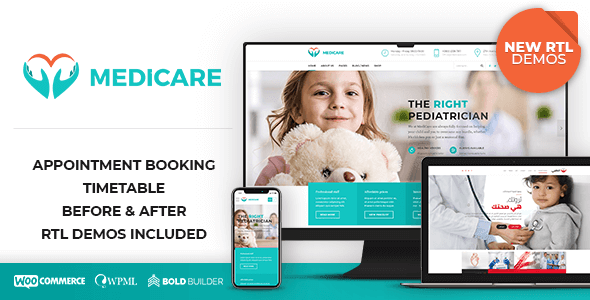
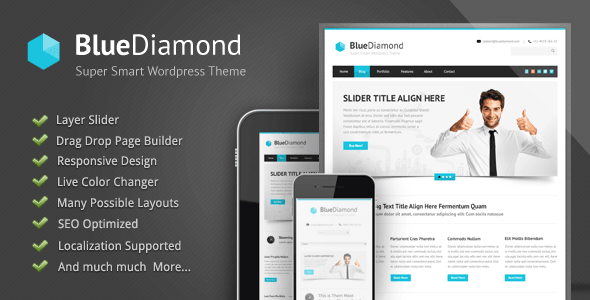
Medicare by BoldThemes is purpose-built for doctors, clinics, and healthcare providers — and it shows. At 8,000 sales and a 4.68/5 rating, it delivers structured layouts for services, physician profiles, and medical departments. BoldThemes' reputation for clean, well-documented builds is reflected in buyer feedback. The $69 price point makes it one of the better value picks for a straightforward medical practice site.
Read our review8.4
8.4

8.4
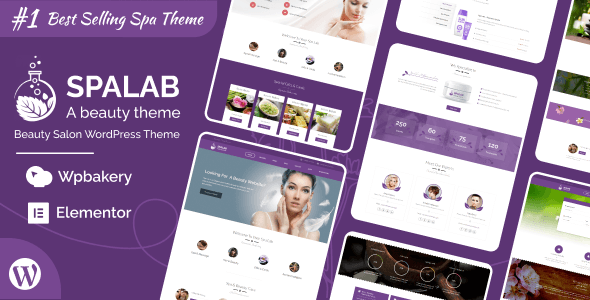
SpaLab by designthemes carries a strong 4.81/5 rating from 321 reviews and over 5,100 sales. Like Jacqueline, its primary audience is beauty and spa businesses, making it a natural fit for wellness centers, massage therapy practices, or integrative health studios. Buyers running a conventional medical clinic will likely find the aesthetic too lifestyle-oriented, but for the right practice type it's polished and well-supported.
Read our review8.3

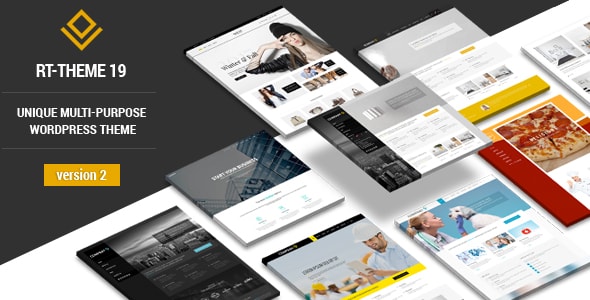
Infinite is a corporate business theme from GoodLayers with 13,600 sales and a 4.76/5 rating — numbers that reflect a reliable, general-purpose build rather than a medical-specific one. It suits private practices or healthcare consultancies that want a clean, professional corporate look without clinical styling. Flexibility is its strength; out-of-the-box medical features like appointment booking will require plugin additions.
Read our review8.1
8.1

7.8
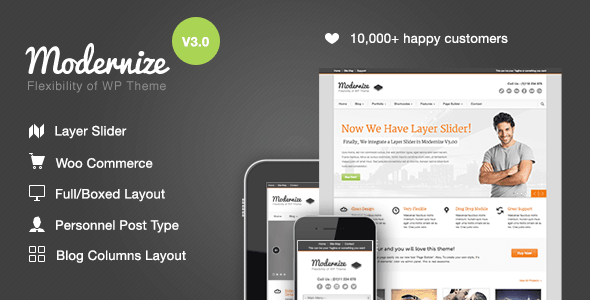
Modernize is GoodLayers' flagship multipurpose theme with 17,200 sales and 1,700 reviews — the largest verified buyer pool here. Its 4.64/5 rating across that volume speaks to sustained reliability. It's a general WordPress theme, not a medical-specific one, so healthcare buyers will need to build their own department and doctor structures.
Best fortech-savvy site owners who want maximum flexibility over a ready-made medical layout.
Read our review7.8
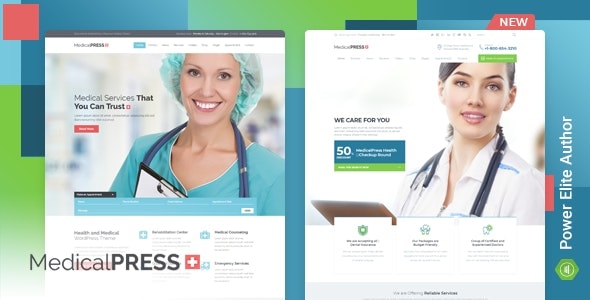
MP by InspiryThemes is the most affordable dedicated medical theme on this list at $59, with 4,800 sales and a 4.51/5 rating. It covers the core bases — appointment forms, service pages, and doctor profiles — without the complexity of larger bundles. The lower sales volume compared to MediCenter or Medicare suggests a smaller support community, which is worth factoring in if you anticipate needing extensive help during setup.
Read our review7.8
How to choose
How to Choose a Medical WordPress Theme
A medical or healthcare website carries a higher trust burden than most. Patients and prospective clients are making decisions about their health, so the theme you choose needs to project professionalism, load quickly, and make contact or booking actions obvious. Here's what our editorial team looks for — and what buyers commonly overlook.
Prioritize Appointment Booking Integration
The single most important functional feature for a medical theme is how it handles appointments. Look for built-in booking modules or documented, tested compatibility with established plugins like Amelia or Bookly. A theme that looks clinical but buries its booking flow will cost you conversions. Check demo pages for actual booking UI, not just a contact form dressed up as one.
Check the Doctor / Staff Profile System
Multi-provider practices need a structured way to list physicians, specialties, credentials, and availability. Themes that rely on generic "team" layouts borrowed from a corporate template often fall short here — the data fields simply don't match what a clinic needs. Look for dedicated doctor or staff custom post types with fields for specialization, education, and insurance.
Accessibility and Trust Signals Matter More in Healthcare
WCAG accessibility compliance isn't optional for medical sites — it's increasingly a legal and ethical baseline. Beyond accessibility, trust signals like SSL-ready design, HIPAA-conscious layout choices (no pre-filled sensitive forms), and clean typography all affect whether a visitor stays or bounces. A visually overloaded design works against you in this niche.
Page Speed and Mobile Experience
A large share of patients searching for local healthcare providers are on mobile. Themes bundled with too many sliders, auto-playing video headers, or unoptimized demo content can tank your Lighthouse scores before you've written a single word. Test the live demo on a mobile device, not just the desktop preview.
Common Mistakes to Avoid
- Buying on looks alone. A theme's demo is professionally configured with licensed stock images. The real test is how it performs with your own content and your hosting stack.
- Ignoring update history. Themes that haven't been updated in over a year may have compatibility issues with current versions of WordPress, WooCommerce, or key plugins. Always check the last update date on the marketplace listing.
- Underestimating setup time. Feature-rich themes with large plugin bundles (Visual Composer, Revolution Slider, etc.) often require significant configuration time. Budget for that, or look for themes with simpler, block-editor-native builds.
- Scope mismatch. Not every theme in this list is a pure medical theme — some are wellness or spa themes that work well for certain healthcare-adjacent businesses. Match the theme's default aesthetic to your specific practice type.
Our Selection Criteria
Every theme here has strong verified sales and buyer ratings drawn from public marketplace data. We weighted consistent update cadence, author responsiveness (reflected in review sentiment), and genuine fit for medical or wellness use cases. Where a theme is borderline in scope — such as a spa theme used by a wellness clinic — we note it clearly in the individual write-up.