How to Choose a Fitness WordPress Theme
A fitness or sports website has different demands from a standard business site. Before you commit to a theme, think through these practical factors — skipping them is where most buyers go wrong.
Match the Theme's Scope to Your Site Type
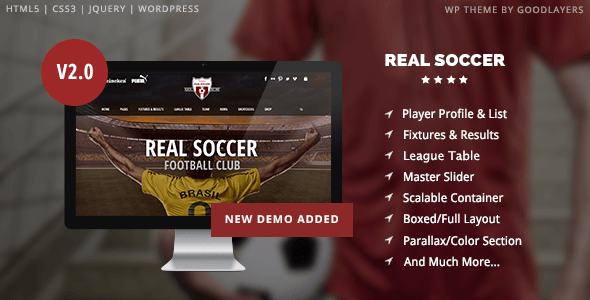
Not every "sports" theme is built for a gym, and not every gym theme suits a competitive soccer club. Some themes are purpose-built for a single sport or club model; others are broad multipurpose frameworks you adapt to fitness. Purpose-built themes often ship with sport-specific post types (match results, player profiles, event schedules), while multipurpose themes give you more layout flexibility but require more configuration to reach the same result.
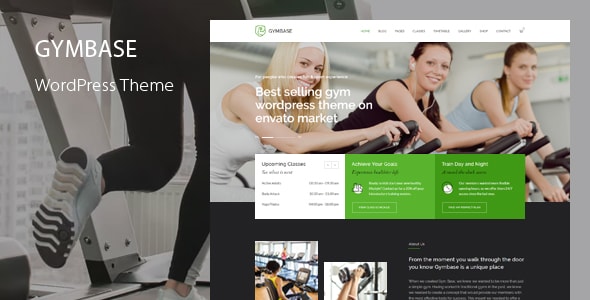
- Running a gym or fitness studio? Prioritize class schedule support, trainer profile layouts, and pricing table sections.
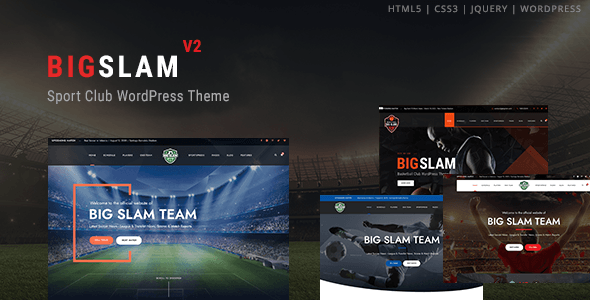
- Managing a sports club? Look for match/results post types, roster management, and league table widgets.
- Building a fitness news or magazine site? Favor themes with strong blog and archive layouts, not just landing pages.
Ratings and Sales Volume Are Useful — But Not the Whole Story
A theme with tens of thousands of sales is proven at scale, but high sales on a multipurpose theme often come from non-fitness buyers. A lower-sales theme built specifically for gyms or sports clubs can be a better fit even if the total number looks modest. Pay close attention to the rating alongside sales: a theme with 4.9 stars from 140 verified buyers often signals tighter author support than a 4.4-star theme with 500 reviews.
Check the Update Cadence
WordPress core updates frequently, and a theme that hasn't been maintained creates compatibility and security risks. Before buying, verify the theme's last update date on the marketplace. For fitness businesses that run booking forms, payment integrations, or membership plugins, compatibility with current WordPress and WooCommerce versions is non-negotiable.
Plugin Dependencies and True Cost
Many premium themes bundle Visual Composer, Revolution Slider, or sport-specific plugins that would cost extra if purchased standalone — that's genuine value. But bundled plugins also mean you're dependent on the theme author to keep those integrations current. Factor in whether the included plugins cover your needs or whether you'll need additional paid tools for memberships, bookings, or event management.
Don't Overlook Mobile Performance
Fitness audiences skew heavily mobile — gym schedules, class times, and location lookups happen on phones. Test demo pages on your own device before buying, and check whether the theme uses lightweight page builders or older, script-heavy frameworks that can slow load times on mobile connections.
Budget Realistically
Theme prices on the marketplace range from $39 to $89 in this list — a relatively narrow band. The bigger cost variables are premium plugins, a suitable hosting plan, and ongoing maintenance. Don't let a $20 price difference drive the decision; fit and feature set matter far more over the life of a site.