9.2
Curated shortlist
BestElementorWordPressThemes
This list is for WordPress site owners who want to build with Elementor without wrestling with code — whether you're launching an online store, a portfolio, or a content-driven site. Our editorial team assessed each theme using marketplace sales volume, verified buyer ratings, update history, and category fit. Only themes with a strong Elementor integration record and sustained community trust made the cut.
- 19
- Ranked picks
- 8.9
- Avg editorial score
- $58–$99
- Price range
- 1.9M
- Combined sales
Ranked by our editorial rubric · updated
9.1
WoodMart is purpose-built for large WooCommerce catalogs, offering Ajax filtering, multi-currency support, and a deep library of Elementor-compatible shop layouts. With 116,000+ sales and a near-perfect 4.91 rating, its track record is hard to argue with. It's the strongest pick for store owners who want polished product pages out of the box — though its feature density can feel like overkill for simple brochure sites.
Read our review9.1
Porto's 4.92 rating across 4,100 reviews is one of the highest trust signals in this roundup. It covers both editorial and eCommerce use cases with a wide range of Elementor-ready demos and an AI-assisted builder layer. Best suited to agencies and freelancers who manage multiple client sites and need flexibility across project types. Its breadth means new users face a steeper initial learning curve.
Read our review9.1

9.1
8.8

The7's 336,500 sales — the highest in this roundup — reflects nearly a decade of sustained relevance. It ships a native Theme Options panel that works alongside Elementor, giving granular control without writing CSS.
Best forbuyers who want maximum design flexibility on a tight budget ($49). Its age means some design conventions feel slightly dated compared to newer competitors.
Read our review9.0
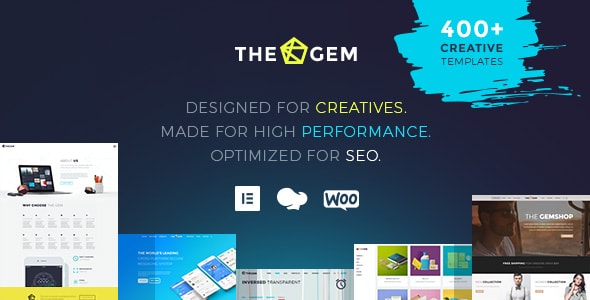
TheGem stands out for design-forward buyers — its demo library leans toward creative agencies, studios, and portfolios, with Elementor and WPBakery both supported. At 86,600 sales and a 4.87 rating, it has a strong following among designers who want precise layout control. The dual-builder approach is flexible but means some demos aren't fully optimized for Elementor specifically.
Read our review8.8

Betheme's 600+ pre-built sites and its Muffin Builder — combined with solid Elementor compatibility — make it a dependable all-rounder for agencies building at volume. Over 336,000 sales and 7,000 reviews confirm long-term market trust. The sheer number of options in the admin panel can overwhelm first-time buyers, and some demos require careful cleanup before they're client-ready.
Read our review9.0

Houzez is the specialist in this list: a real estate theme with MLS/IDX-ready listing management, advanced property search, and agent profile layouts — all workable with Elementor. At $89 it costs more than most competitors, but the domain-specific feature set justifies it for property professionals. It's overkill for any site that isn't primarily about real estate listings.
Read our review8.8
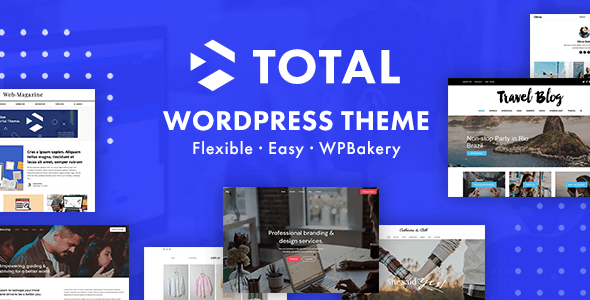
Total is a tightly maintained multipurpose theme from WPExplorer with clean code and a well-documented custom Elementor section builder. Its 4.86 rating across 2,000 reviews suggests a loyal, satisfied user base. It's a solid choice for developers and DIY site owners who want a reliable foundation without a lot of marketing bloat. Demo variety is narrower than some rivals at this price point.
Read our review9.0

9.0

8.7

Bridge from QODE pairs Elementor with QODE's own page builder, giving access to one of the largest demo libraries in the WordPress ecosystem. At 223,500 sales it's a proven choice for creative and agency sites. The dual-builder setup provides flexibility but can create a cluttered editing experience. Buyers should confirm which demos are built natively in Elementor before purchasing.
Read our review8.7
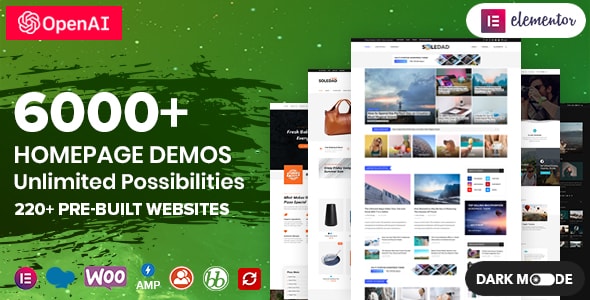
Soledad is the editorial and blogging specialist here, with a layout system optimized for news sites, magazines, and content-heavy blogs — all compatible with Elementor for custom pages. Its 60,300 sales and 4.87 rating are impressive given its narrower niche. PenciDesign updates it frequently for WordPress and WooCommerce compatibility. It's not the best fit if your primary goal is a service or portfolio site.
Read our review9.0
8.9
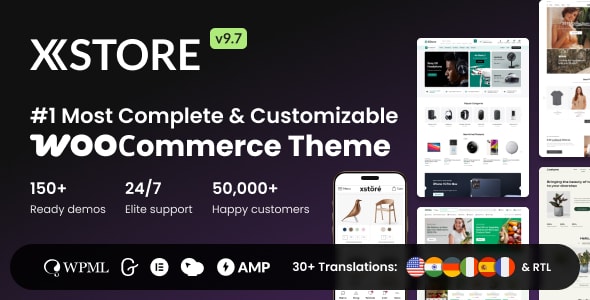
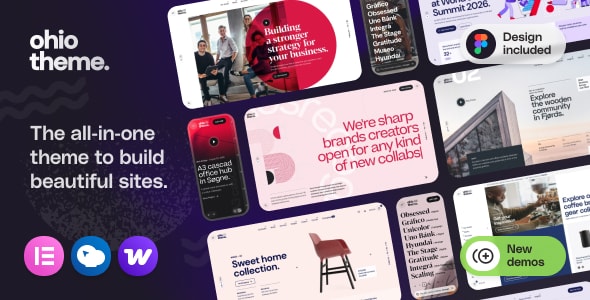
XStore focuses tightly on WooCommerce performance, shipping over 100 pre-built shop skins and a dedicated header/footer builder that integrates cleanly with Elementor. Its 4.88 rating and 55,000+ sales reflect consistent quality. The 8theme author team has a reputation for fast support responses. Buyers building non-eCommerce sites will find the demo library less relevant to their needs.
Read our review8.6
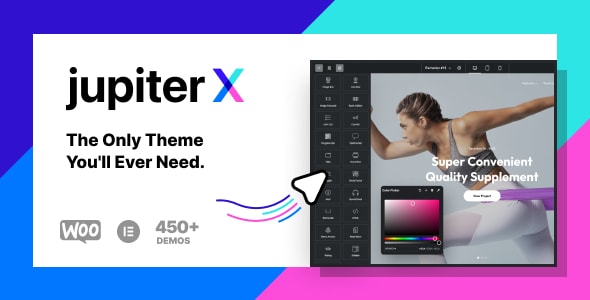
JupiterX is built around its own header/footer and layout builder that integrates with Elementor rather than replacing it, which keeps the editing experience coherent. Artbees' dedicated Raven plugin extends Elementor's widget set meaningfully. With 184,000 sales and a 4.76 rating from nearly 7,000 buyers, it's a proven option for mid-to-large agency projects. Plugin dependency on Raven is a factor to weigh for long-term site portability.
Read our review8.4

uDesign is one of the oldest themes in this list, and its 5,500-review history shows long-term staying power. Elementor support has been added alongside its original builder.
Best forbuyers comfortable working with a mature codebase and a more traditional options panel. Its 4.65 rating — the lowest in this roundup — and older design conventions suggest it trails newer competitors on polish and modern UX.
Read our review8.9
How to choose
How to Choose the Right Elementor Theme
Elementor does a lot of heavy lifting on its own, but the theme you pair it with still determines how far you can push your design — and how smoothly your site runs day to day. Here's what to prioritize before you buy.
Make sure the integration is native, not bolted on
Some themes were built for a different page builder and later "added" Elementor support as an afterthought. Look for themes that ship dedicated Elementor widgets, header/footer builders, and template kits designed specifically for the Elementor canvas. A loose integration often means styling conflicts, redundant settings panels, and slower load times from carrying two overlapping toolkits.
Separate your WooCommerce needs from your design needs
Many themes on this list double as WooCommerce powerhouses. If you're building a store, that's a genuine advantage — deep cart, checkout, and product-page controls save meaningful development time. If you're building a blog or a service site, a heavy WooCommerce-oriented theme may bloat your setup with features you'll never use. Match the theme's primary strength to your actual use case.
Don't let the demo count impress you blindly
A theme advertising 300+ demos sounds generous, but ask whether those demos are actively maintained and whether their design style aligns with your industry. Outdated demos built on deprecated plugins create integration headaches that aren't obvious until after purchase. Check the "last updated" date in the marketplace changelog and look for consistent update cadence — ideally multiple releases per year.
Watch out for plugin dependency chains
- Required plugins: Some themes require their own custom plugins to unlock core features. If those plugins aren't updated on the same schedule as Elementor or WordPress core, you're exposed to compatibility breaks.
- Bundled vs. licensed plugins: Themes that bundle premium plugins (like Slider Revolution or WPBakery) save upfront cost, but you may not receive direct plugin-author support for those copies.
- Child theme workflow: Always build on a child theme. Even the best-maintained themes push updates that can overwrite direct customizations.
Performance is a real differentiator
Elementor itself adds render-blocking assets; a bloated theme compounds the problem. Before committing, search community forums and review threads for real-world Core Web Vitals reports from users with setups similar to yours. A theme with aggressive lazy-loading, clean asset enqueueing, and documented caching compatibility will save you optimization work down the line.
Support quality matters as much as star ratings
A 4.9-star rating built on 100,000+ sales reflects a genuinely responsive support team — but dig into recent reviews specifically, not the lifetime average. Product quality can shift after ownership changes or major version rewrites. Prioritize themes where the author responds publicly to negative reviews with specific, constructive answers.
Questions, answered
How did you rank these Elementor themes — what does the editorial score reflect?
Our editorial score (out of 10) weighs verified buyer ratings, total sales volume, and how well each theme integrates with Elementor specifically. Themes like Kalium (4.94/5, 47,300 sales) and Essentials (4.96/5) scored highest partly because their ratings are exceptionally consistent at scale. Sales volume matters too — it signals an active support community and a theme that has proven itself across real projects.
What's the price range I should expect, and does a higher price mean a better theme?
Most themes on this list cost $59–$89 on a single-site license, with Kalium at $119 being the outlier. Price alone doesn't predict quality — WoodMart ($59, 116,000 sales) and Porto ($59, 102,500 sales) outsell and closely match Kalium's editorial score. A higher price can reflect a more specialized feature set or niche positioning, so match price to your actual needs rather than treating it as a quality signal.
Which theme is best for a beginner building their first site with Elementor?
Essentials is a strong beginner pick — it carries the highest buyer rating on the list (4.96/5) and is built around a clean multipurpose structure that doesn't overwhelm with niche-specific options. Porto and TheGem are also approachable, offering large template libraries that reduce the amount of design decisions a newcomer has to make from scratch. Avoid REHub as a first project; its price-comparison and multi-vendor features add meaningful complexity.
I'm building a WooCommerce store — which picks are the strongest fit?
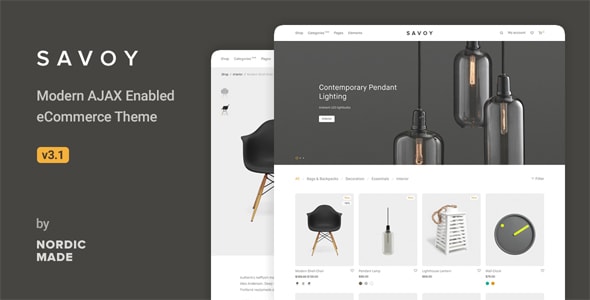
WoodMart, Porto, XStore, and TheGem are all purpose-built for WooCommerce and carry combined sales well into the hundreds of thousands, which reflects deep community testing. WoodMart (116,000 sales) leads on raw adoption, while XStore and Savoy are worth considering if you prefer a leaner, more minimalist storefront aesthetic. Ohio also bundles WooCommerce support alongside its Elementor focus for sellers who want a creative edge.
When should I choose a runner-up like TheGem over the top-ranked Kalium?
Kalium is optimized for professional portfolios and creative agencies, so if you're building an ecommerce or high-content site, TheGem (86,600 sales, $59) is a more practical and budget-friendly fit. TheGem's broader category coverage and larger install base also means more third-party tutorials and community resources. The trade-off is that TheGem's buyer rating (4.87/5) is slightly lower, suggesting marginally more variable support experiences compared to Kalium.
Are these themes compatible with the free version of Elementor, or do I need Elementor Pro?
All themes on this list are built to work with the free Elementor plugin, but many of their premium demo layouts and advanced widgets are designed to pair with Elementor Pro for the full experience. This is a common trade-off across the Elementor ecosystem — budget for Elementor Pro ($59+/year) if you want to use header/footer builders and popup features that several of these themes reference in their documentation. Check each theme's demo import requirements before purchasing.