How to Choose an eCommerce WordPress Theme
Picking the right WooCommerce theme is one of the most consequential decisions you'll make for your store. A theme shapes load speed, checkout flow, mobile experience, and how much ongoing developer time you'll need. Here's what our editorial team looks at — and what buyers often overlook.
WooCommerce Compatibility Depth
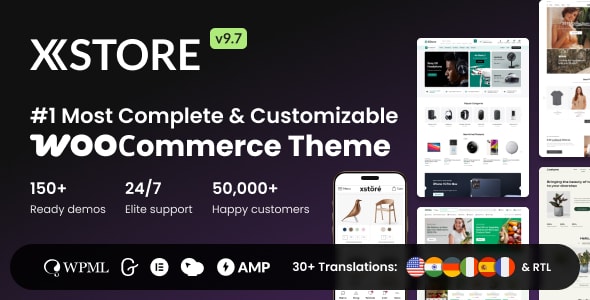
Every theme on this list supports WooCommerce, but the degree of integration varies significantly. Some themes are built around WooCommerce — with native AJAX cart, product filter, and wishlist features baked in — while others treat it as a secondary use case. If your store is the primary purpose of your site, prioritize themes with deep WooCommerce-first feature sets rather than general multi-purpose themes that added shop support later.
Page Builder Dependency
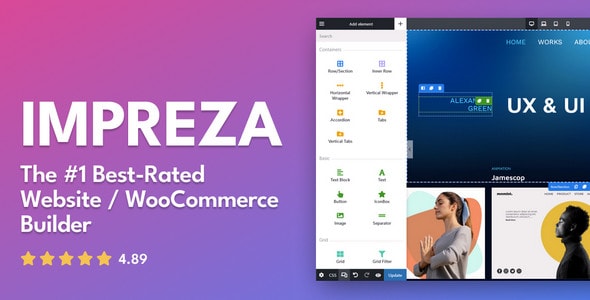
Many premium themes are tightly coupled to a specific page builder (Elementor, WPBakery, or a proprietary drag-and-drop tool). Before buying, confirm which builder is required, whether it's bundled, and what happens to your layouts if you later want to switch. Proprietary builders can lock you in and create upgrade friction down the road.
Performance Expectations
A theme loaded with demo content and every feature enabled will almost never pass Core Web Vitals out of the box. Look for themes that offer modular feature toggling — the ability to disable scripts and styles for features you don't use. Buyer reviews that mention speed or Lighthouse scores are worth reading carefully, as they reflect real-world conditions better than vendor marketing.
Demo Content and Import
One-click demo import sounds simple, but it frequently breaks on shared hosting or specific PHP configurations. Check recent support forum threads (not just the overall rating) to gauge how smoothly onboarding actually goes. Themes with a large sales volume tend to have more documented workarounds, which can save hours.
Support and Update Cadence
- Regular updates matter: WooCommerce and WordPress release frequently; a theme that hasn't been updated in 12+ months is a compatibility risk.
- Support queue depth: High sales volume can mean slower individual support responses. Evaluate whether the author offers extended support or a dedicated documentation portal.
- Bundled plugins: Many themes include premium plugins (sliders, form builders, icon packs) at no extra cost. Confirm whether those plugins are licensed for updates or require separate purchases after renewal.
Common Buying Mistakes
- Choosing a theme based on the demo design rather than the underlying feature architecture.
- Underestimating the learning curve of a proprietary page builder when your team has existing Elementor skills.
- Ignoring RTL or multilingual requirements until post-launch — confirm support before purchasing if you need it.
- Buying the most feature-rich option when a leaner theme would perform better and require less maintenance.
The themes below represent the strongest options available by market data and editorial assessment heading into 2026. Use the blurbs to narrow to two or three candidates, then review their live demos with your product catalog in mind.