How to Choose a Creative WordPress Theme
Picking a creative theme isn't just about aesthetics. A beautiful demo can mask a slow, bloated codebase or a page builder you'll outgrow in six months. Here's what our editorial team looks for — and what buyers frequently get wrong.
Match the Builder to Your Workflow
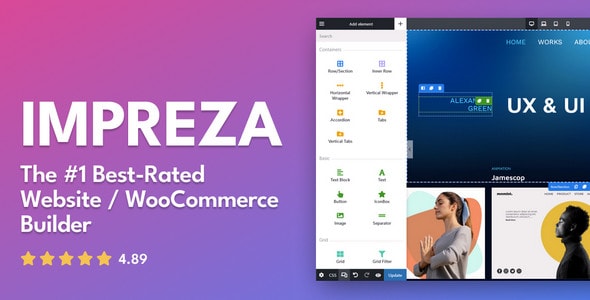
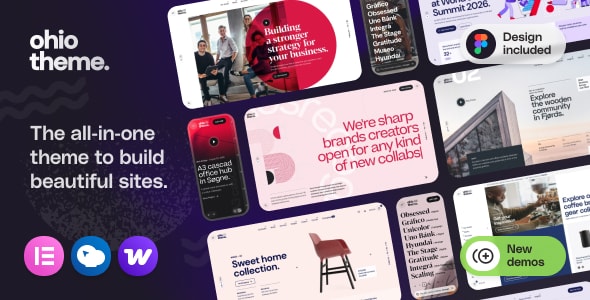
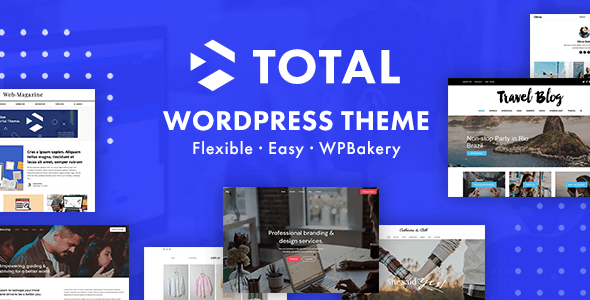
Most premium creative themes ship with a bundled page builder (Elementor, WPBakery, a proprietary drag-and-drop, or some combination). Before you buy, confirm the builder matches how you actually work. Switching builders after a site is built is painful. If your team already knows Elementor, a theme that locks you into a custom builder adds a real learning cost — even if the demos look stunning.
Demos Are a Starting Point, Not a Finish Line
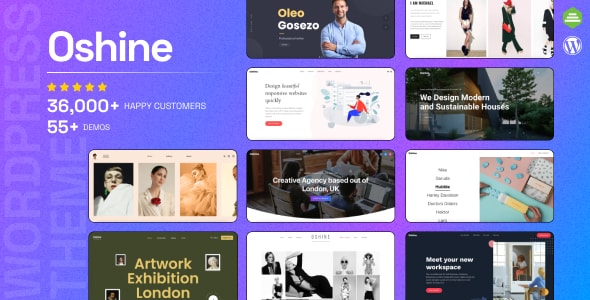
A common mistake is buying a theme because one demo looks exactly like your vision. Demos rarely survive first contact with real content. Instead, evaluate the underlying flexibility: How granular are the typography controls? Can you restyle headers and footers independently? Does the theme support custom post types you'll actually use?
Performance Is a Feature
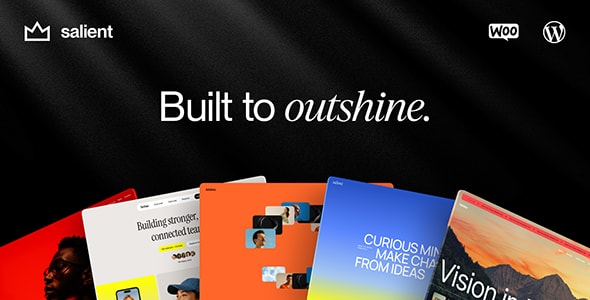
Creative themes tend to be feature-heavy, and feature-heavy themes can be slow. Page speed directly affects search rankings and bounce rates. Look for themes that load assets conditionally, support modern image formats, and play nicely with popular caching plugins. Sales volume and longevity are rough proxies — themes with 100,000+ sales have usually had their worst performance regressions surfaced and fixed by the community.
WooCommerce Support: Plan Ahead
If there's any chance you'll sell products or services directly from your site, choose a theme with native WooCommerce support from day one. Retrofitting a creative portfolio theme for ecommerce almost always produces a disjointed experience. Most themes on this list include WooCommerce integration — but the depth varies significantly, so check the feature list carefully before purchasing.
Support and Update Cadence Matter More Than Price
A $49 theme that hasn't been updated in 18 months is a worse deal than a $119 theme with monthly releases and a responsive support team. WordPress core, PHP versions, and security requirements change constantly. Check the marketplace changelog and the ratio of support tickets to resolved responses before committing.
Avoid Over-Buying Features You Won't Use
Multipurpose themes ship with dozens of demo sites, hundreds of elements, and plugins you may never activate. That breadth is useful if your needs change — but it adds maintenance overhead. If your site has a tightly defined scope (portfolio, agency, single-product brand), consider whether a more focused theme might give you a cleaner, faster result with less configuration.
- Prioritize update cadence — active development signals long-term security and compatibility.
- Test the builder — request a live preview and push it; don't just scroll demos.
- Read the one- and two-star reviews — they surface the real edge cases.
- Factor in your team's skill level — a more complex theme isn't always better.