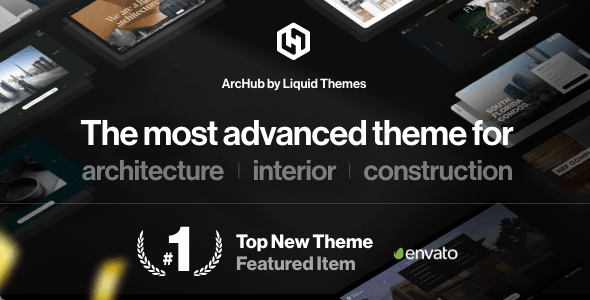
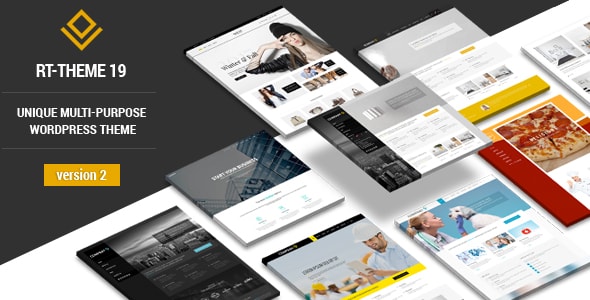
What to Look for in a Construction WordPress Theme
A construction or contracting website has specific needs that go beyond a generic business layout. Before you purchase, consider these key factors to make sure the theme genuinely serves your business goals.
Project Portfolio Presentation
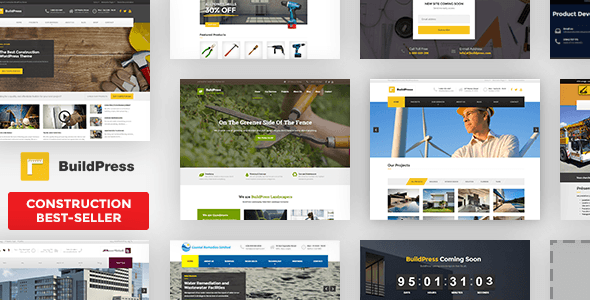
Your completed projects are your strongest sales tool. A good construction theme should offer a dedicated portfolio section with filterable categories — residential, commercial, renovation, and so on. Look for full-width image support and the ability to add project details like scope, duration, and client name. A minimal or generic portfolio layout will undersell your work.
Service Pages and Contact Features
Visitors landing on your site typically want to know what you offer and how to reach you quickly. Prioritize themes that include pre-built service page templates and prominent contact or quote-request forms. Buried contact information is one of the most common mistakes construction site owners make, and a theme that doesn't surface this prominently will cost you leads.
Trust Signals and Social Proof
Construction clients make high-value decisions. Your theme should make it easy to display testimonials, certifications, partner logos, and team profiles. These elements build credibility before a prospect ever picks up the phone. If a theme's demo doesn't include clear spots for social proof, you'll likely be fighting the layout to add them later.
Multipurpose vs. Niche-Built
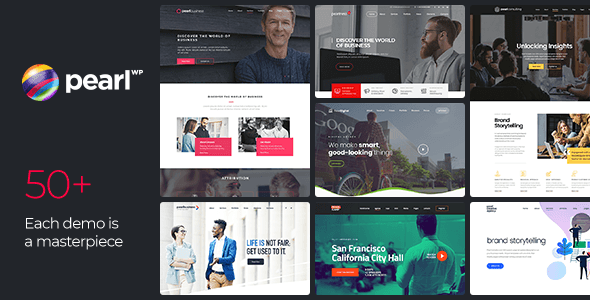
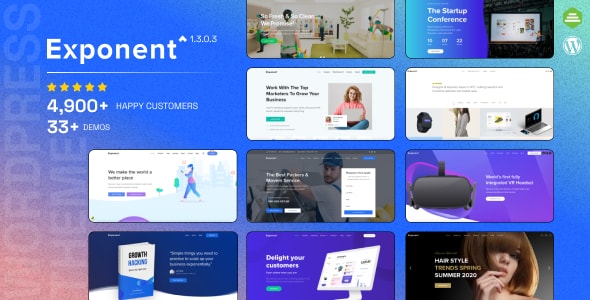
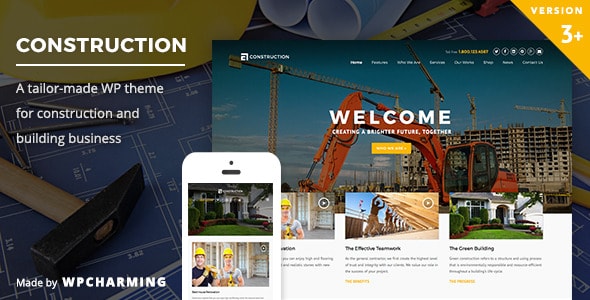
Multipurpose themes offer vast flexibility and long-term value — useful if you plan to expand your site significantly or need WooCommerce for an online store. However, they often require more setup time to reach a construction-specific look. A niche-built construction theme can get you live faster with less configuration, though it may feel limiting if your needs evolve.
Performance and Mobile Readiness
Construction clients frequently search on mobile while on a job site or visiting properties. A theme that isn't genuinely responsive — not just technically, but thoughtfully laid out for small screens — will frustrate potential customers. Check that call-to-action buttons, phone numbers, and contact forms are accessible and tappable without zooming.
Common Mistakes to Avoid
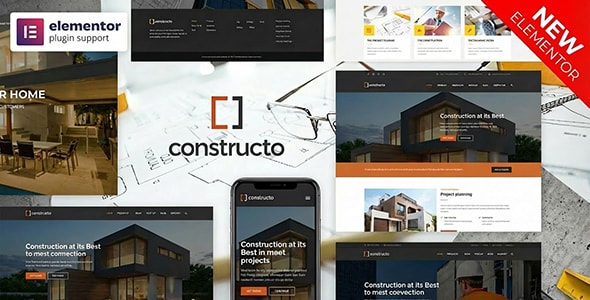
- Choosing by demo aesthetics alone. A stunning demo is built with premium stock images and sample content. Evaluate the underlying page builder and template structure, not just the surface look.
- Ignoring update history. A theme that hasn't been updated recently may have compatibility issues with current versions of WordPress, popular plugins, or PHP.
- Underestimating setup time. Multipurpose themes with many options can take considerably longer to configure than a focused, industry-specific theme. Factor that into your launch timeline.
- Overlooking support quality. Sales volume and ratings together are a reliable proxy for support responsiveness. A high sales count with a low rating is a warning sign worth heeding.
With those criteria in mind, here are our editorial picks for 2026.