TThemeForgeTheme Reviews

Curated shortlist

BestCleanWordPressThemes

This list is for designers, freelancers, and business owners who want a polished, uncluttered WordPress site without sacrificing flexibility. Our editorial team assessed each theme on marketplace sales volume, buyer ratings, update consistency, and how well the default aesthetic supports clean, whitespace-driven design. Only themes with a sustained track record and strong community feedback made the cut.

13
Ranked picks
8.9
Avg editorial score
$59–$69
Price range
1.8M
Combined sales

Ranked by our editorial rubric · updated

Pick 01Top pickBest value

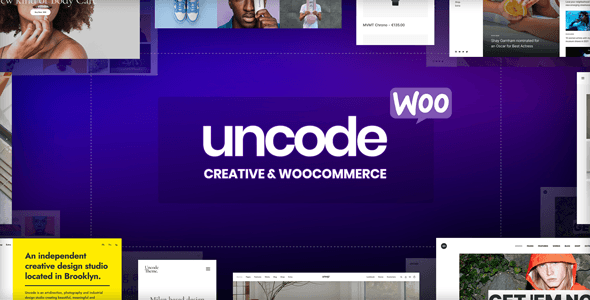
Uncode - Creative & WooCommerce WordPress Theme
4.89138K sales$59
9.1
Uncode - Creative & WooCommerce WordPress Theme screenshot

Uncode is built around a pixel-grid system and a genuinely restrained default aesthetic that suits creative studios, photographers, and portfolio-driven businesses. Its Wireframe Kit speeds up layout work considerably. The trade-off: the proprietary builder has a learning curve, and the sheer number of options can overwhelm first-time users.

Best fordesigners who want precise visual control from the start.

Read our review
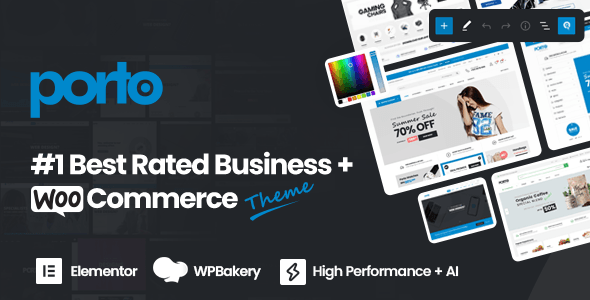
Porto - AI Powered WordPress Website & Shop Builder screenshot

Porto's 4.92 rating across 4,100 reviews is one of the strongest quality signals in its category. It handles both content sites and complex WooCommerce stores with equal confidence, and its AI-assisted setup tools reduce initial configuration time. The breadth of demos is a double-edged sword — powerful for agencies, potentially overwhelming for solo site owners building a single project.

Read our review

Pick 04Most popular

Avada | Website Builder For WordPress & eCommerce
4.781.1M sales$69
9.0
Avada | Website Builder For WordPress & eCommerce screenshot

With over one million sales, Avada is the most battle-tested theme on this list. Its Fusion Builder is mature and well-documented, and the large community means answers to most questions already exist. The rating sits slightly lower than newer competitors, likely reflecting the complexity that comes with serving such a wide audience.

Best forbuyers who prioritize ecosystem size and long-term support over a streamlined setup.

Read our review
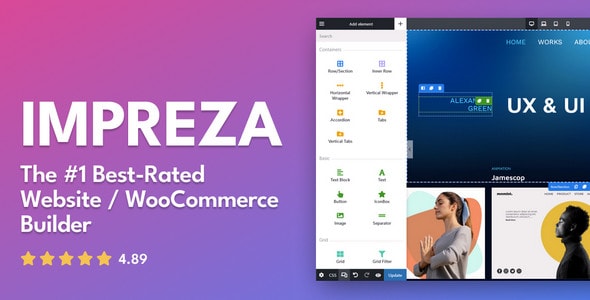
Impreza – WordPress Website and WooCommerce Builder screenshot

Impreza consistently earns praise for clean, structured output and reliable performance. The Visual Composer integration is polished, and the theme's row- and column-based layouts make it straightforward to maintain whitespace discipline. It's a strong choice for agencies building client sites that need to stay maintainable long-term. Less flashy than some rivals, which is precisely its appeal.

Read our review
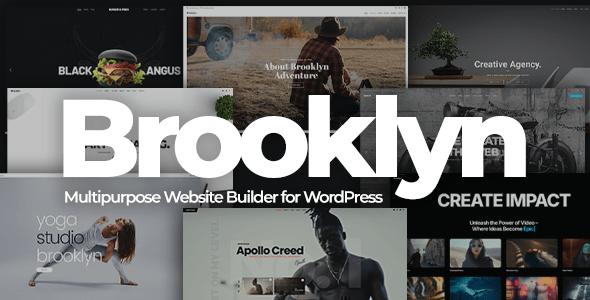
Brooklyn | Creative Multipurpose Responsive WordPress Theme screenshot

Brooklyn's lower rating relative to peers is worth noting, and its update cadence warrants a check before purchase. That said, its core design language — open layouts, strong typography, and bold hero sections — still holds up well for creative and agency portfolios. Best suited for buyers who find its specific demo aesthetic compelling and are comfortable with a hands-on setup process.

Read our review
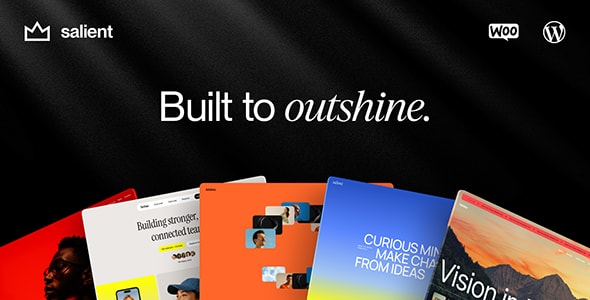
Salient | Creative Multipurpose & WooCommerce Theme screenshot

Salient's Nectar page builder and its library of animated section styles make it a favorite for marketing and creative agency sites. The default templates lean toward bold typography over minimal whitespace, so achieving a truly spare look requires deliberate restraint.

Best forbuyers who want clean structure with the option to layer in visual punch when the project calls for it.

Read our review
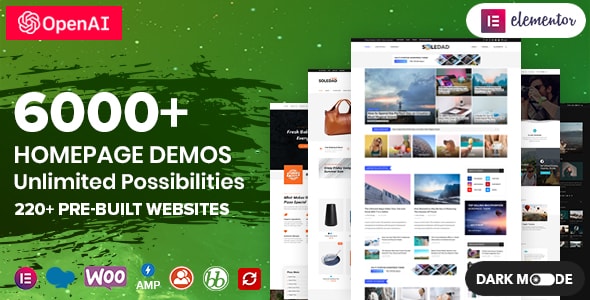
Soledad – Multipurpose, Newspaper, Blog & WooCommerce WordPress Theme screenshot

Soledad is purpose-built for editorial and blog-centric sites, with over 250 homepage layouts optimized for content presentation. Its clean typographic defaults and fast-loading article templates make it stand out in the blog niche. WooCommerce support is present but secondary — if your priority is a content-first site with a tidy reading experience, Soledad is a focused, well-supported pick.

Read our review

How to choose

How to Choose a Clean WordPress Theme

A "clean" theme is more than a white background and a sans-serif font. It means the code is lean, the default layouts breathe, and the customization layer doesn't force you to fight the design to achieve simplicity. Here's what to evaluate before you buy.

Start with page-builder compatibility

Most premium themes today bundle a proprietary builder or integrate tightly with Elementor, WPBakery, or the block editor. Before purchasing, confirm the builder matches your workflow. Switching builders after launch is costly, and some themes lock you into their own ecosystem — which can be a strength if you want everything in one place, or a limitation if you prefer portability.

Ratings and sales volume tell different stories

A theme with 1 million sales and a 4.78 rating has been stress-tested at scale; a newer theme with 60,000 sales and a 4.87 rating may reflect a tighter, more focused product with more attentive support. Neither signal is better on its own — weigh them together against your use case.

Watch for "multipurpose" bloat

Many themes in this roundup are technically multipurpose, meaning they ship with dozens of demo templates. That breadth is useful when you need options, but it can also mean a heavier plugin footprint, more settings to navigate, and a steeper learning curve before the site looks clean rather than cluttered. If you have a single, well-defined project, import only one demo and disable features you don't need.

Check the update history, not just the last-updated date

A theme updated last month after a six-month gap is a different proposition from one updated consistently every four to six weeks. Regular updates signal active maintenance, WordPress core compatibility, and security attention — all critical for a long-lived site.

Common mistakes buyers make

  • Choosing on aesthetics alone. The demo looks clean because it uses professional photography and custom fonts. Your content will look different — test the theme with your actual copy and images before committing.
  • Ignoring WooCommerce requirements. If you plan to sell, verify that WooCommerce support is native, not an afterthought add-on.
  • Overlooking support terms. Premium themes typically include six months of support, with an option to extend. Factor that cost in if you anticipate needing ongoing help.
  • Underestimating performance tuning. Even the cleanest-looking theme can produce heavy page loads if you activate every bundled plugin. Audit and deactivate anything unused from day one.

Our bottom line

Every theme in this roundup earns its place on market data and design merit. The right choice depends on your project's scope, your comfort with the bundled page builder, and how much you value a refined out-of-the-box aesthetic versus maximum customization headroom.
Questions, answered

How did you decide which clean WordPress themes made this list?

We weighted four factors: marketplace sales volume, verified buyer ratings, consistency of updates, and how well each theme's default aesthetic leans toward whitespace-driven, minimal design. Every theme here holds at least a 4.77/5 buyer rating and an 8.7/10 editorial score. Themes that required heavy customization just to look clean were excluded regardless of overall popularity.

Which theme on this list is best for beginners with no coding experience?

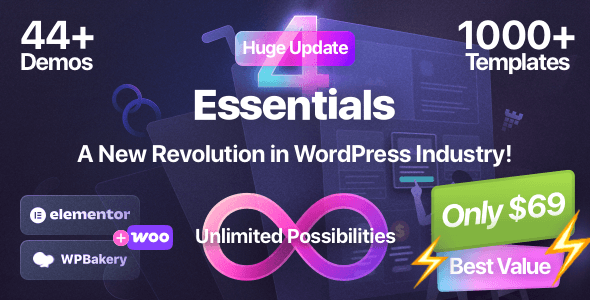
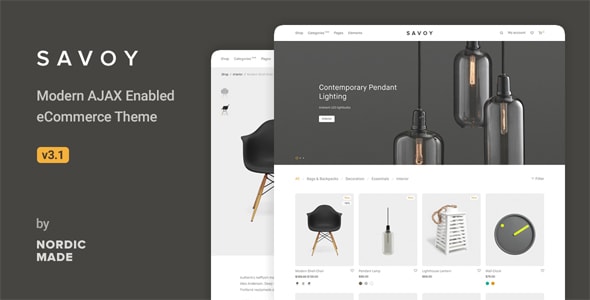
Avada is the safest pick for beginners — its 1,066,100 sales mean an enormous community, extensive documentation, and countless tutorials exist for it. Porto and Essentials are also beginner-friendly thanks to their visual builders and polished starter templates. Keep in mind that feature-rich themes like these have steeper initial learning curves than lighter single-purpose options like Savoy.

When should I choose a runner-up like Impreza or Ohio over the top picks?

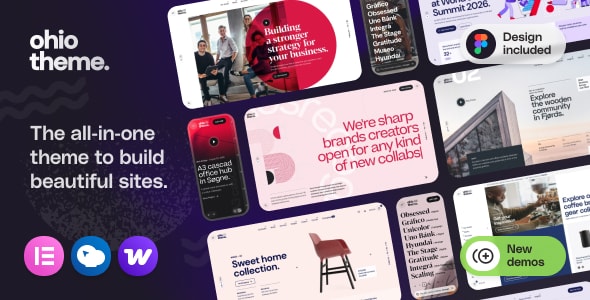
Impreza (119,700 sales, 4.88/5) is worth choosing over higher-ranked options if you want a lighter, more focused builder without the feature bloat some agencies find in Uncode or Porto. Ohio is a strong runner-up specifically for creative portfolios and WooCommerce stores where Elementor is already your preferred page builder. The editorial scores across the top six are all 9.0–9.1, so the right fit often comes down to your specific workflow, not just rank.

What does a single theme license cost, and does it cover client projects?

Prices on this list range from $59 to $69 for a single Regular License, which covers one end product that end users are not charged to access. If you're a freelancer building a paying client's site, each client site typically requires its own license. Check the marketplace licensing terms before purchasing — an Extended License is required if the site itself charges for access.

Are these themes compatible with popular plugins like WooCommerce, Yoast, and WPML?

Most themes here explicitly advertise WooCommerce support — Uncode, Porto, Savoy, Ohio, and others are built with it as a core feature. WPML and Yoast SEO compatibility is standard across multipurpose themes of this caliber, but we recommend verifying the specific plugin list in each theme's marketplace documentation before purchasing. Plugin compatibility can lag briefly after major WordPress core updates, so active update histories matter.

Is a high sales count always a sign of quality for a clean theme?

Sales volume signals longevity and community trust, but it doesn't guarantee a minimal aesthetic. Avada leads this list with over 1 million sales yet has the lowest buyer rating here (4.78/5) — partly because its sheer feature breadth can feel heavy compared to purpose-built clean themes like Savoy or Essentials (4.96/5). We factor in ratings and editorial assessment alongside sales so that genuinely clean-by-default themes aren't buried by volume alone.