How to Choose a Church WordPress Theme
A church website has a specific job: help visitors find service times, connect with the community, and take a next step — whether that's watching a sermon, signing up for an event, or giving online. Before you pick a theme based on looks alone, consider the features your congregation will actually rely on week to week.
Prioritize Built-In Church Features
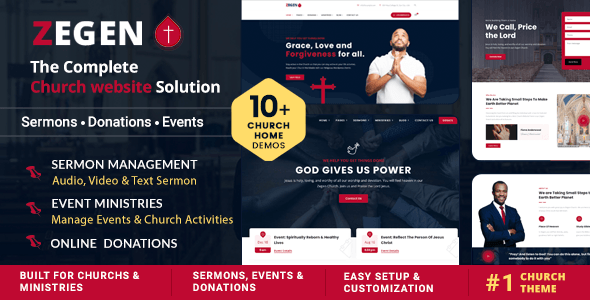
Generic multipurpose themes can work for churches, but purpose-built options often include ready-made sermon post types, event management layouts, and giving/donation call-to-action sections. These save meaningful setup time and reduce your dependence on third-party plugins. Ask yourself: does this theme come with demo content that mirrors what my site will actually need?
Check Compatibility With Key Plugins
Most church sites rely on at least a few external tools — a donation processor, an events plugin like The Events Calendar, or a membership system. Confirm the theme is tested against these before purchasing. Watch for themes that bundle a proprietary page builder: while convenient at first, they can make future migrations harder. Themes built on WPBakery or Elementar have a broader support ecosystem.
Ratings and Sales Tell a Story — Read It Carefully
A high sales count signals longevity and a large user base, which generally means better community support and more reported bugs fixed over time. However, a newer theme with fewer sales but a higher rating can indicate a more attentive author. Look at both together:
- High sales + high rating: Low risk, well-tested.
- Lower sales + high rating: Newer, but the author may be more responsive.
- Lower rating regardless of sales: Investigate buyer complaints before purchasing.
Avoid Common Mistakes
- Buying for the demo, not the workflow. Beautiful demos are built by professionals with premium stock photos. Focus on the admin experience and how content is structured.
- Ignoring update history. A theme last updated years ago may conflict with the current WordPress core or popular plugins. Always check the last update date on the marketplace listing.
- Underestimating volunteer editors. If non-technical volunteers will update the site, choose a theme with a straightforward page builder and clear documentation — not the one with the most features.
- Skipping support terms. Marketplace purchases typically include six months of author support. Consider whether extended support is worth the added cost for your team.
Multipurpose vs. Church-Specific
Several strong options on this list are multipurpose themes that happen to include church demo packs. These offer more long-term flexibility if your site's needs evolve. Church-specific themes, on the other hand, tend to ship with tighter, more opinionated layouts that get you live faster. Neither approach is wrong — it depends on how much customization your team can realistically maintain.