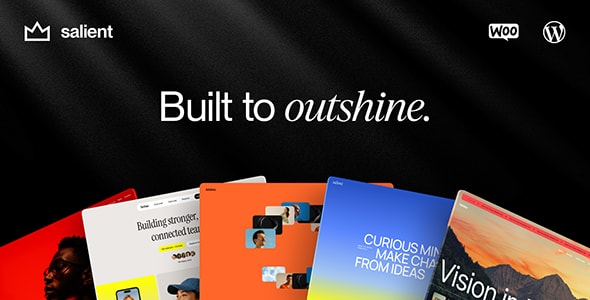
How to Choose a Business WordPress Theme
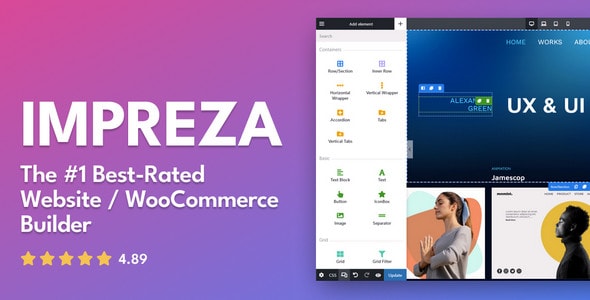
A high sales count tells you a theme has been tested in the wild by thousands of site owners — bugs surface fast in large communities, and popular themes tend to get patched quickly. Ratings above 4.8 across hundreds of reviews are a meaningful signal; a 4.9 from 2,000+ buyers carries far more weight than a 5.0 from a handful.
Match the Theme to Your Business Model
Before you install anything, be honest about what your site needs to do on day one and in two years. A theme built around WooCommerce will give you a head start if selling is core to your business, but that same commerce scaffolding can add unnecessary bulk to a purely informational corporate site. Likewise, a portfolio-first theme may not provide the structured content types a directory or booking business requires.
Page Builder Lock-In Is a Real Trade-Off
Most premium business themes ship tightly integrated with a specific page builder — Elementor, WPBakery, or a proprietary drag-and-drop tool. That integration speeds up setup and unlocks theme-specific widgets, but it also means your content and layouts can become dependent on that builder. Ask yourself whether you're comfortable with that dependency before you commit.
What to Look for Beyond the Demo
- Update cadence: A theme last updated more than 12 months ago is a yellow flag for compatibility with current WordPress core and PHP versions.
- Support quality: Scan recent support forum responses. Fast, knowledgeable replies from the author team reduce your risk considerably.
- Demo content import: One-click demo imports save hours; verify the feature exists and works with your hosting stack before purchasing.
- Performance baseline: Multipurpose themes ship with everything enabled by default. Plan to disable unused modules — sliders, icon packs, font libraries — to keep page weight reasonable.
Common Buying Mistakes
- Choosing on aesthetics alone. A beautiful demo is built with premium stock photos and placeholder copy. Your real content will look different — evaluate the underlying layout system, not just the hero image.
- Ignoring the plugin dependency list. Some themes require three or four bundled plugins to replicate the demo. Each additional plugin is another thing to update and a potential conflict to debug.
- Underestimating customization time. Even the most flexible theme requires configuration. Budget time for setup, especially if you're importing a complex demo with custom post types or mega-menu structures.
- Skipping the refund policy. Marketplace themes are typically non-refundable once downloaded. Read the item description carefully and use any available preview or documentation to confirm fit before purchasing.
The twelve themes below cover the main business-site categories well. Each has a meaningful track record — use the blurbs to narrow to your use case, then review the author's support forum before you buy.