BestWordPressPortfolioThemes:Reviewed&Compared
Our editorial team has reviewed the top-selling WordPress portfolio themes on the market, scoring each on design quality, flexibility, performance, and support. Whether you're a photographer, designer, agency, or freelancer, the themes below represent the strongest options across different budgets and use cases.
13 themes tracked · ranked by sales
The catalog
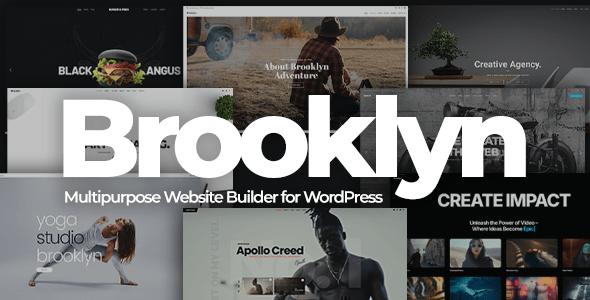
Brooklyn | Creative Multipurpose Responsive WordPress Theme
UnitedThemes · Portfolio
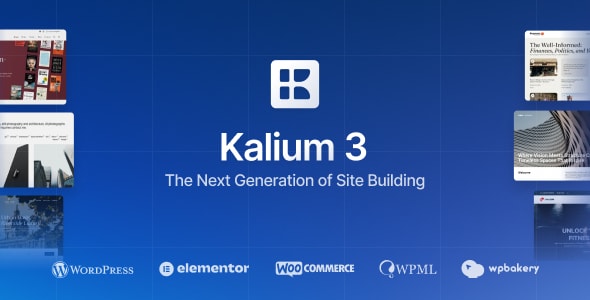
Kalium 3 | Creative Theme for Professionals
Laborator · Portfolio
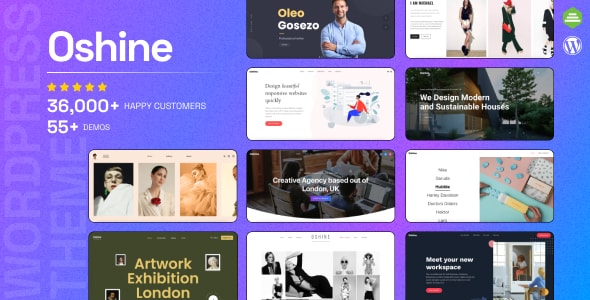
Oshine - Multipurpose Creative WordPress Theme
brandexponents · Portfolio
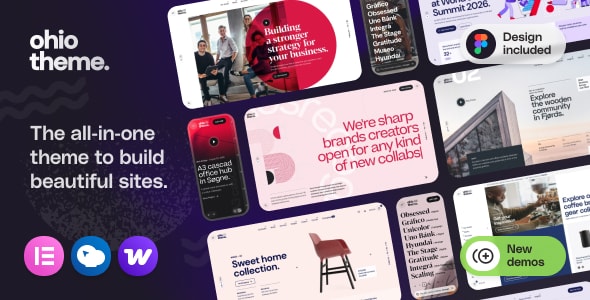
Ohio - Creative Elementor and WooCommerce WordPress Theme
colabrio · Portfolio
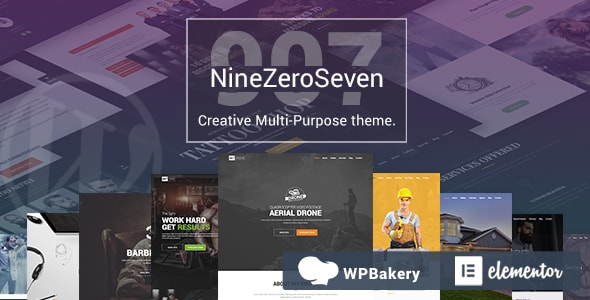
907 - Responsive Multi-Purpose WordPress Theme
webcreations907 · Portfolio

Archi - Interior Design & Multipurpose Elementor WordPress Theme
OceanThemes · Portfolio
Pofo - Creative Portfolio and Blog WordPress Theme
themezaa · Portfolio
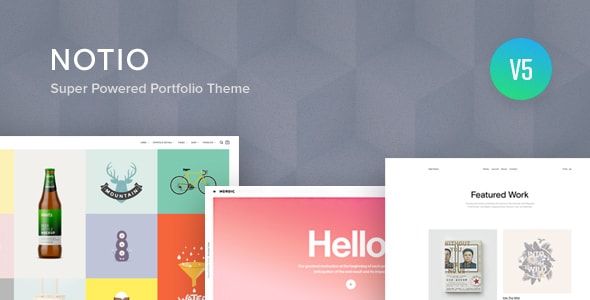
Notio - Creative Portfolio WordPress Theme
fuelthemes · Portfolio
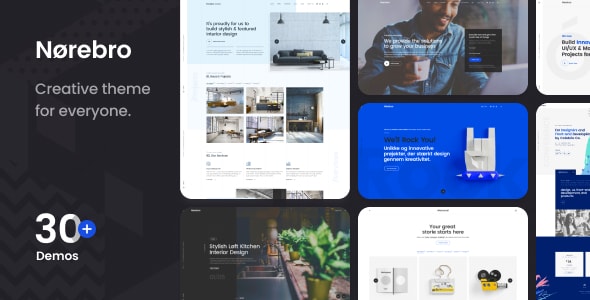
Norebro - Creative Portfolio Theme for Multipurpose Usage
colabrio · Portfolio

ArcHub - Architecture and Interior Design WordPress Theme
LiquidThemes · Portfolio

HyperX - Responsive Wordpress Portfolio Theme
Royal-Flush · Portfolio
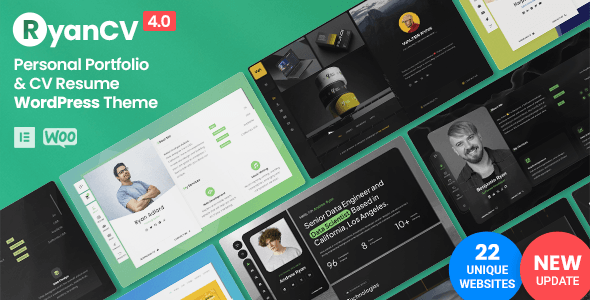
RyanCV - Personal Portfolio Resume Theme
bslthemes · Portfolio
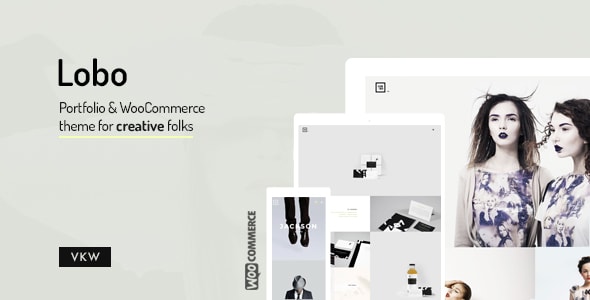
Lobo - WordPress Portfolio for Freelancers & Agencies
VanKarWai · Portfolio
Buying guide
Evaluate a complete case study, not just a homepage
A portfolio theme must handle your real project imagery, long-form case studies and enquiry route. Prepare one representative project, including portrait and landscape assets, captions and a clear next step. Compare the amount of adaptation each candidate requires.
Salient and Uncode are useful candidates for contrasting editing workflows and portfolio positioning; Bridge is another candidate where its advertised builder compatibility matches an established process. The comparisons below separate retrieved marketplace claims from decisions that need your own trial.
Plan the handover
Ask the future editor to publish a second project and update the mobile layout. Document any required extensions and licenses. Our package inspections identify selected archive versions and file counts; they do not certify accessibility, usability or load performance. Test those requirements with your intended content before purchase.
Frequently asked
What's the difference between a portfolio theme and a multipurpose theme?
A portfolio theme prioritizes showcasing creative work — with gallery layouts, project pages, and visual-first design. Multipurpose themes cover a wider range of site types (blogs, shops, corporate) but may require more configuration to get a portfolio looking polished. Many themes in this category are technically multipurpose but are optimized and marketed toward creatives.
Do I need coding skills to use these WordPress portfolio themes?
No. All six themes reviewed here are built for non-developers and include visual customization tools or page builder support. That said, more advanced customizations — custom CSS, layout overrides — will benefit from basic coding knowledge. Start with the available demos and built-in options; most buyers never need to touch code.
Which theme is best if I also want to sell products or services?
Ohio is the strongest pick if eCommerce is a core requirement, as it explicitly combines portfolio and WooCommerce functionality. Oshine and Brooklyn also support WooCommerce. Werkstatt is more portfolio-focused and less suited to running a full online store alongside your work.
Is a higher sales count always a sign of a better theme?
Sales volume is a useful proxy for community size, demo variety, and long-term support, but it isn't a direct quality measure. Older themes naturally accumulate more sales. Our editorial scores weigh current design standards, code quality, and support quality alongside sales data — so use both signals together when deciding.
How much should I budget for a premium WordPress portfolio theme?
The themes reviewed here range from $49 (Werkstatt) to $119 (Kalium 3). Most buyers will find strong options between $59 and $69. Remember that marketplace licenses typically cover one site; if you build multiple sites, check whether the author offers multi-site or extended licensing.
Work through a real buying decision
Use the same case study and editor handover tasks to evaluate these creative options.