BestWordPressUtilityPluginsof2026
WordPress utility plugins cover a wide range of behind-the-scenes needs — from drag-and-drop page building and site security to interactive maps, live search, and cloud storage integration. Our editorial team has reviewed and scored the ten most popular options in this category to help you find the right fit without the guesswork.
26 plugins tracked · ranked by sales
The catalog
WPBakery Page Builder for WordPress
wpbakery · Utilities

Hide My WP - Amazing Security Plugin for WordPress!
wpWave · Utilities
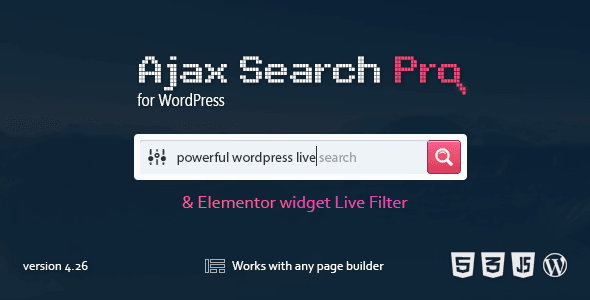
Ajax Search Pro - Live WordPress Search & Filter Plugin
wpdreams · Utilities
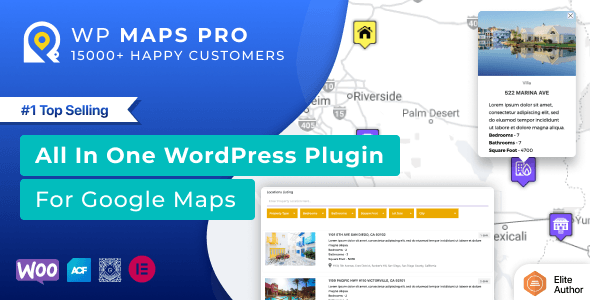
Store Locator for WordPress - Google Maps | OpenStreetMap | MapBox
flippercode · Utilities
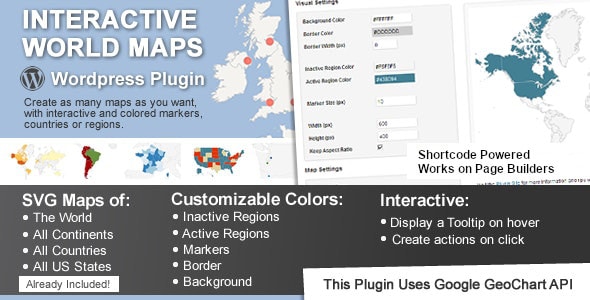
Interactive World Maps
cmoreira · Utilities
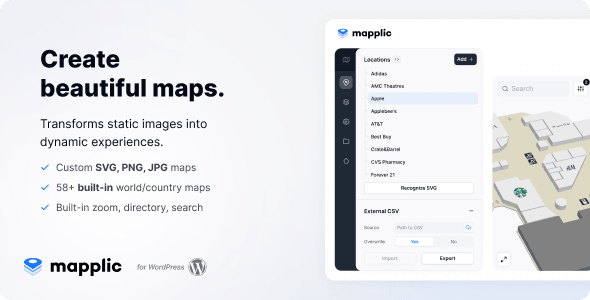
Mapplic - Custom Interactive Map WordPress Plugin
sekler · Utilities

Use-your-Drive | Google Drive plugin for WordPress
_DeLeeuw_ · Utilities
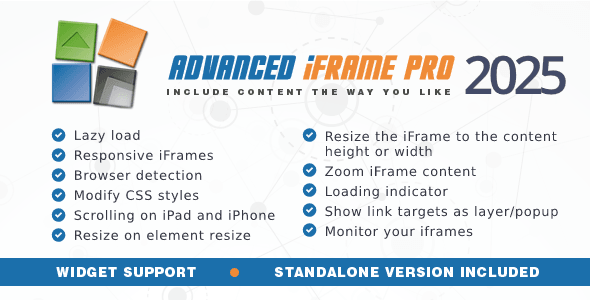
Advanced iFrame Pro
mdempfle · Utilities
GDPR & CCPA CMP for WordPress
createit-pl · Utilities
Out-of-the-Box | Dropbox plugin for WordPress
_DeLeeuw_ · Utilities
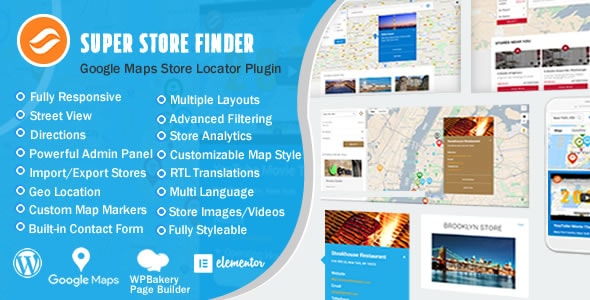
Super Store Finder for WordPress (Google Maps Store Locator)
highwarden · Utilities
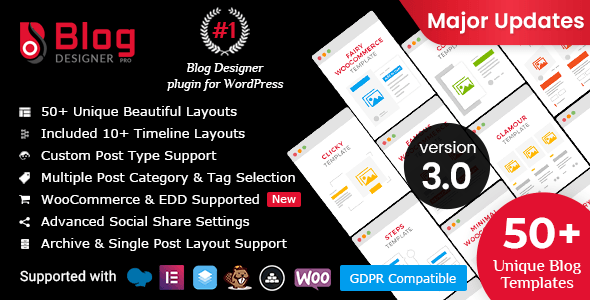
Blog Designer PRO for WordPress
solwin · Utilities
Complete GDPR / AVG / CCPA Cookie Compliance WordPress plugin - WeePie Cookie Allow
WeePiePlugins · Utilities
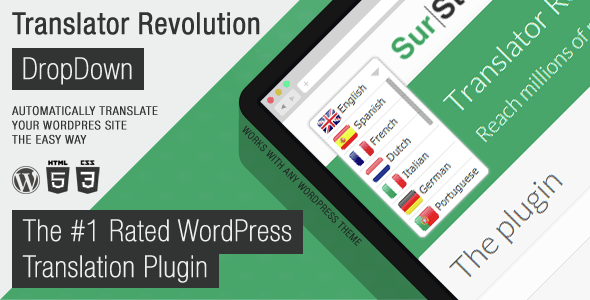
Ajax Translator Revolution DropDown WP Plugin
SurStudio · Utilities

WordPress Accessibility Plugin – Readabler
merkulove · Utilities
Share-one-Drive | OneDrive & SharePoint plugin for WordPress
_DeLeeuw_ · Utilities
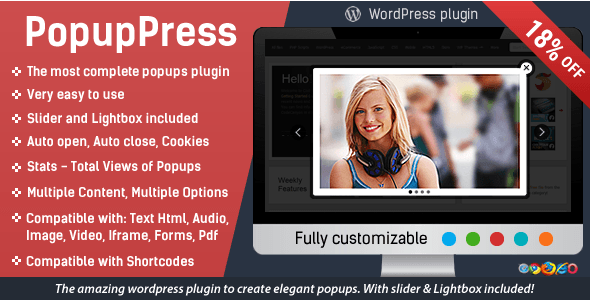
Popup Plugin for WordPress - Popup Press - Popups Slider & Lightbox
CodexHelp · Utilities
The Cornerstone Website Builder for WordPress
THEMECO · Utilities
Ajax Translator Revolution WordPress Plugin
SurStudio · Utilities
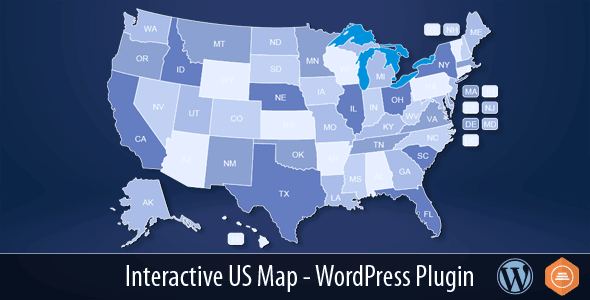
Interactive US Map - WordPress Plugin
Art101 · Utilities

Chat - Support Board - AI Chatbot - WP
Schiocco · Utilities

WP Content Crawler - Get content from almost any site, automatically!
turgutsaricam · Utilities
WP Domain Checker
asdqwedev · Utilities

WordPress GDPR & CCPA
welaunch · Utilities
Buying guide
What Falls Under "Utility" Plugins?
The utility category is intentionally broad. It captures plugins that extend or enhance WordPress's core functionality without belonging to a narrower niche like e-commerce or SEO. In this roundup you'll find:
- Page builders — WPBakery Page Builder remains the most-sold plugin in our entire catalog at over 407,000 sales, reflecting years of market dominance.
- Security tools — Hide My WP focuses specifically on concealing WordPress fingerprints from bots and attackers, a targeted approach distinct from all-in-one security suites.
- Search & filter — Ajax Search Pro earns our highest score in this category (9.0/10) thanks to its deep filtering options and strong 4.84-star buyer rating across 23,000 sales.
- Mapping tools — Store Locator for WordPress, Interactive World Maps, and Mapplic serve very different mapping needs; choosing between them depends on whether you need business locations, data visualization, or fully custom floor plans.
- Cloud storage connectors — Use-your-Drive (Google Drive) and Out-of-the-Box (Dropbox) both score at or above 8.7/10 and carry buyer ratings above 4.83 stars, making them the most consistently praised plugins in this set.
- Embedding & compliance — Advanced iFrame Pro handles complex embedding scenarios, while GDPR & CCPA CMP addresses consent management at an accessible $24 price point.
How to Choose the Right Utility Plugin
Start by defining the single problem you need to solve. Utility plugins often overlap at the edges — for example, both a page builder and an iframe plugin can embed third-party content — so buying more than you need adds maintenance overhead and potential conflicts.
Consider these factors before purchasing:
- Compatibility with your theme and other plugins. High-sales plugins like WPBakery have broad third-party support, but niche tools may require manual testing.
- Ongoing update cadence. Utility plugins touch core WordPress behavior, so regular updates for new WordPress versions are non-negotiable.
- Support quality. A plugin priced at $24–$39 typically includes six months of marketplace support; budget for an extension if you anticipate a long project.
- Licensing scope. Most plugins in this category are sold per site or per developer. Confirm the license covers your intended number of installations.
Our Editorial Take
The standout value picks in this category are Use-your-Drive and Ajax Search Pro — both earn a 9.0/10 editorial score and have buyer ratings that hold up across thousands of verified purchases. For mapping, Store Locator for WordPress (8.6/10) offers the strongest combination of provider flexibility (Google Maps, OpenStreetMap, and MapBox) and sales volume. Budget-conscious buyers should look closely at GDPR & CCPA CMP at $24 — a low entry price for a compliance requirement that affects almost every site.
Frequently asked
Are utility plugins safe to use together, or will they conflict?
Most well-maintained utility plugins are built to WordPress coding standards and coexist without issues. However, plugins that modify the same WordPress hooks — such as two security plugins or two page builders — can conflict. Always test new additions on a staging environment before deploying to a live site.
Do these plugins work with the latest version of WordPress?
All ten plugins in our reviewed set are actively sold on the marketplace, which requires authors to maintain compatibility. That said, always check the plugin's last-updated date and the WordPress version it was tested with before purchasing, especially after a major WordPress release.
Is a $28 security plugin like Hide My WP enough to protect my site?
Hide My WP focuses on security through obscurity — masking WordPress-specific paths and identifiers to reduce automated attacks. It complements, but does not replace, a full security approach that includes strong passwords, limited login attempts, and regular backups. Think of it as one layer in a broader strategy.
Which mapping plugin should I choose — Store Locator, Interactive World Maps, or Mapplic?
They serve different needs. Store Locator for WordPress is best for businesses listing physical locations with search and filtering. Interactive World Maps suits data visualization across countries or regions. Mapplic is designed for fully custom maps — such as venue floor plans or campus layouts — where you supply the image.
Does buying a plugin on the marketplace include future updates?
Yes — your purchase includes all future updates to the plugin at no extra cost. Marketplace support (for questions and bug fixes) is typically included for six months, with an option to extend. Updates themselves are not time-limited.