BestWordPressInterfaceElementsPluginsfor2026
Interface element plugins handle the details that shape how visitors actually experience your site — from popups and preloaders to team grids, timelines, and table-of-contents widgets. Our editorial team has reviewed ten of the top-selling options on the WordPress marketplace so you can find the right fit without wading through hundreds of listings. Prices in this category range from $21 to $114, with buyer ratings consistently sitting above 4.4/5.
12 plugins tracked · ranked by sales
The catalog
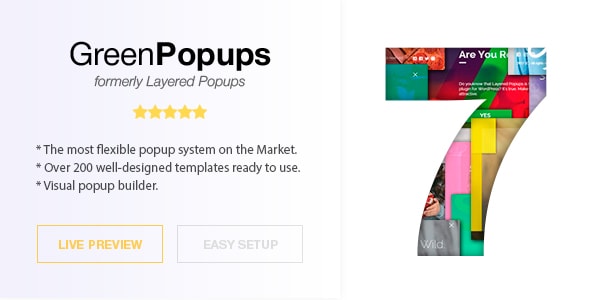
Popup Plugin for WordPress - Green Popups (formerly Layered Popups)
halfdata · Interface Elements
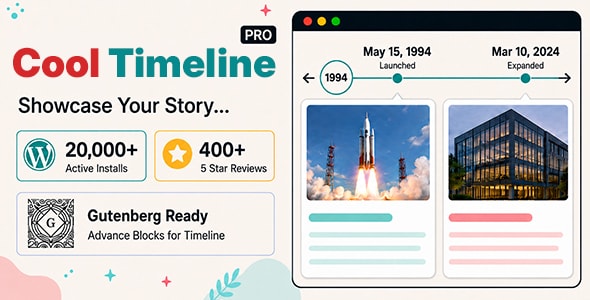
Cool Timeline Pro - Horizontal & Vertical Timeline Plugin For WordPress
CoolPlugins · Interface Elements

The Team Pro - Team Showcase WordPress Plugin
awsmin · Interface Elements
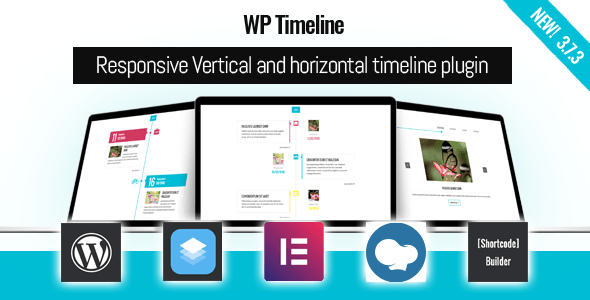
WP Timeline – Vertical and Horizontal timeline plugin
Ex-Themes · Interface Elements
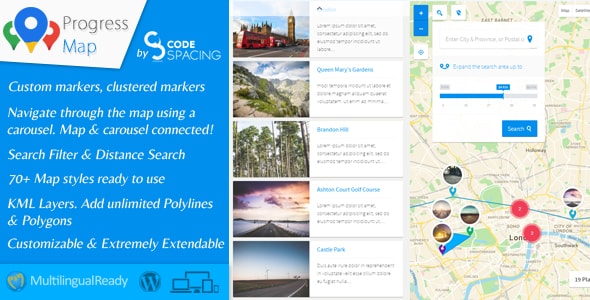
Progress Map Wordpress Plugin
codespacing · Interface Elements
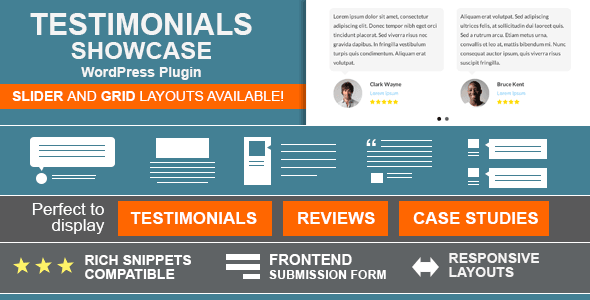
Testimonials Showcase - WordPress Plugin
cmoreira · Interface Elements
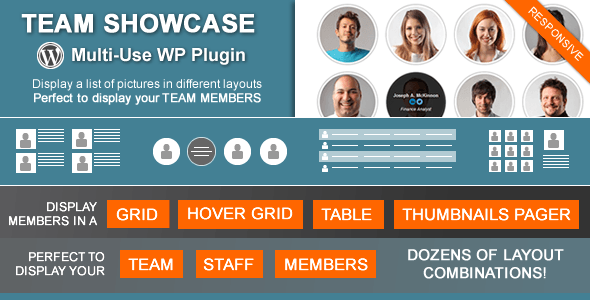
Team Showcase - WordPress Plugin
cmoreira · Interface Elements
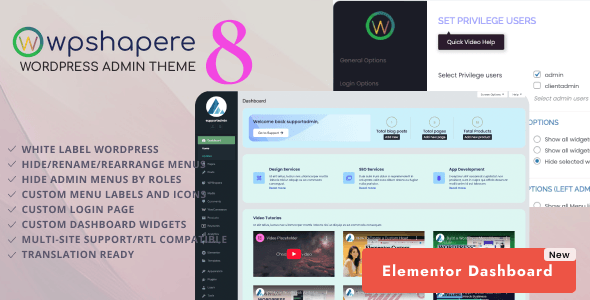
WordPress Admin Theme - WPShapere
acmee · Interface Elements
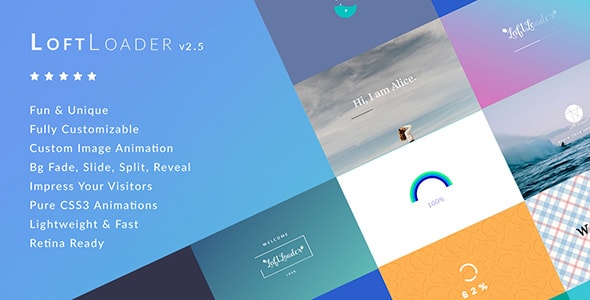
LoftLoader Pro - Preloader Plugin for WordPress
LoftOcean · Interface Elements
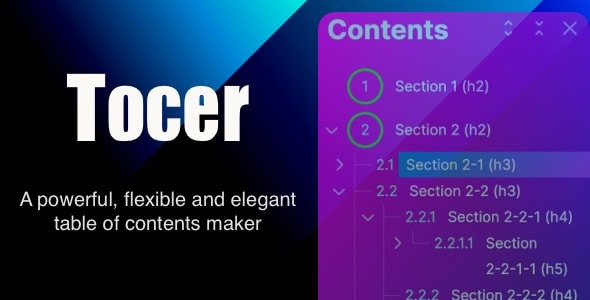
Tocer - table of contents maker WordPress plugin (formerly Fixed Toc)
webvars · Interface Elements
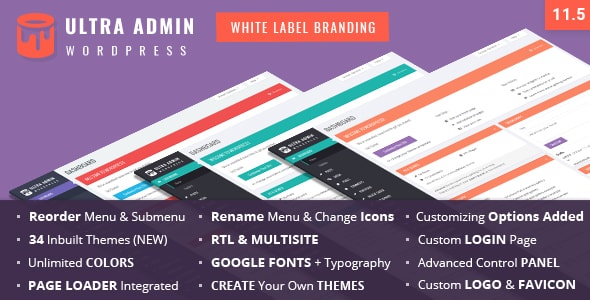
Ultra WordPress Admin Theme
themepassion · Interface Elements
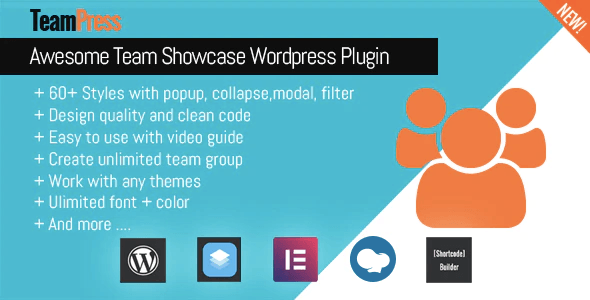
TeamPress - Team Showcase plugin
Ex-Themes · Interface Elements
Buying guide
What Are WordPress Interface Elements Plugins?
Interface elements plugins add discrete, interactive UI components to your site without requiring a full page-builder overhaul. Rather than rebuilding your theme, you drop in a focused tool — a popup layer, an animated timeline, a staff directory, or a loading screen — and it handles its own rendering, styling, and logic. This makes them a practical choice for site owners who want to extend an existing design rather than start from scratch.
How to Choose the Right Plugin for Your Needs
Before buying, narrow your shortlist by answering three questions:
- What job does it do? Plugins in this category cover very different use cases. A popup plugin like Green Popups is built for lead capture and announcements; a timeline plugin like Cool Timeline Pro or WP Timeline is suited to histories, roadmaps, and event sequences. Don't pay for a multi-purpose tool if you only need one component.
- How much configuration do you need? High-sales plugins such as Green Popups (19,400+ sales) and Cool Timeline Pro (14,300+ sales) have large user bases, which generally means more template variety and faster community support. Lower-volume plugins may offer more niche features but a smaller support ecosystem.
- What is the long-term cost? Most plugins here are one-time purchases between $21 and $45, which is straightforward budgeting. Progress Map sits at $114 — its mapping and property-listing functionality justifies the premium for real-estate sites, but it's unnecessary overhead for general use.
Category Highlights
Popup & lead capture: Green Popups leads this segment with the highest sales count and a broad trigger/animation library.
Timelines: Both Cool Timeline Pro and WP Timeline earn an 8.7/10 editorial score. WP Timeline is priced higher ($45 vs. $29) but carries the category's highest buyer rating at 4.86/5, suggesting a slightly more polished out-of-box experience.
Team directories: The Team Pro and Team Showcase target the same use case at the same $24–$29 price band. The Team Pro holds a higher editorial score (8.6 vs. 8.2) and more sales, making it the default recommendation unless a specific layout in Team Showcase fits your design better.
Admin & UX polish: WPShapere customizes the WordPress dashboard itself — useful for client handoffs or white-label builds — while LoftLoader Pro (4.91/5, the highest buyer rating in this group) handles front-end preloaders with minimal setup.
Common Trade-offs to Watch
- Popup plugins can conflict with caching layers and cookie-consent tools; always test after activation.
- Admin reskin plugins like WPShapere may need revalidation after major WordPress core updates.
- Table-of-contents plugins such as Tocer work best on long-form content; they add little value to short pages or e-commerce product listings.
Frequently asked
Are these interface element plugins compatible with major page builders like Elementor or Divi?
Most plugins in this category function independently of page builders and are added via shortcode, widget, or block — meaning they work alongside Elementor, Divi, or the block editor without requiring a specific integration. That said, always check the plugin's documentation for known conflicts before purchasing, especially if you use a heavily customized stack.
Do these plugins require ongoing subscription fees, or are they one-time purchases?
All ten plugins listed here are sold as one-time purchases on the marketplace, ranging from $21 to $114. The purchase typically includes six months of bundled support; extended support is available for an additional fee. There are no mandatory annual renewals, though you may choose to renew support when it lapses.
Which timeline plugin should I choose — Cool Timeline Pro or WP Timeline?
Both earn an 8.7/10 editorial score. Cool Timeline Pro ($29) has a larger install base (14,300+ sales) and supports both horizontal and vertical layouts. WP Timeline ($45) carries a slightly higher buyer rating (4.86/5) and may offer a more refined default appearance. If budget is a priority, Cool Timeline Pro is the stronger value; if you want the highest-rated option and don't mind the extra cost, WP Timeline is worth considering.
What is the difference between The Team Pro and Team Showcase?
Both plugins display staff or team member profiles, and both are priced within $5 of each other. The Team Pro ($29) scores higher in our editorial assessment (8.6 vs. 8.2) and has more sales, suggesting broader feature coverage and more active support. Team Showcase ($24) may appeal if its specific layout styles match your design, but The Team Pro is the safer general-purpose choice.
Is Progress Map worth the $114 price tag compared to other plugins in this category?
Progress Map is significantly more expensive than every other plugin in this category and is designed for a specific use case — typically real-estate or location-based listings that need interactive map integration. If that describes your project, the feature set justifies the price. For general-purpose interface needs, one of the lower-cost options will serve you better.